
0
Manual imports. Every new file lands in the project by itself.
Auto Import watches your download and rushes folders and imports every new media file into your Premiere Pro project, sorted into bins. Free, no credits.
Client drops a file on Drive, a card dump finishes, a music download completes: it is already in your bins. Native to Premiere.
How it works
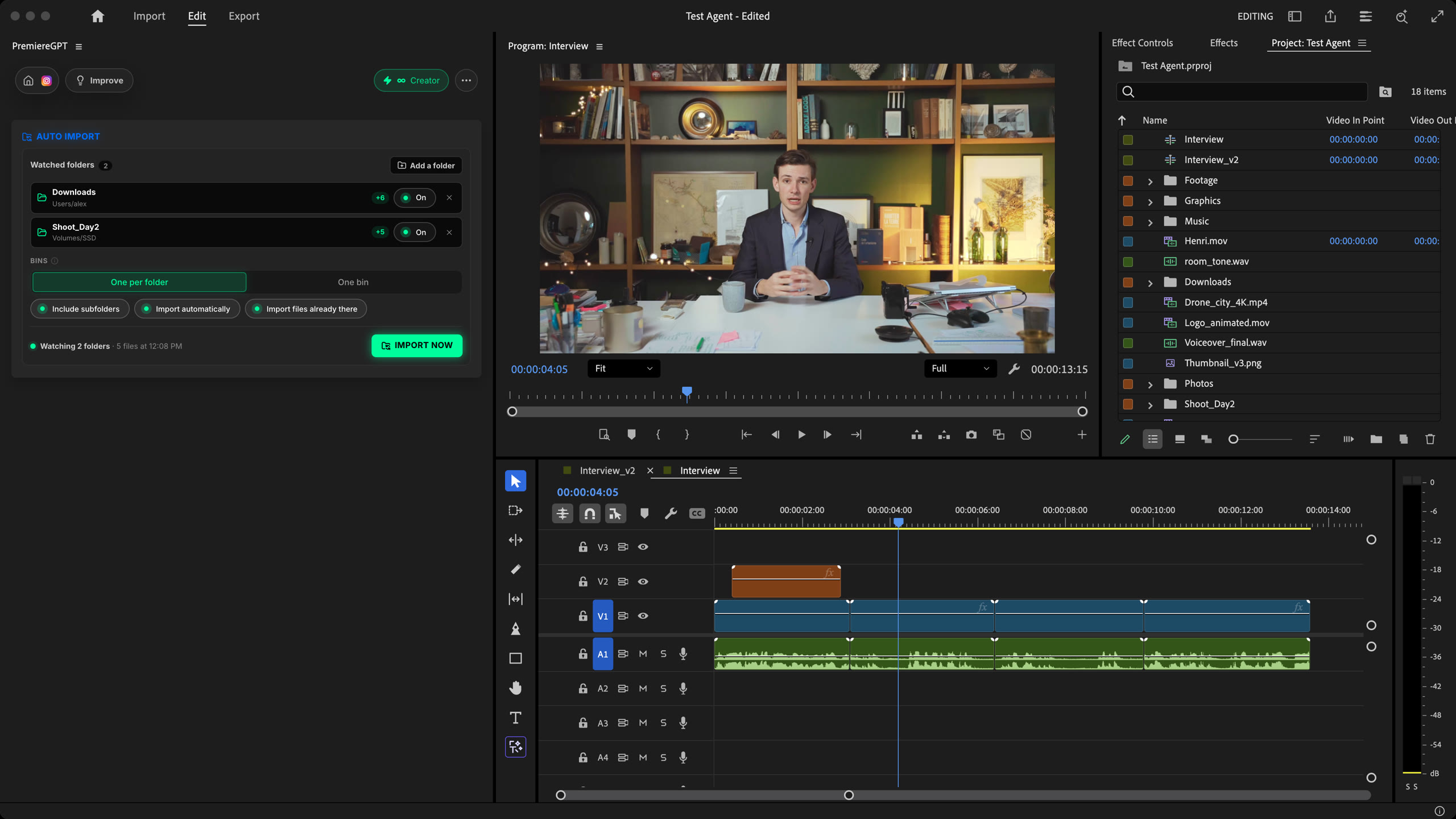
Add a folder
Pick a folder or drop it on the panel. The files already there come in right away, if you want them.
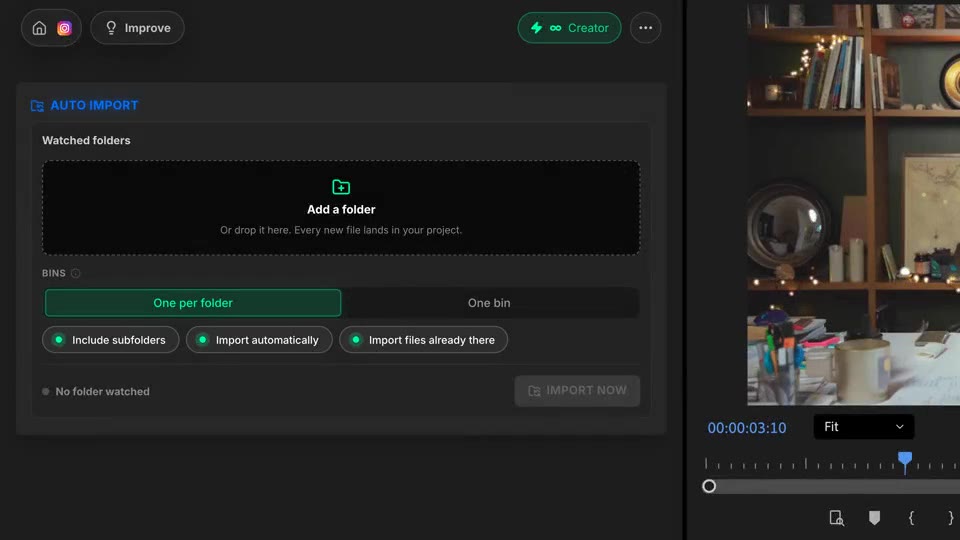
Watch
As soon as a download finishes, the file is imported. No duplicates, no half-written files.
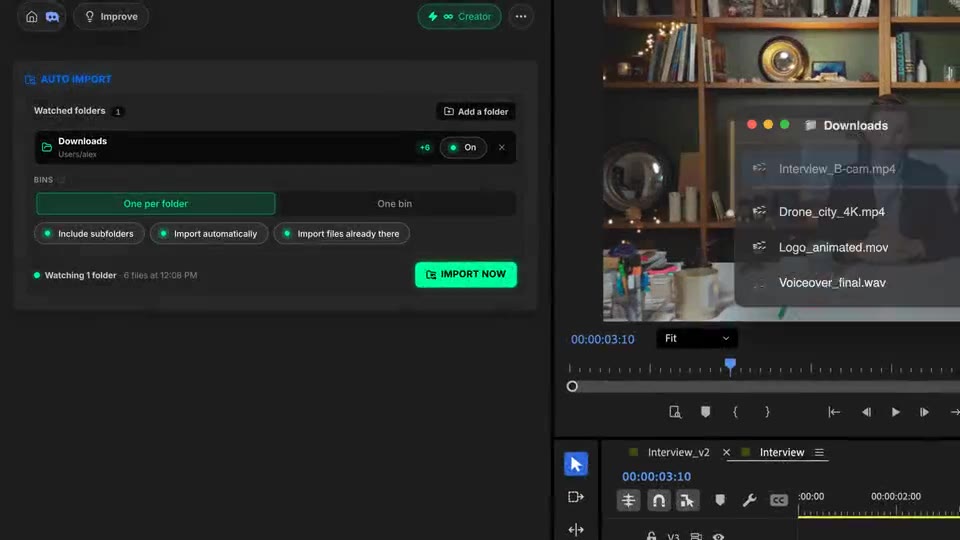
Bins
One bin per folder with subfolders as bins, or one bin for everything. Pause any folder in one click.
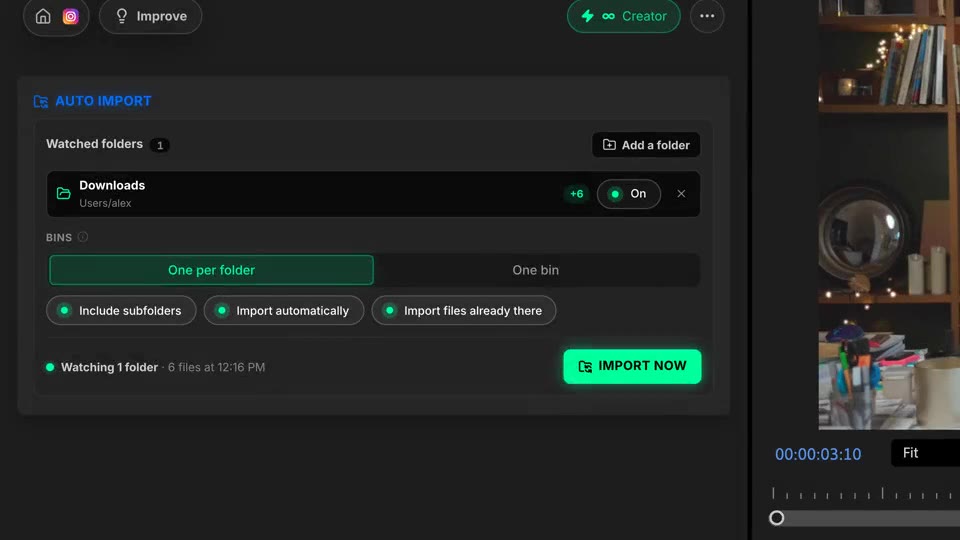
What ships
Manual imports. Every new file lands in the project by itself.
On every plan. No credits, no limit.
Sorting modes: one bin per folder, or one bin for everything.
Each file imported once, after its download is complete. Dropbox, Drive and network drives included.
Real project items in real bins. Edit right away.
Stack the rest
Plain-English prompts that edit your real timeline.
Learn moreMotion design generated from a single prompt.
Learn moreAny GenAI model, native in Premiere. By Fal.AI.
Learn moreWord-by-word, animated captions in 99 languages.
Learn moreActive speaker detection, multicam autocut.
Learn moreAuto-detect silences and tighten the edit.
Learn moreRemoves bad takes & repetitions, follows your script.
Learn moreTurn 1h of content into 10 vertical viral clips.
Learn more0 spelling mistakes. GPT-5 corrected, native subtitles.
Learn moreAnimated MoGRT chapters from a single prompt.
Learn more1 audio → speaker-by-speaker tracks.
Learn moreEmotion-driven V2 zoom clips, generated.
Learn moreAI sound effects, placed on your timeline.
Learn moreSpell check every text on your timeline.
Learn moreAI kinetic text, from your own words.
Learn moreSafe zone guides for every feed.
Learn moreEvery short, exported in 1 click.
Learn morePro easing on your clips, in one click.
Learn moreAny emoji, placed on your timeline.
Learn moreAI color grading, matched shot to shot.
Learn moreAI audio mixing for your whole timeline.
Learn moreBeat markers, placed on your music.
Learn moreYour b-roll, placed where it fits.
Learn moreYour clipboard, on the timeline.
Learn more
FAQ
It watches the folders you choose (downloads, card dumps, shared drives) and imports every new media file into your project, sorted into bins. No more File > Import for each new rush, music or graphic.
Yes. Auto Import is free on every plan and uses no credits.
Two modes. One bin per folder keeps the folder names, and subfolders become bins too. One bin puts every file together, under the name you choose.
No. A file is imported only once its size stops changing, and temporary download files (.crdownload, .part, .tmp) are ignored. A file already in your project is never imported twice.
Yes. Folders are checked every few seconds instead of relying on system events, so it behaves the same on macOS, Windows, network drives and synced folders.
Works in Premiere Pro and DaVinci Resolve, on macOS (Intel and Apple Silicon) and Windows. Watching resumes on its own the next time you open the panel.