0–0
Clip count, you choose. From 5 to 50 per pass.
Smart Virals turns long-form content into 10 ready-to-post 9:16 viral clips inside Adobe Premiere Pro. AI scoring on emotion and pacing, subject tracking, native editable sequences. Free.
Reels, TikTok, Shorts. AI scores clips by emotion, cut frequency, or transcript keywords. Auto-reframe to 9:16. Free. Better than Opus Clip.
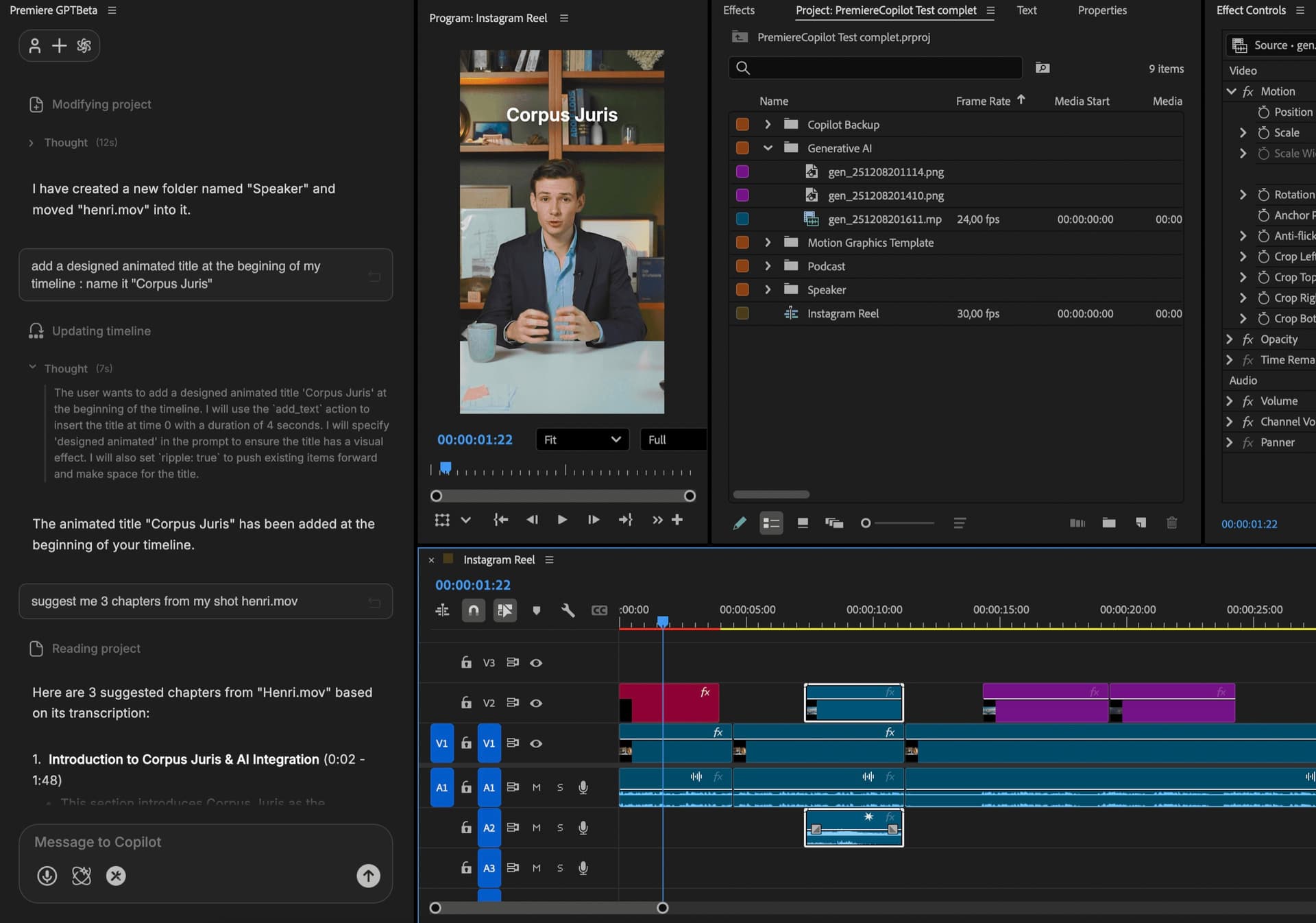
The 3-year math
 AutoCut AI$19.8/mo
 PremiereCopilotfree
How it works
Score
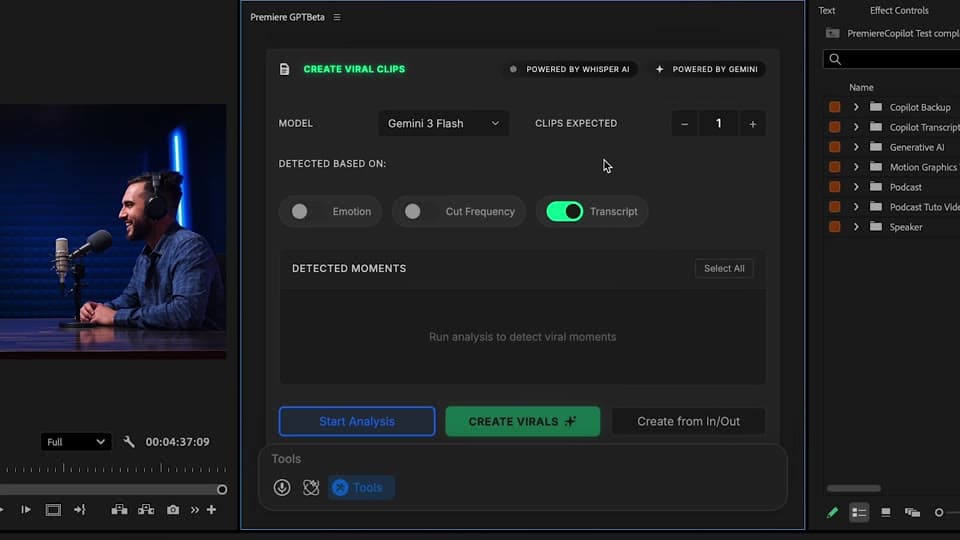
Emotion, cut frequency, or transcription keywords. Set target duration (15s, 30s, 60s, custom). You choose how many clips to generate (5, 10, 20, 50). You choose your model: Claude or Gemini, per project.
Review
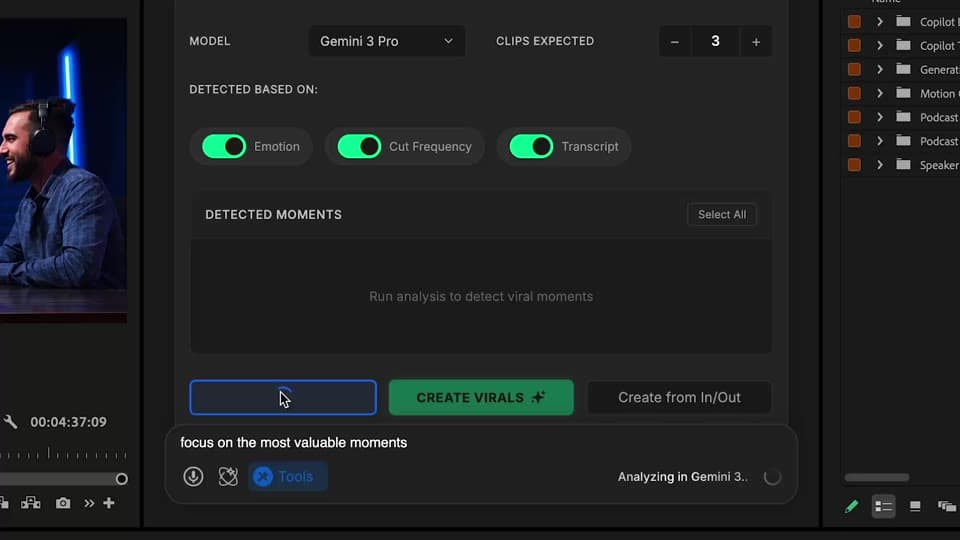
Each clip ranked with viral score. Preview, accept, reject, regenerate. Tweak the score weights.
Reframe
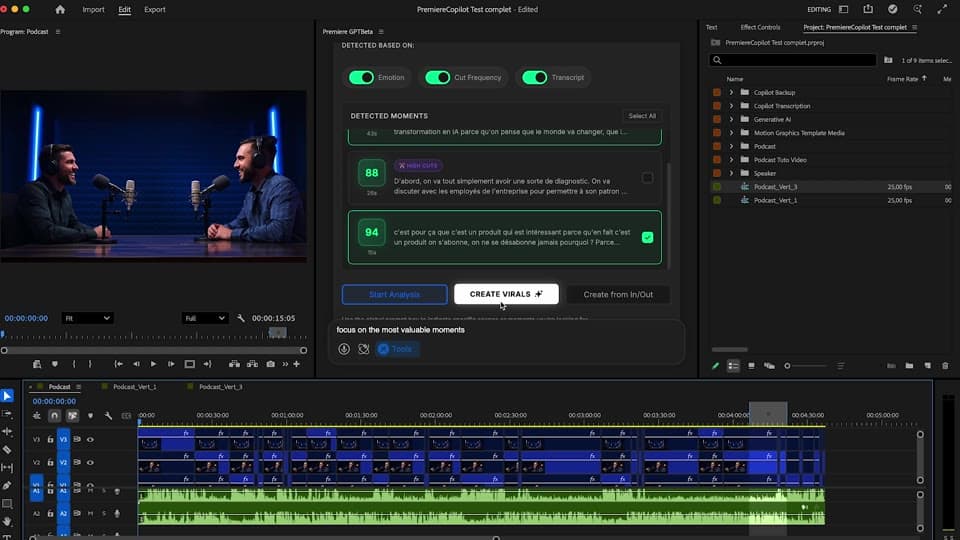
Subject tracking keeps the speaker centered. Each clip lands as both 16:9 and 9:16 sequences in Premiere — fully editable.
What ships
Clip count, you choose. From 5 to 50 per pass.
Free with daily quota. Pro+ at $7.99/mo.
Auto-reframe with subject tracking. Reels-ready.
Emotion, cut frequency, transcript keywords. Powered by Claude or Gemini, your choice per project.
Native sequences, fully editable.
Stack the rest
Plain-English prompts that edit your real timeline.
Learn moreMotion design generated from a single prompt.
Learn moreAny GenAI model, native in Premiere. By Fal.AI.
Learn moreWord-by-word, animated captions in 99 languages.
Learn moreActive speaker detection, multicam autocut.
Learn moreAuto-detect silences and tighten the edit.
Learn moreRemoves bad takes & repetitions, follows your script.
Learn more0 spelling mistakes. GPT-5 corrected, native subtitles.
Learn moreAnimated MoGRT chapters from a single prompt.
Learn more1 audio → speaker-by-speaker tracks.
Learn moreEmotion-driven V2 zoom clips, generated.
Learn more
FAQ
Opus Clip re-exports your video as a new file. Smart Virals runs inside Premiere and gives you native sequences for each clip — fully editable. Free vs Opus's $20+/mo.
Three options: emotion (excitement, surprise, laughter), cut frequency (action density), or transcription keyword scoring (your topic). Combine for best results.
Yes. Set target duration (15s, 30s, 60s, or custom), clip count (5, 10, 20), and the AI fits clips to that constraint.
Yes. Auto-reframe with subject tracking is built in. Each clip lands as both 16:9 and 9:16 in your timeline.
Choose Claude or Gemini per project. Different models, different scoring biases — experiment per content.
Premiere Pro 2022 and later, on macOS (Intel + Apple Silicon) and Windows.