

0
Questions the AI asks about every sentence: for the audience, redone later, essential to the video.
Claude Cut turns a raw talking-head take into a clean rough cut inside Premiere Pro. The AI reads every sentence and removes off-camera talk, retakes, fillers and silences, always keeping the last take. Free.
Off-camera talk, retakes, fillers and silences out. Set a target duration, review every cut, apply. Free, native to Premiere.
Free forever plan · No credit card · macOS & Windows
How it works
Script
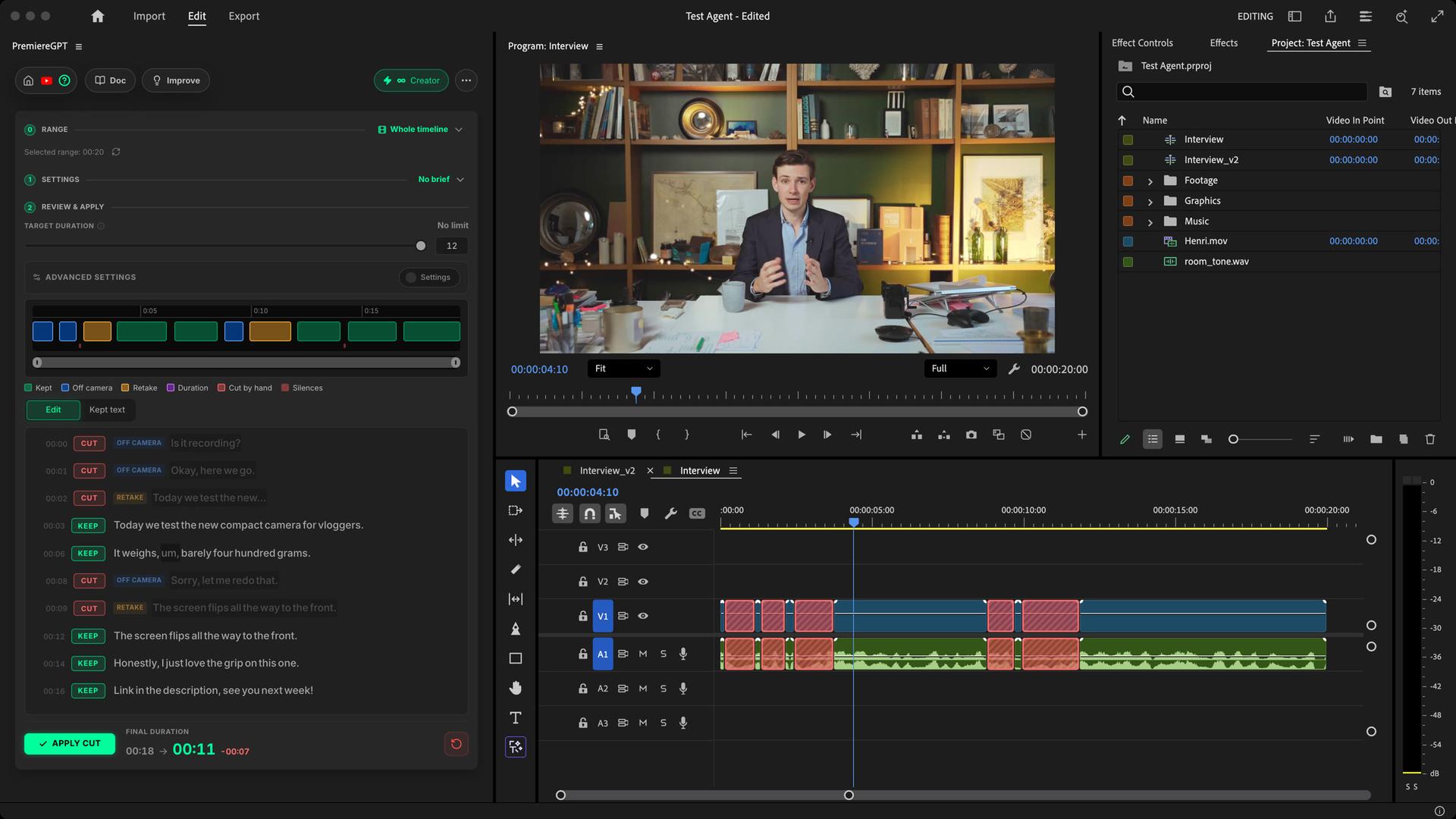
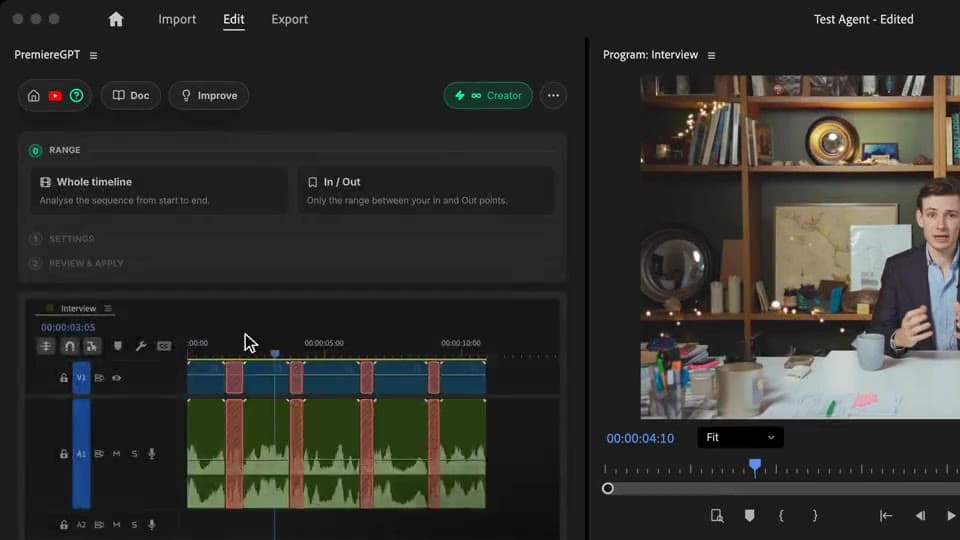
Whole timeline or In / Out, or start from a recent transcription. Paste the script you read to the camera and add a short brief: the AI uses them to keep the right takes.
Analyze
One click detects the silences, transcribes and analyzes. For each sentence the AI asks three questions: is it for the audience, does a later sentence redo it, how essential is it. The time removed grows live.
Review & apply
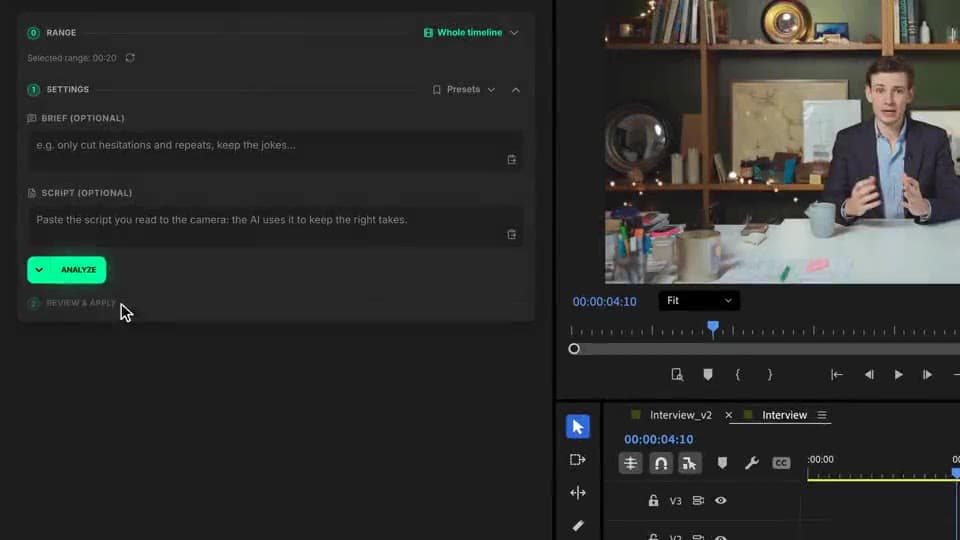
Drag the target duration and the least essential sentences go first. Every cut shows on the timeline preview and in the transcript, and one click keeps any sentence. Apply Cut, and the gaps close.
What ships
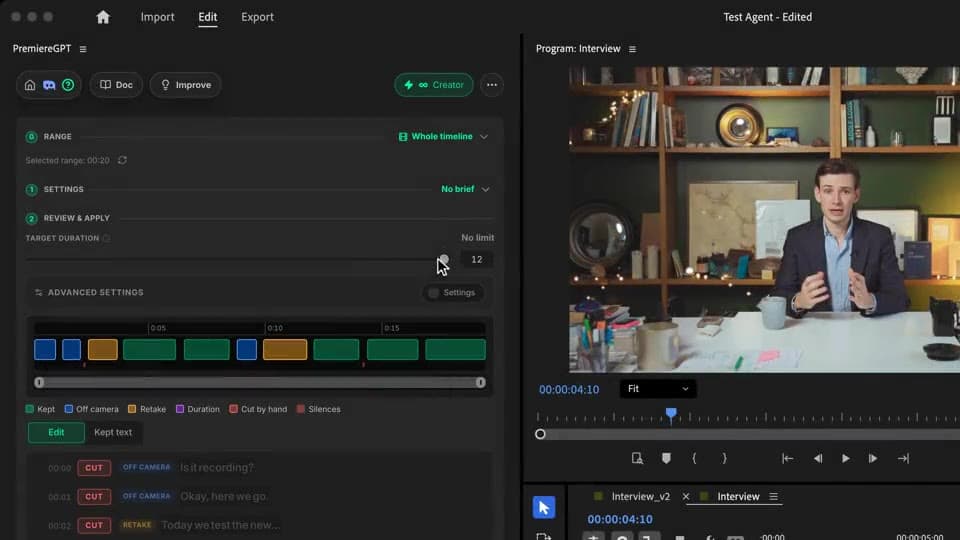
Questions the AI asks about every sentence: for the audience, redone later, essential to the video.
Free with daily quota. Pro+ at $7.99/mo for unlimited.
Review every sentence on a timeline preview and in the transcript. One click keeps it or cuts it.
Target duration. Drag to the length you want: the least essential sentences go first, and the final duration updates live.
Real, editable Premiere cuts. A copy of your sequence is kept.
Stack the rest
Plain-English prompts that edit your real timeline.
Learn moreMotion design generated from a single prompt.
Learn moreAny GenAI model, native in Premiere. By Fal.AI.
Learn moreWord-by-word, animated captions in 99 languages.
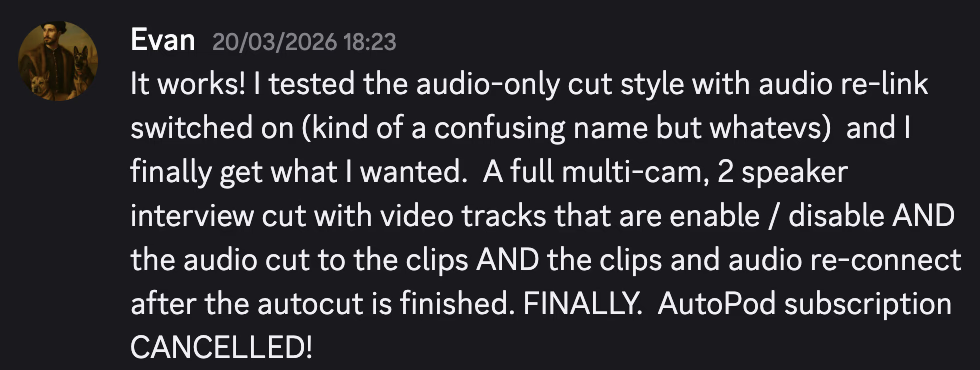
Learn moreActive speaker detection, multicam autocut.
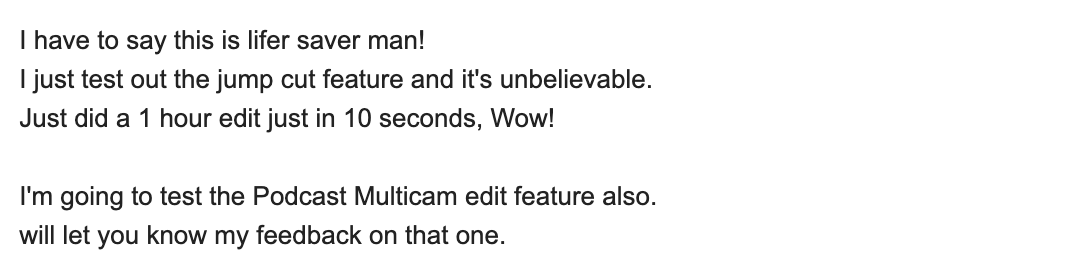
Learn moreAuto-detect silences and tighten the edit.
Learn moreTurn 1h of content into 10 vertical viral clips.
Learn more0 spelling mistakes. GPT-5 corrected, native subtitles.
Learn moreAnimated MoGRT chapters from a single prompt.
Learn more1 audio → speaker-by-speaker tracks.
Learn moreEmotion-driven V2 zoom clips, generated.
Learn moreAI sound effects, placed on your timeline.
Learn moreSwear words bleeped on the voice, in context.
Learn moreSpell check every text on your timeline.
Learn moreAI kinetic text, from your own words.
Learn moreSafe zone guides for every feed.
Learn moreEvery short, exported in 1 click.
Learn morePro easing on your clips, in one click.
Learn moreAny emoji, placed on your timeline.
Learn moreAI color grading, matched shot to shot.
Learn moreAI audio mixing for your whole timeline.
Learn moreBeat markers, placed on your music.
Learn moreYour b-roll, placed where it fits.
Learn moreYour clipboard, on the timeline.
Learn moreNew files, imported on their own.
Learn more
FAQ
The AI reads every sentence of the transcript and answers three questions: is it meant for the audience, does a later sentence redo it, how essential is it to the video. Off-camera talk and retakes are cut, and the last take is always kept. Fillers and silences go on top.
Yes. Set a target duration: after the off-camera talk and the retakes, the least essential sentences go first until the video fits. The final duration updates live.
Yes. Every sentence shows on a timeline preview and in the transcript, in three views: Edit, Kept text and Script. One click keeps or cuts a sentence. Nothing changes until you click Apply Cut.
Paste the script you read to the camera in the settings (there is a paste button) and add a short brief if you like. The AI uses it as the reference to keep the right take and spot what is off script.
Yes. Recent transcriptions from Claude Cut, Smart Subtitles and Smart Profanity show up in the first step: one click and only the AI analysis runs.
Only the audio of the range you pick is sent, encrypted, to be transcribed, then the transcript is analyzed. Your video files never leave your machine.
Premiere Pro 2022 and later, and DaVinci Resolve, on macOS (Intel and Apple Silicon) and Windows.