0×
Faster than AutoCut. Same precision.
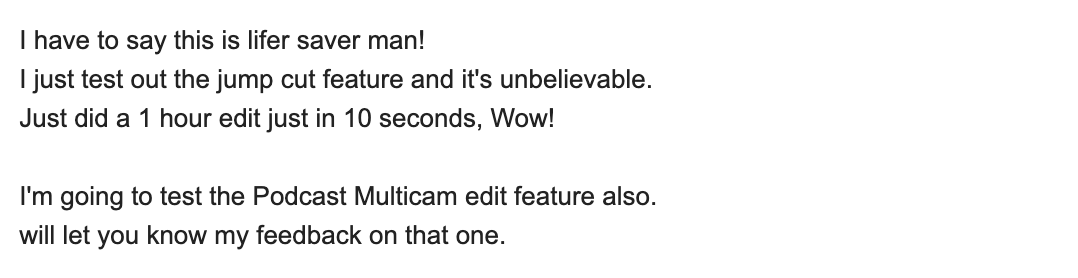
Smart Silences detects and removes silent pauses inside Adobe Premiere Pro. 10× faster than AutoCut, custom threshold, live preview, native undoable edits on your real timeline. Free.
Custom threshold, live preview, 10× faster than AutoCut. Free, native to Premiere, zero cloud upload.
Free · 10× faster · Local processing
The 3-year math
 AutoPod$29/mo
 AutoCut AI$19.8/mo
 PremiereCopilotfreePremiereCopilot · Bundlelifetime
How it works
Analyze
No threshold to set, no decibel knob. PremiereCopilot scans your audio in seconds with its 2nd-gen voice detection. You can optionally tune padding (silence to leave around each cut) and voice-detection sensitivity if you want fine control.
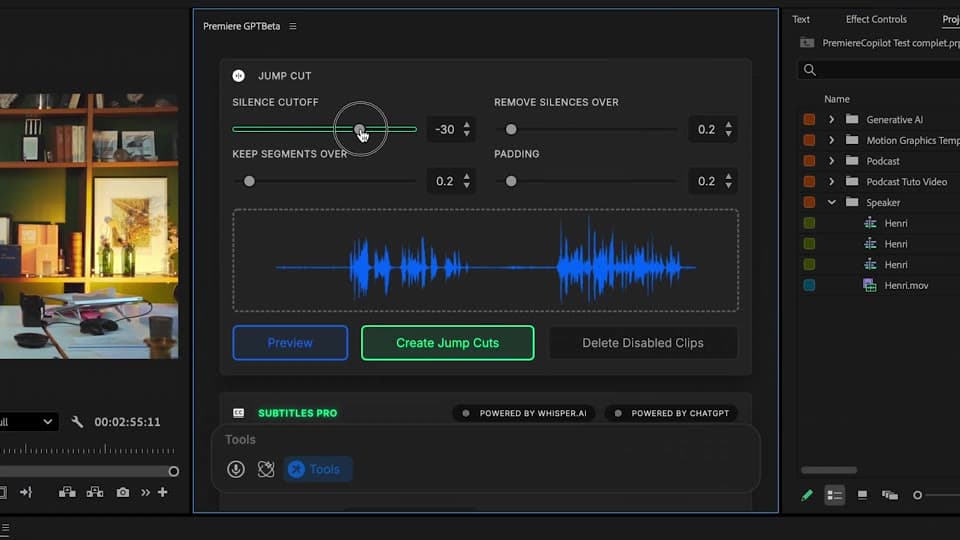
Preview
An integrated player shows the proposed cuts on your timeline before you commit. Re-tweak padding or sensitivity, re-preview in milliseconds. The fastest iteration loop in any silence-removal tool.
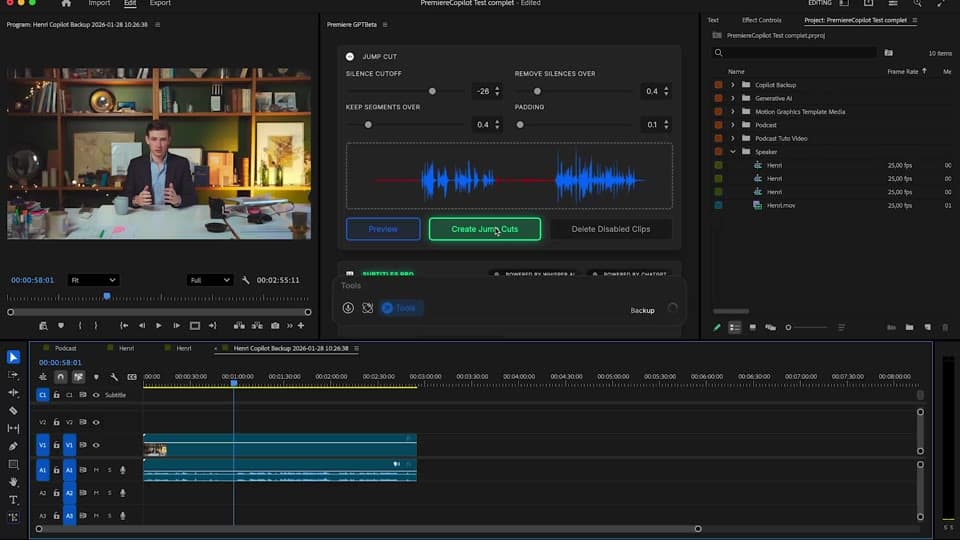
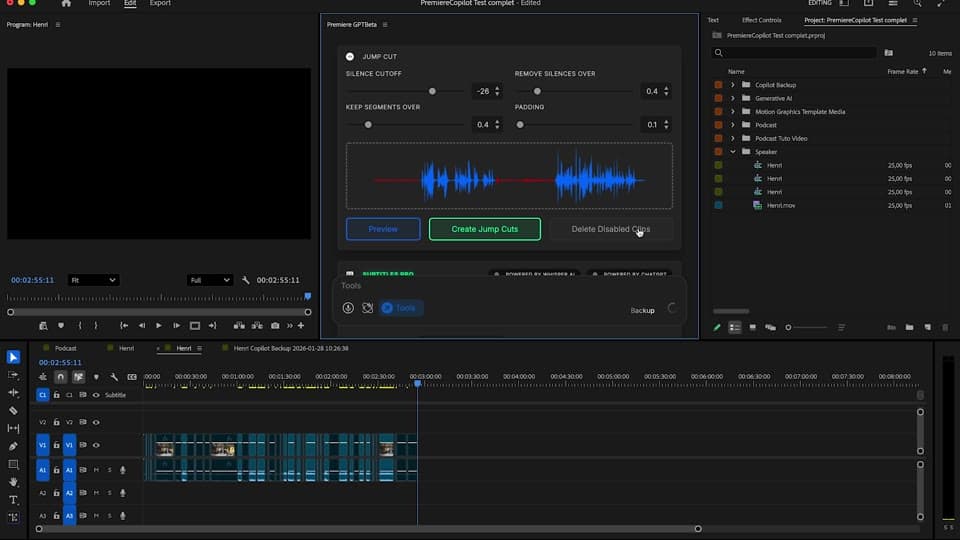
Apply
Cuts land on your real timeline as native Premiere edits. Undo with cmd+Z, slip, ripple, override any cut. No re-render, no proxy, your project stays yours.
What ships
Faster than AutoCut. Same precision.
Free, or $59 lifetime in the Podcast & Jump Cut bundle.
100% local processing. Your audio never leaves your machine.
See exactly what gets cut before you commit. Iterate padding and sensitivity in milliseconds.
Real Premiere cuts. Undo. Slip. Ripple.
Stack the rest
Plain-English prompts that edit your real timeline.
Learn moreMotion design generated from a single prompt.
Learn moreAny GenAI model, native in Premiere. By Fal.AI.
Learn moreWord-by-word, animated captions in 99 languages.
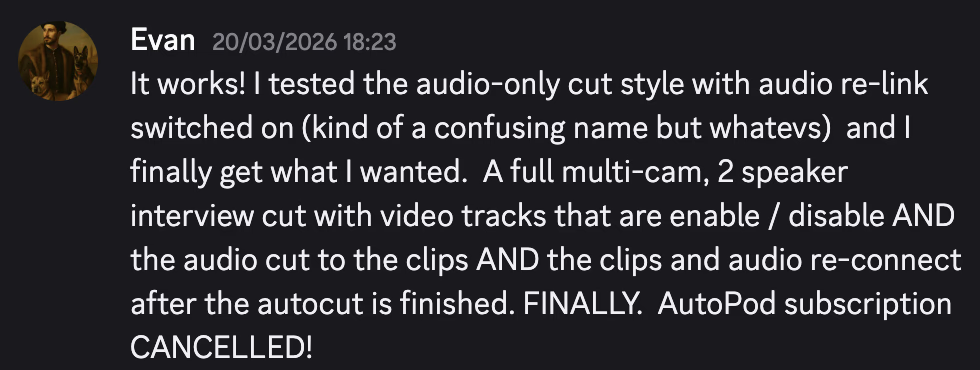
Learn moreActive speaker detection, multicam autocut.
Learn moreRemoves bad takes & repetitions, follows your script.
Learn moreTurn 1h of content into 10 vertical viral clips.
Learn more0 spelling mistakes. GPT-5 corrected, native subtitles.
Learn moreAnimated MoGRT chapters from a single prompt.
Learn more1 audio → speaker-by-speaker tracks.
Learn moreEmotion-driven V2 zoom clips, generated.
Learn more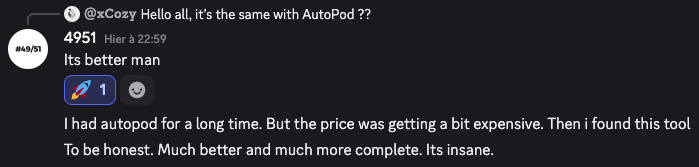
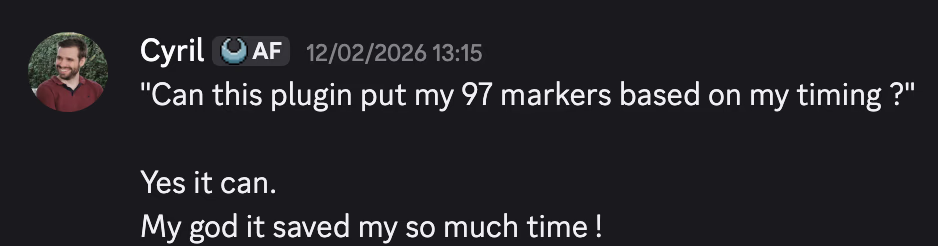
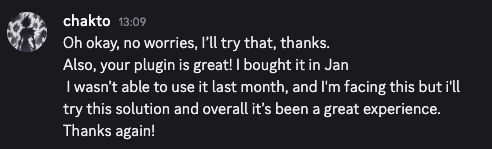
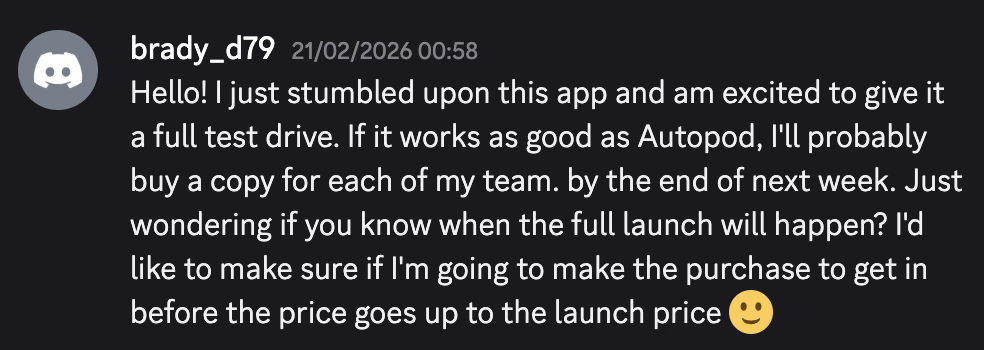
FAQ
Same job, different engine. Our 2nd-gen algorithm is 10× faster and runs on a free tier with generous daily allowance. AutoCut charges $19.80/mo, we are free or $59 lifetime.
Yes. Live preview with an integrated player shows you exactly how the timeline will look. Tweak threshold, min keep, padding, and re-preview in milliseconds.
No. Silence detection runs locally on your machine. Zero cloud upload, full privacy.
Of course. Every cut is a real Premiere edit on your timeline. cmd+Z works. Slip and ripple work. No proxy, no re-render.
Set min-keep (minimum speaking duration to retain) and padding (silence to leave around each cut) to match your editing style. Save it as a preset.
Premiere Pro 2022 and later, on macOS (Intel + Apple Silicon) and Windows.