
Project + timeline
Direct edits on your real Premiere project. Sequences, bins, markers, exports.
PremiereCopilot Copilot is the first text-to-edit AI native to Adobe Premiere Pro. It performs real timeline edits — cuts, captions, transitions — from a single prompt using Claude, GPT or Gemini.
The 1st text-to-edit AI built for Premiere Pro. Edits your project and timeline directly. Understands footage, music, speech — cut on words, on beats, on any rhythm, in any format. Free.
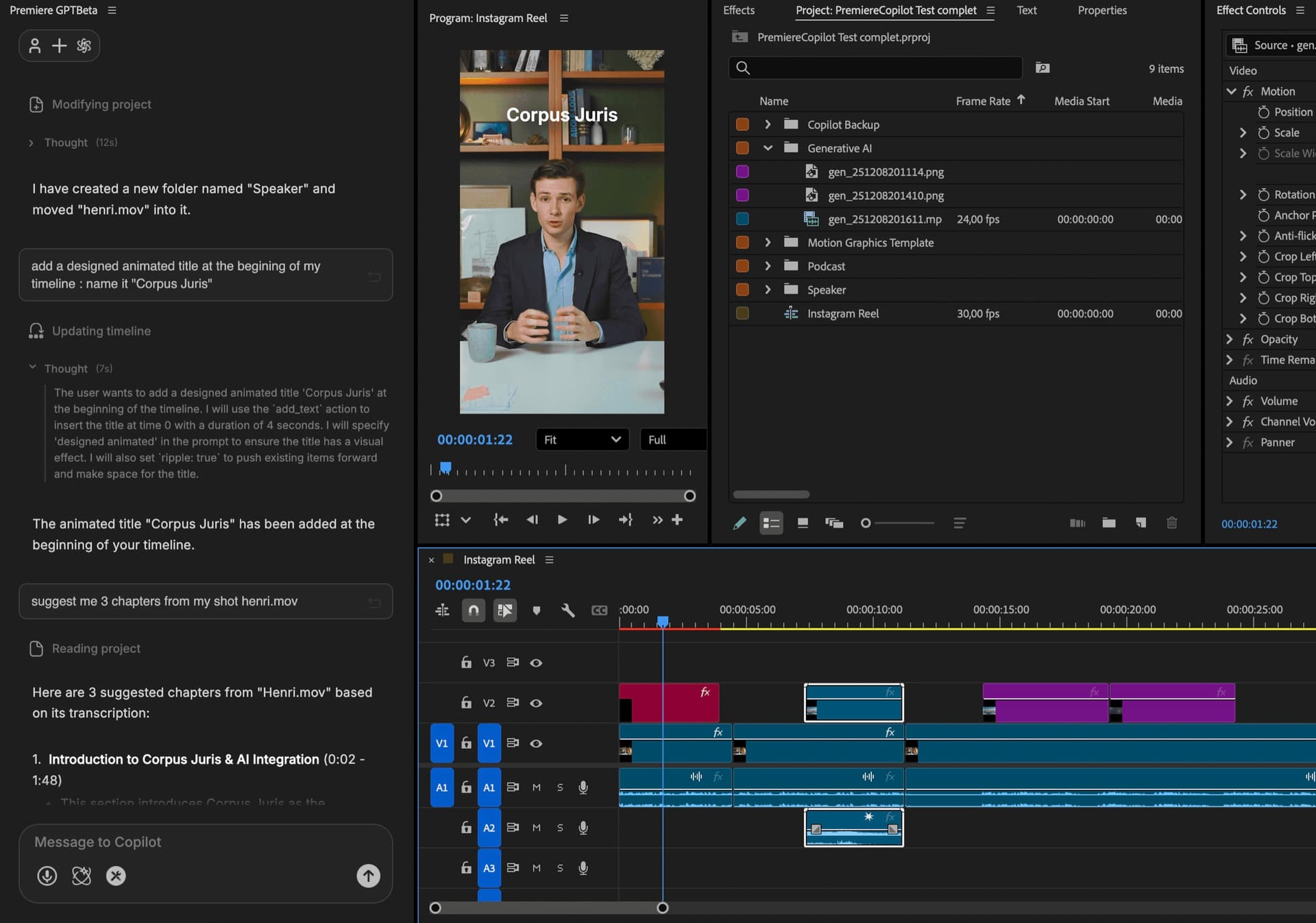
Prompts that just work
Plain English, on the real timeline. Hover the cluster , prompts near your cursor lean forward.
How it works
Prompt
'Cut the first 4 seconds.' 'Add a chapter every topic shift.' 'Find the part where I introduce myself.' 'Apply a clean lower-third with my name.' Plain English. No menus, no shortcuts to memorize.
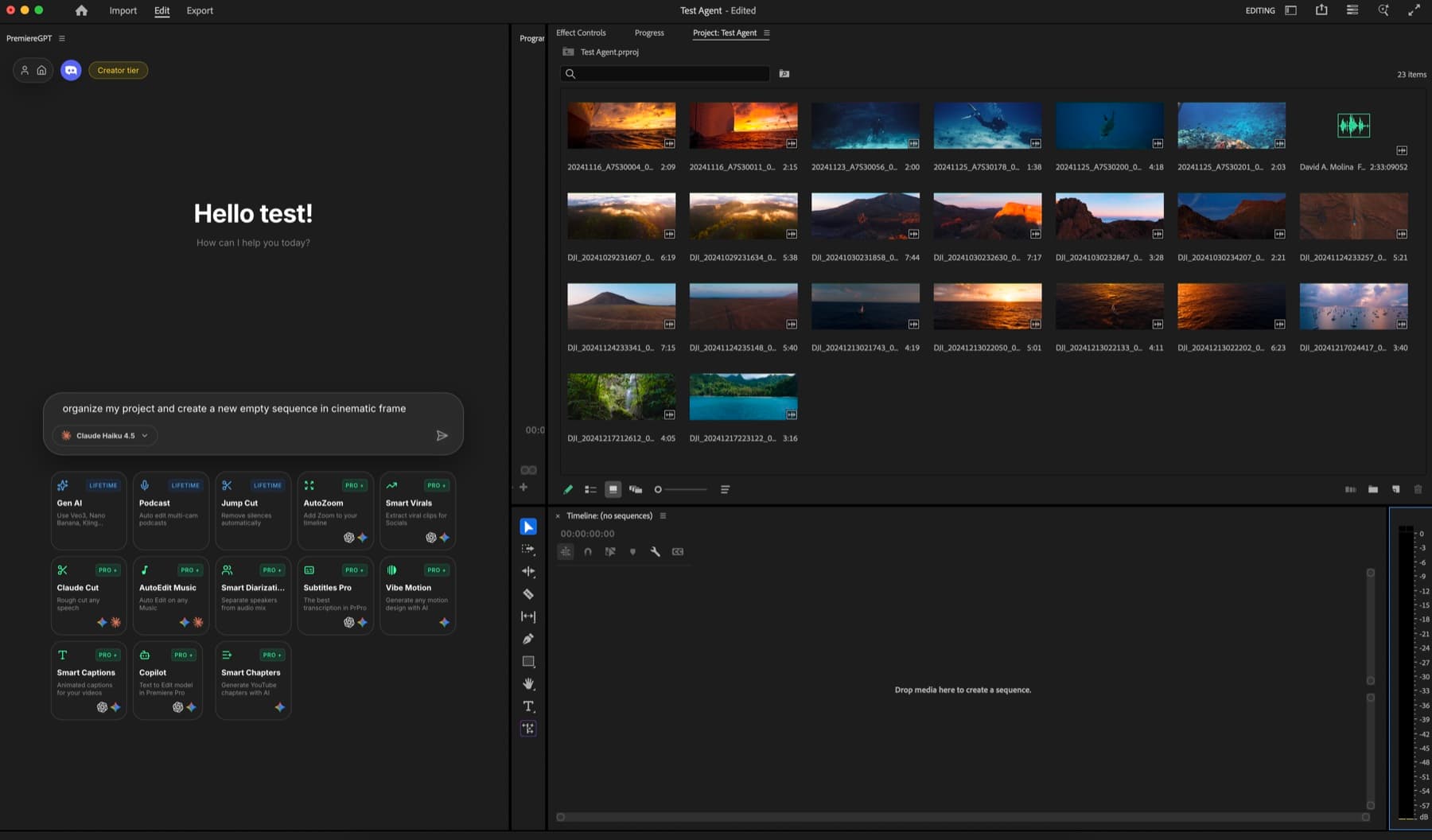
Reason
Claude, GPT, or Gemini, your choice per project. Copilot reads your timeline, transcript, and bin, then proposes a sequence of real Premiere actions. Review the plan in plain text before it touches your timeline.
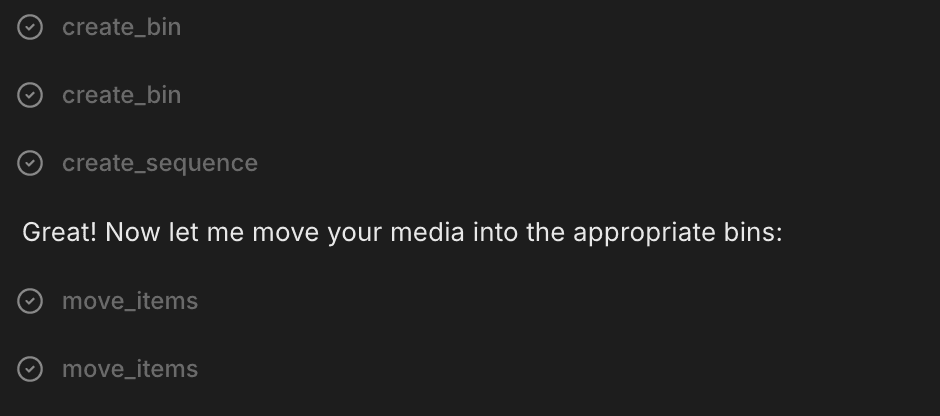
Execute
Every action lands as a real Premiere edit. cmd+Z works. Slip, ripple, override anything. No proxy, no re-render, no black box — every step is auditable and reversible.
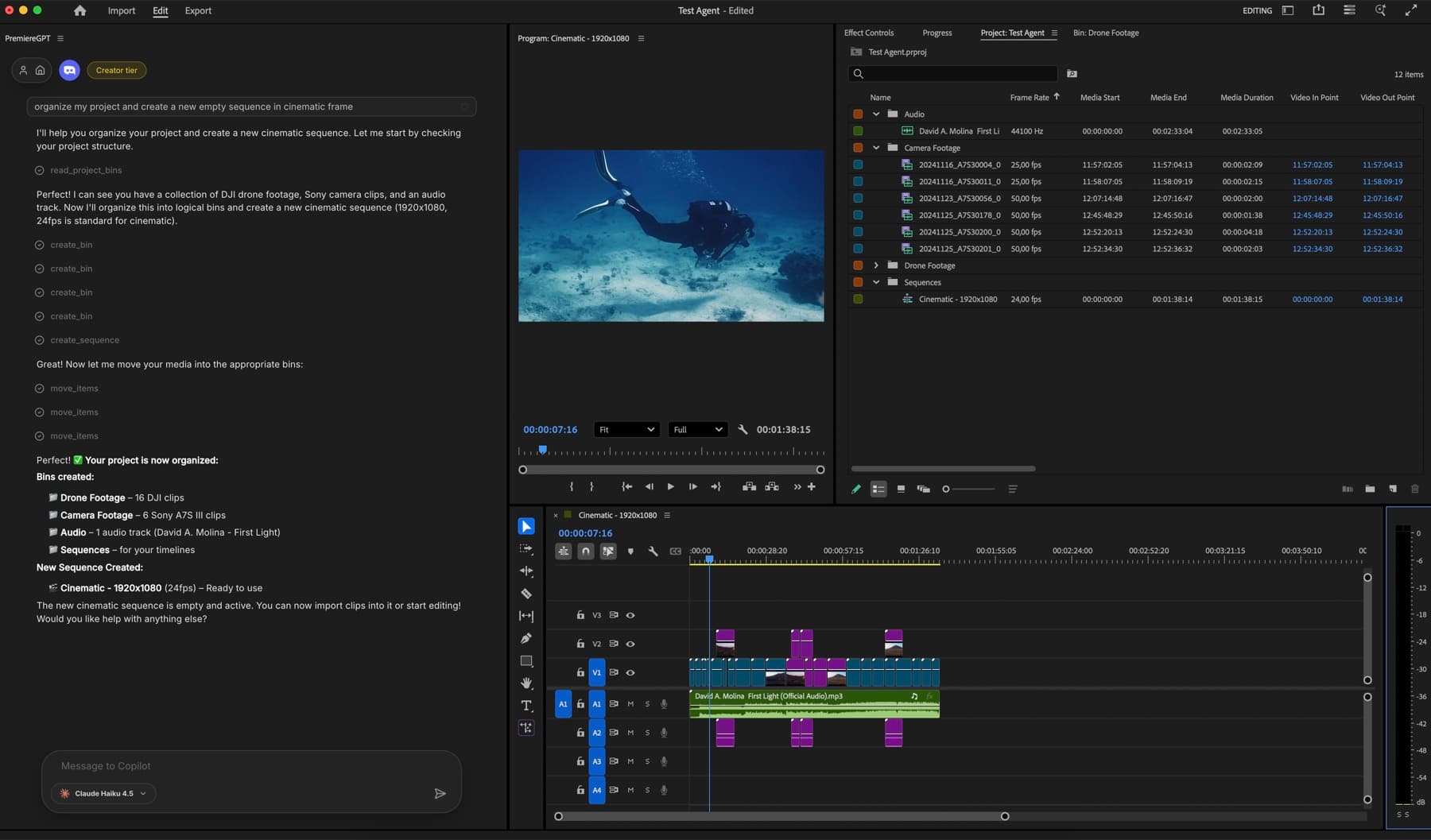
What ships
Direct edits on your real Premiere project. Sequences, bins, markers, exports.
Free with daily quota. Pro+ at $7.99/mo for unlimited prompts.
Ask for any moment in plain English. Copilot jumps the playhead.
Copilot understands all three. Cut on words, on beats, or on any rhythm — in any format.
Pick your model — Claude, GPT, Gemini. Switch per project. Same chat, different brains.
Stack the rest
Motion design generated from a single prompt.
Learn moreAny GenAI model, native in Premiere. By Fal.AI.
Learn moreWord-by-word, animated captions in 99 languages.
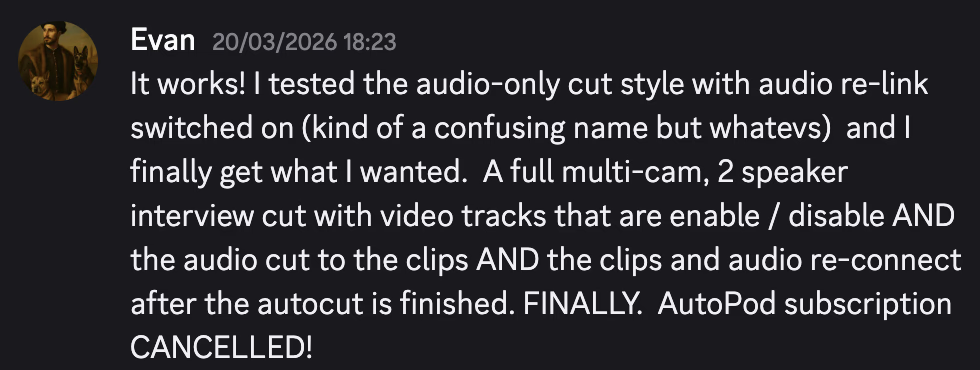
Learn moreActive speaker detection, multicam autocut.
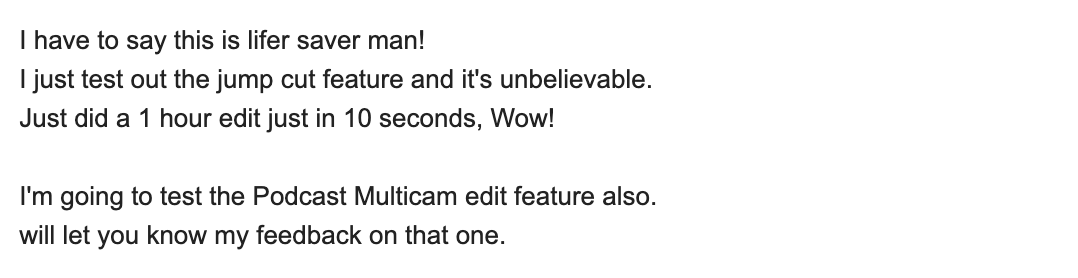
Learn moreAuto-detect silences and tighten the edit.
Learn moreRemoves bad takes & repetitions, follows your script.
Learn moreTurn 1h of content into 10 vertical viral clips.
Learn more0 spelling mistakes. GPT-5 corrected, native subtitles.
Learn moreAnimated MoGRT chapters from a single prompt.
Learn more1 audio → speaker-by-speaker tracks.
Learn moreEmotion-driven V2 zoom clips, generated.
Learn more
FAQ
Real edits. Move clips, trim, ripple, split, add titles with animation, apply effects and transitions, place markers, run color presets, create new sequences, organize bins, and export — all from one prompt.
Your choice per project. Claude (Anthropic), GPT (OpenAI), or Gemini (Google). Different models have different strengths — Claude is precise, Gemini is fast on long context, GPT is great at instruction-following.
Yes. Ask in natural language — 'find the part where I talk about pricing', 'where's the laugh?', 'show me every shot wider than 4 seconds' — and Copilot jumps to it.
Yes. ChatGPT can suggest edits in text. Copilot performs them on your real Premiere timeline — every action is a native, undoable Premiere edit. Nothing is exported, nothing is rendered.
No video is uploaded. Copilot sends your transcript, prompt, and timeline metadata to the chosen AI provider (Anthropic, OpenAI, or Google). Disable AI tools entirely with one toggle for sensitive projects.
Premiere Pro 2022 and later, on macOS (Intel + Apple Silicon) and Windows.