Prompt library
Save your own, browse 40+ presets.
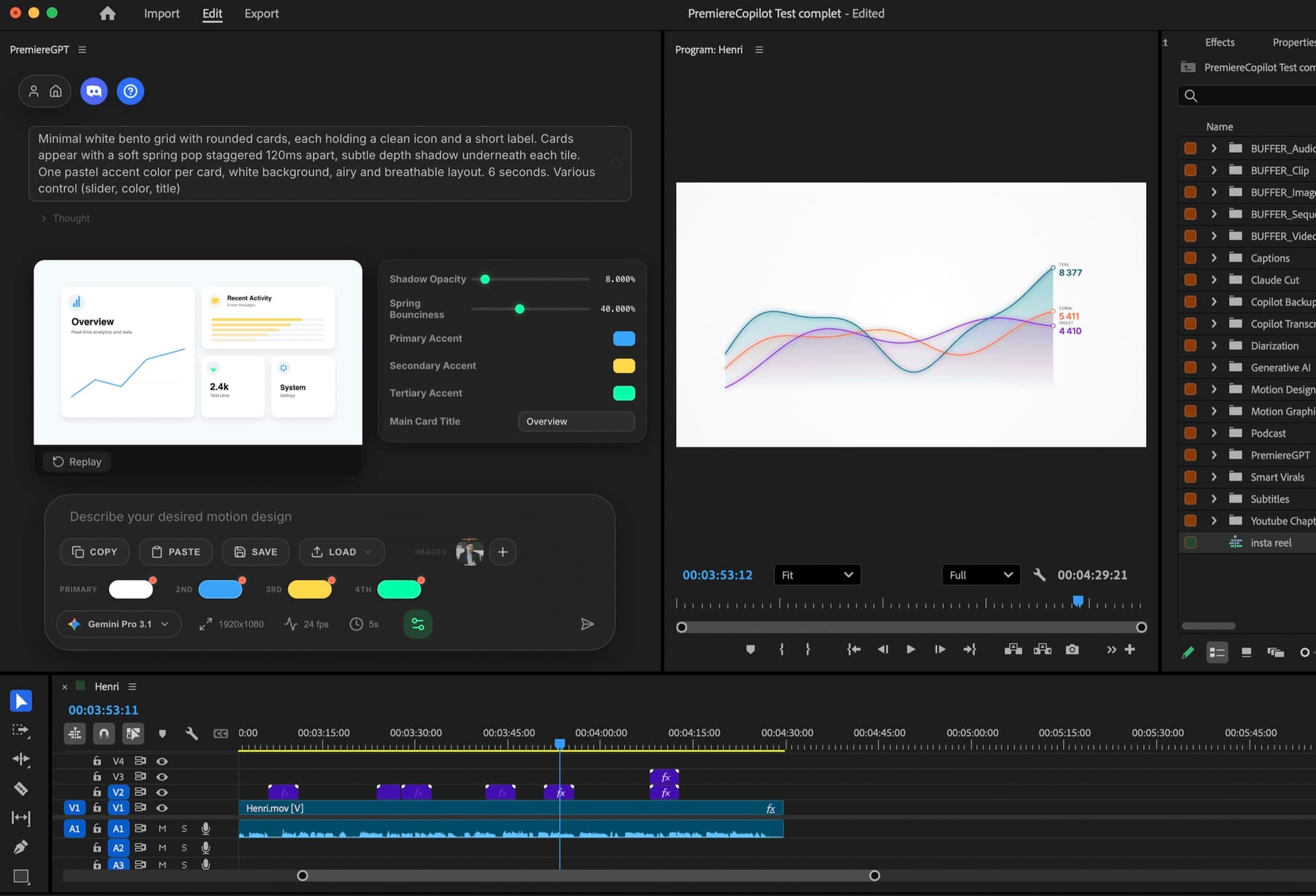
Vibe Motion generates motion design inside Adobe Premiere Pro from a single prompt. Up to 4K60, transparent background, no watermark. Replaces Motion Bro and AEJuice.
Up to 4K60. No watermark. Transparent background. Native to Premiere. Free. Stop paying $249/yr for Motion Bro, AEJuice, Motion Array.
Free · 4K60 · No watermark · Transparent BG
The 3-year math
 PremiereCopilotfree
Vibe Motion , anything
Each tile below is a real generation. Hover to see the exact prompt , no curation, no cherry-picking. 4K source, transparent background, dropped straight on a Premiere timeline.
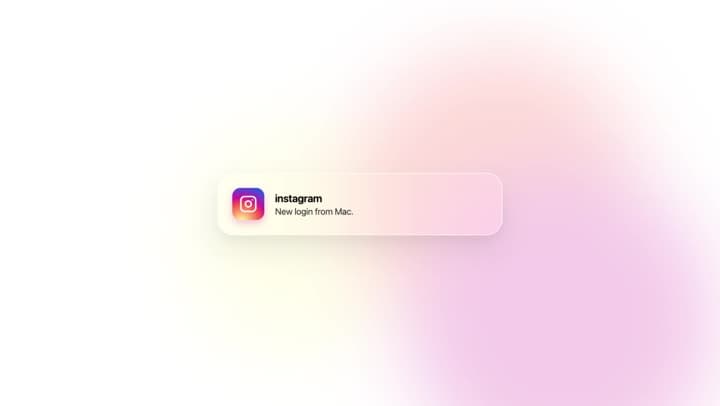
Apple-style liquid glass notification card floating in from the top, gradient icon, soft caustic shimmer, spring physics.
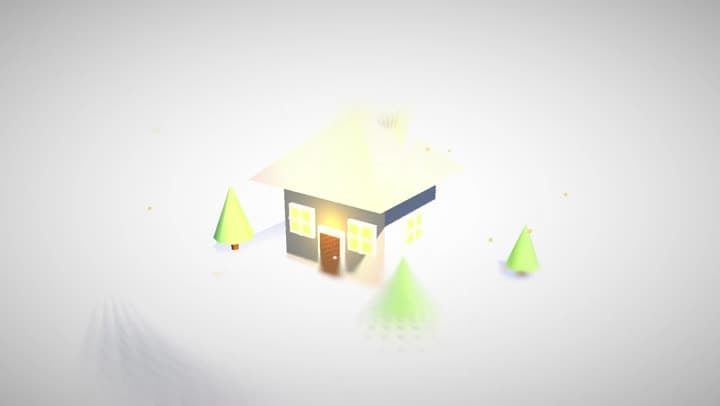
Miniature house in soft 3D, pastel materials, warm interior glow, golden-hour lighting, slow tilt-shift orbit. 8 seconds.
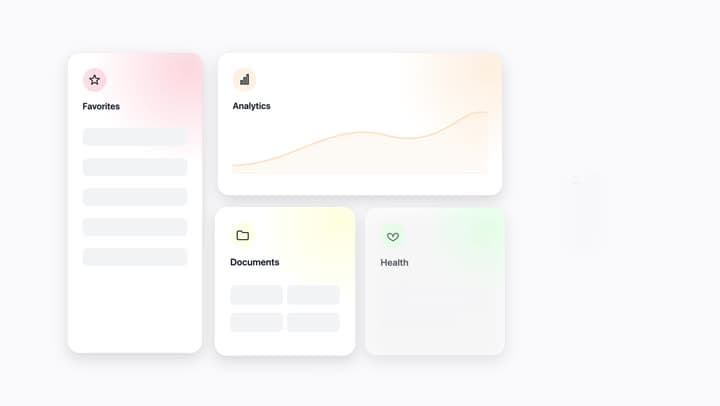
Minimal white bento grid with rounded cards, soft spring-pop entrance staggered 120ms, pastel accents per tile.
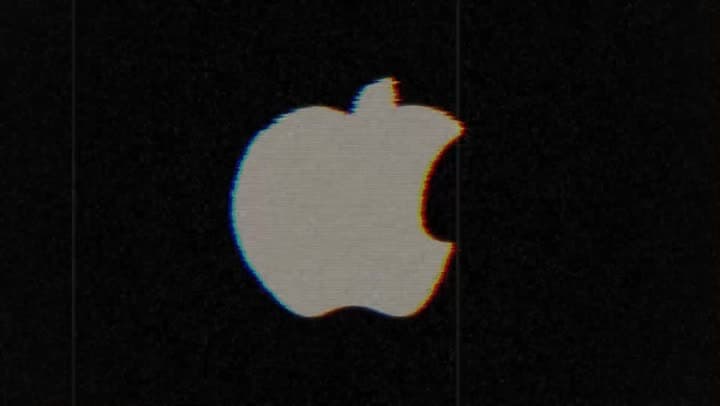
Apple logo through VHS artifacts , scan lines, chromatic aberration, tape wobble, analog grain. Transparent BG.
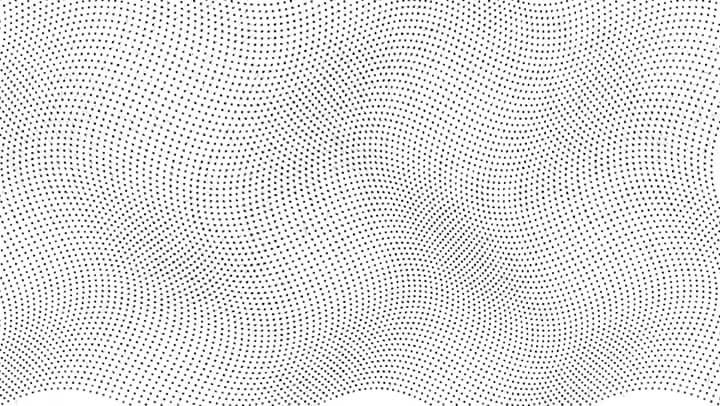
Ocean of tiny black dots undulating in slow waves, then compressing into a bold lettermark. Pure white, hypnotic.
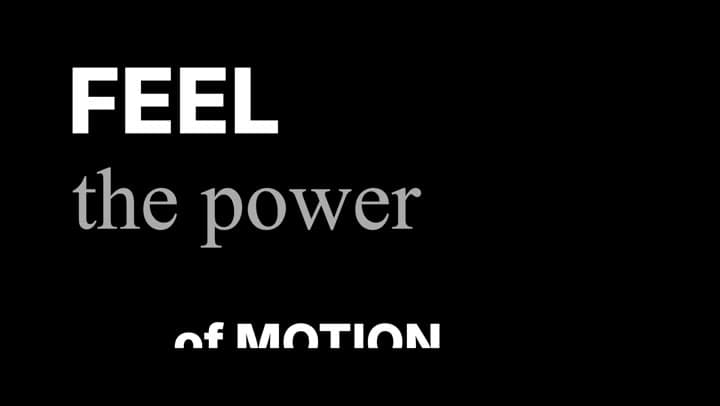
Kinetic captions in Inter Bold + Times New Roman Italic, alternating words, mask-scale entrance with 60ms ease.
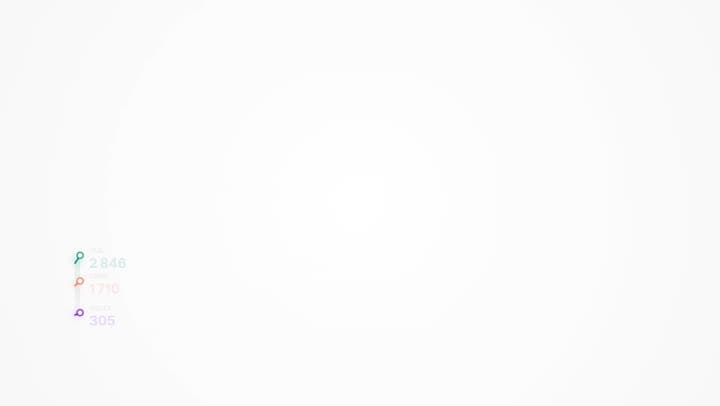
Three curves drawing themselves left to right, coral / violet / teal gradient fills, soft glow, white background.

Cinematic title reveal: large uppercase letters with horizontal light wipe, gold, soft motion blur, lens flare.
Apple-style sentence on two lines, words rising through a horizontal mask with smooth ease-out. Inter, tight tracking.

Horizontal timeline drawing left to right, 5 event nodes with pop + glow, year above and title below. White on dark.
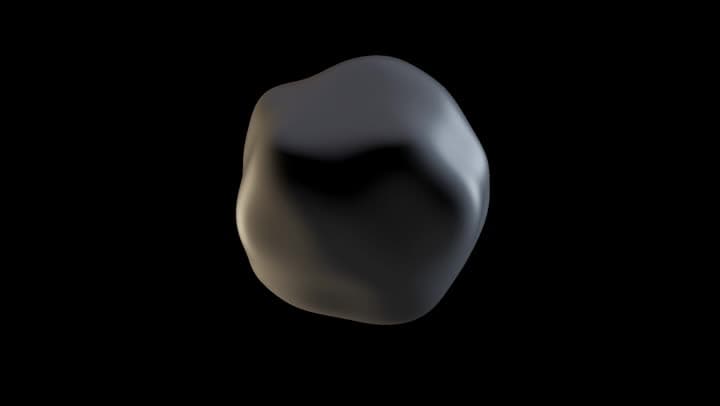
Modern minimal lettermark, white on dark, staggered entrance with smooth easing, breathing idle hold.
How it works
Prompt
Kinetic text, animated logos, data viz, or 3D scenes. Use the prompt library or write your own. Import an image from your timeline as base.
Settings
Up to 4K60. Transparent background. Pick your font, set the color palette. Save the full config as a preset.
Import
The motion graphic lands directly on your timeline as a clip. Composite, color, edit — like any other source.
What ships
Save your own, browse 40+ presets.
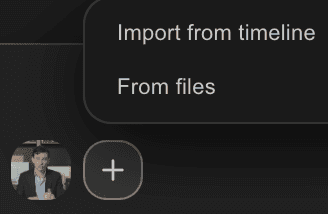
From timeline or files. Use any frame as base.

Pick your colors, export up to 4K60.
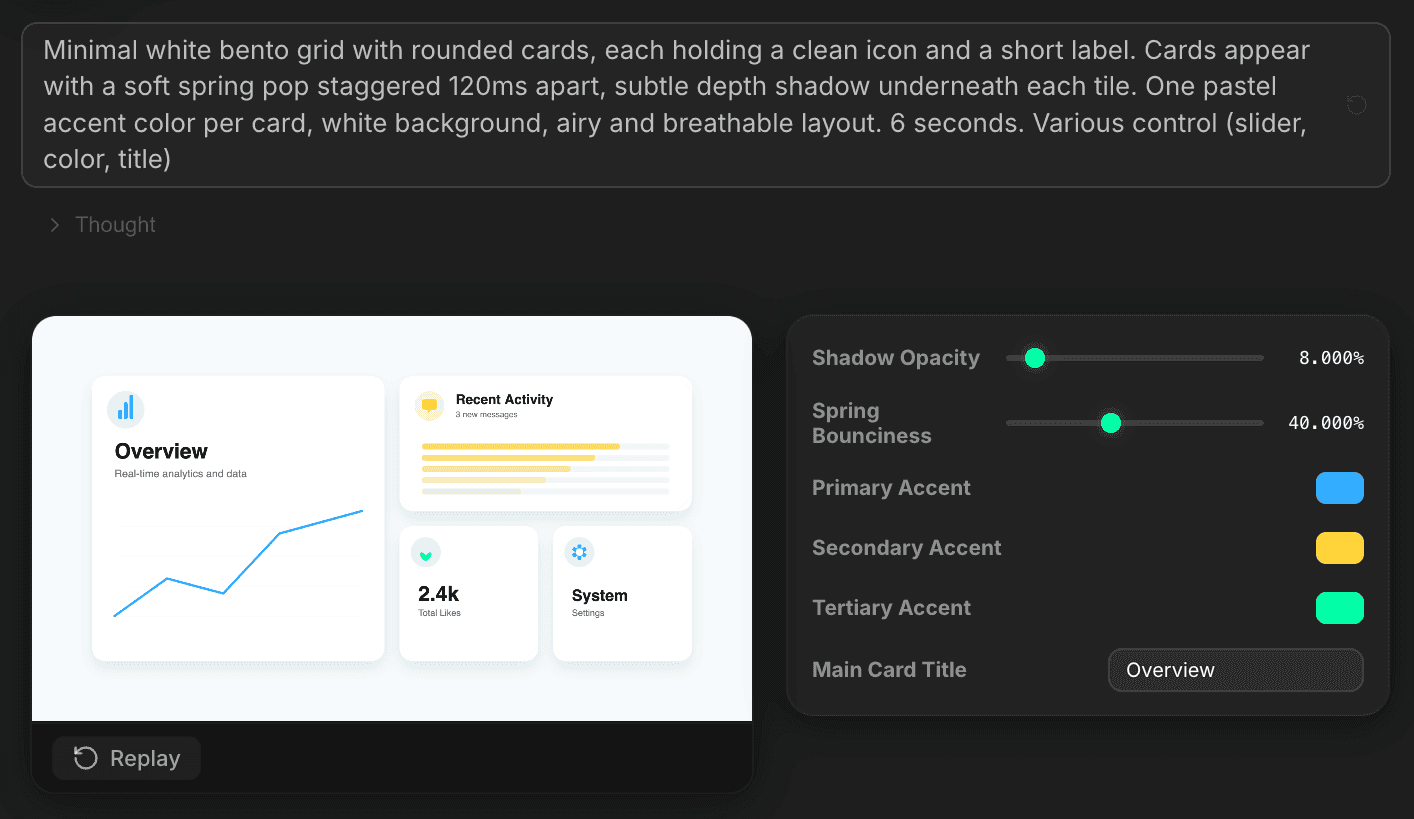
Each Vibe Motion output ships with its own settings panel — shadow opacity, spring bounciness, primary / secondary / tertiary accents, card titles. Tweak, re-render, save the full config as a reusable preset.
Use commercially without restriction. Native Premiere clip, no After Effects needed.
Stack the rest
Plain-English prompts that edit your real timeline.
Learn moreAny GenAI model, native in Premiere. By Fal.AI.
Learn moreWord-by-word, animated captions in 99 languages.
Learn moreActive speaker detection, multicam autocut.
Learn moreAuto-detect silences and tighten the edit.
Learn moreRemoves bad takes & repetitions, follows your script.
Learn moreTurn 1h of content into 10 vertical viral clips.
Learn more0 spelling mistakes. GPT-5 corrected, native subtitles.
Learn moreAnimated MoGRT chapters from a single prompt.
Learn more1 audio → speaker-by-speaker tracks.
Learn moreEmotion-driven V2 zoom clips, generated.
Learn more
FAQ
Motion Bro and AEJuice charge $249/year for pre-made templates. Vibe Motion generates motion design from a prompt — infinite variety — for free. No annual fee, no After Effects round-trip.
No. Free tier has daily generation limits but zero watermarks on output.
Yes. Alpha channel preserved. Composite over any source footage in Premiere.
Yes. Import from timeline or from disk. Use it as a base for animation, logo reveal, or kinetic text.
Any font installed in Premiere. Save full configurations as presets.
Premiere Pro 2022 and later, on macOS (Intel + Apple Silicon) and Windows.