AI plugin
2.0 Design
AI plugin
2.0 Design
AI plugin
2.0 Design
Remove silences in just 1 click
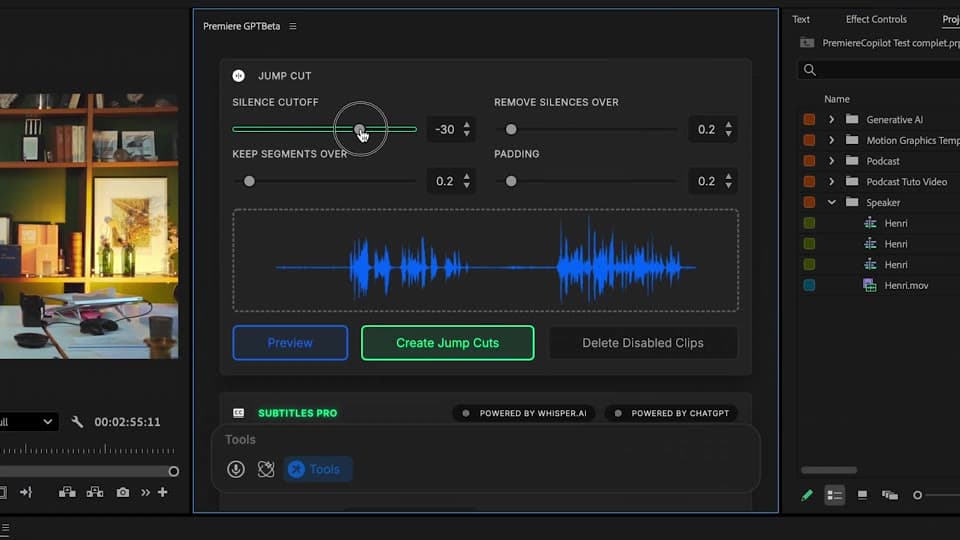
Remove silences in just 1 click. Use the best interface for it, designed for ultra fast workflow and maximum precision.


Partner with PremiereGPT


AI plugin
Step by Step
AI plugin
Step by Step
AI plugin
Step by Step
How does it work ?
1
Define the decibel level
Set the silence threshold that works for your video.
Fine-tune the edit by setting how much speaking time is needed to keep a segment, and how much padding to leave around each cut.
Set the silence threshold that works for your video.
Fine-tune the edit by setting how much speaking time is needed to keep a segment, and how much padding to leave around each cut.
2
Analyze the preview
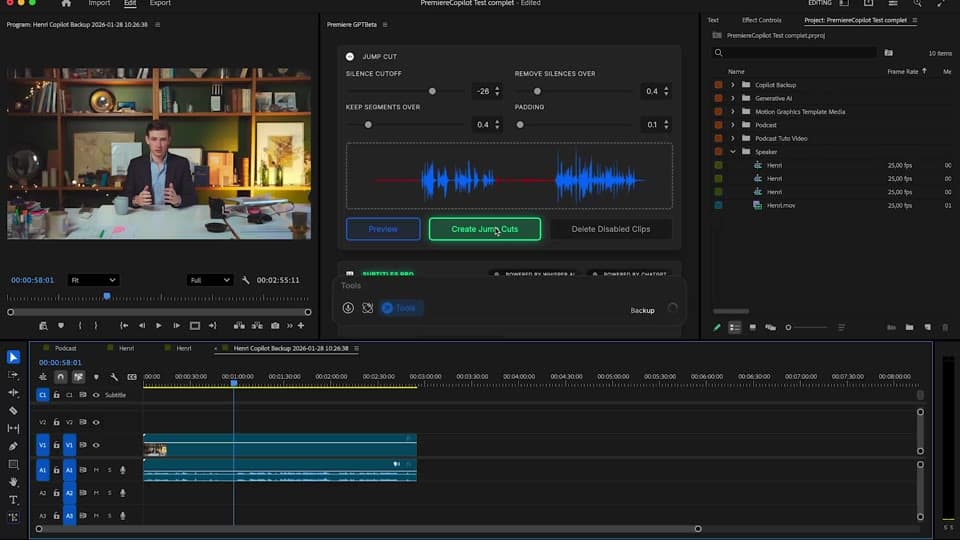
Review exactly what your edit will look like. Use the smart integrated player for better understanding and fastest iteration.
3
Launch the process
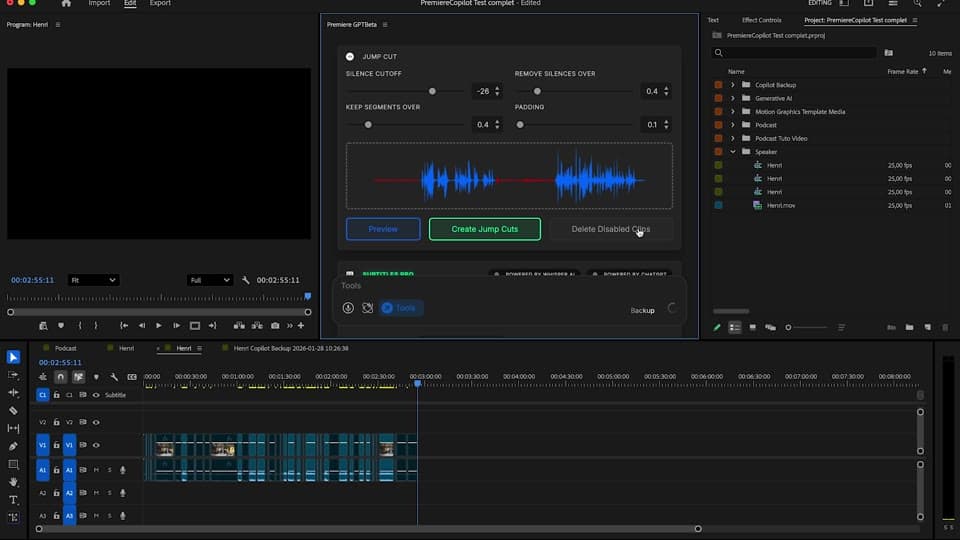
Launch the Silences removal in just a few clicks. The 2nd generation Algorithm is 10 times faster than others plugins.
AI plugin
Features
AI plugin
Features
AI plugin
Features
AI plugin
Features
Explore PremiereGPT
GTP AI assistant
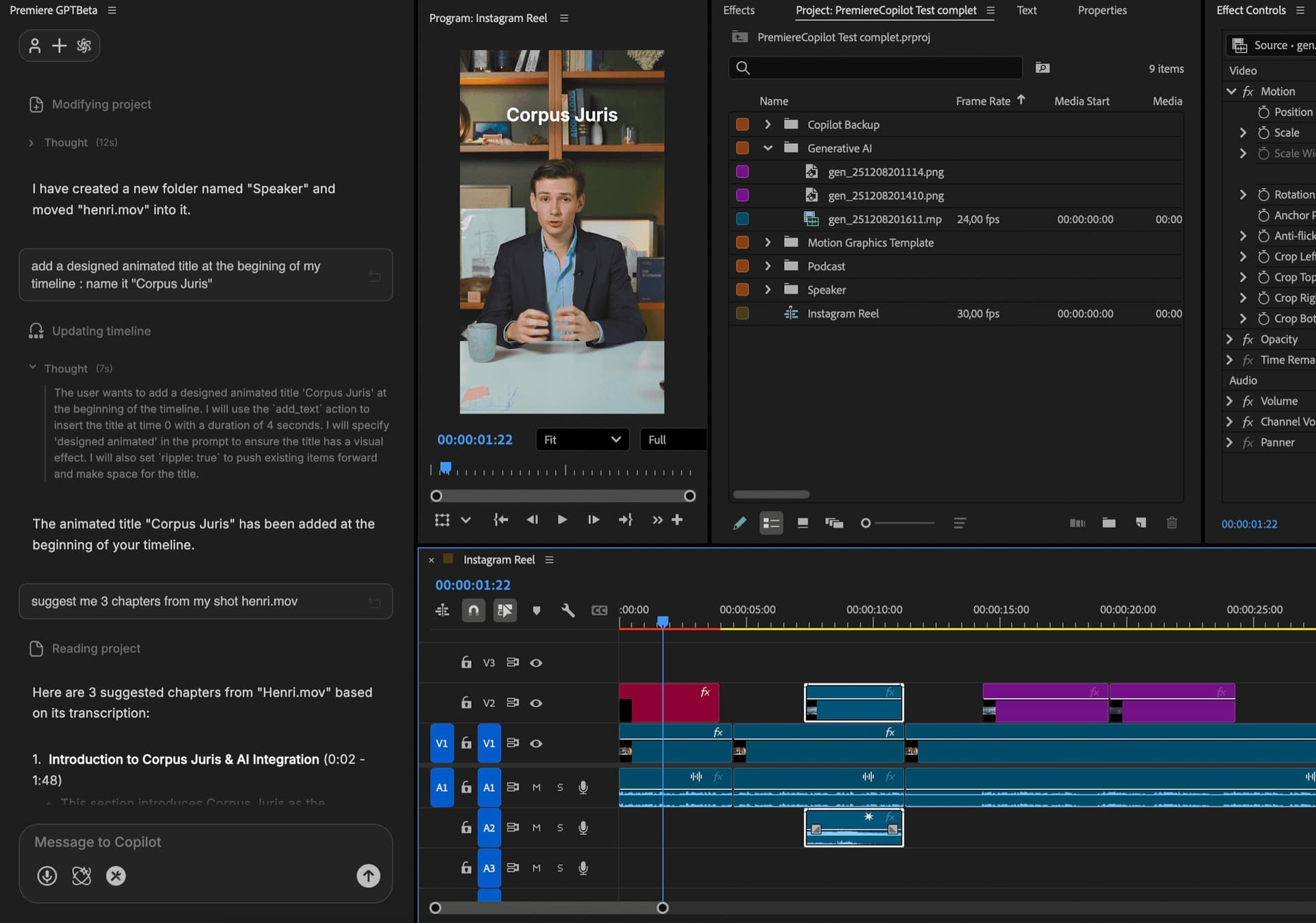
AI React Agent to perform editing tasks in Premiere Pro
Smart Subtitles
0 spelling mistakes, fastest transcription for Pro results
Gen AI
Use any generative model Image, Video, Audio in Premiere Pro
Smart Captions
Automatically add animated captions to your videos in seconds.
GTP AI assistant
AI React Agent to perform editing tasks in Premiere Pro
Smart Subtitles
0 spelling mistakes, fastest transcription for Pro results
Gen AI
Use any generative model Image, Video, Audio in Premiere Pro
Smart Captions
Automatically add animated captions to your videos in seconds.
GTP AI assistant
AI React Agent to perform editing tasks in Premiere Pro
Smart Subtitles
0 spelling mistakes, fastest transcription for Pro results
Gen AI
Use any generative model Image, Video, Audio in Premiere Pro
Smart Captions
Automatically add animated captions to your videos in seconds.
GTP AI assistant
AI React Agent to perform editing tasks in Premiere Pro
Smart Subtitles
0 spelling mistakes, fastest transcription for Pro results
Gen AI
Use any generative model Image, Video, Audio in Premiere Pro
Smart Captions
Automatically add animated captions to your videos in seconds.
Testimonials
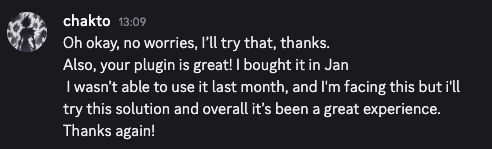
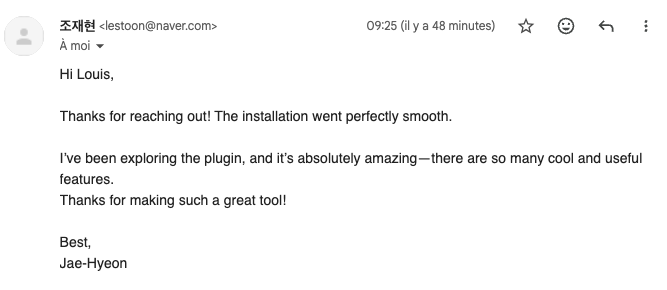
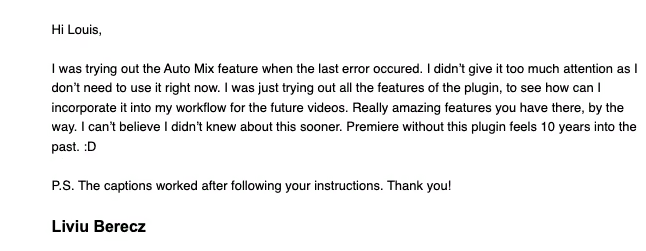
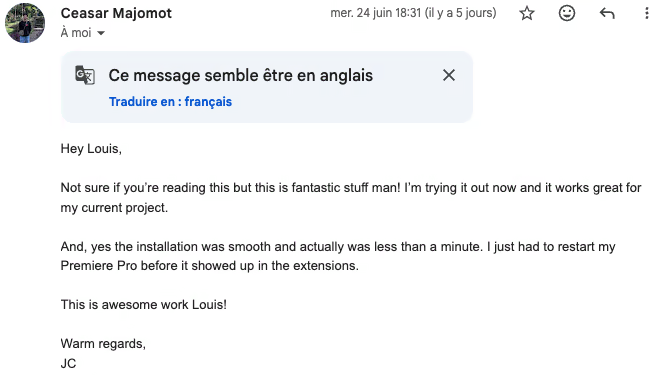
"Honestly, this is the first AI plugin that actually feels part of Premiere. No subscription, no setup — just generate stuff right on your timeline. Love it."

Sarah M.
Film Editor
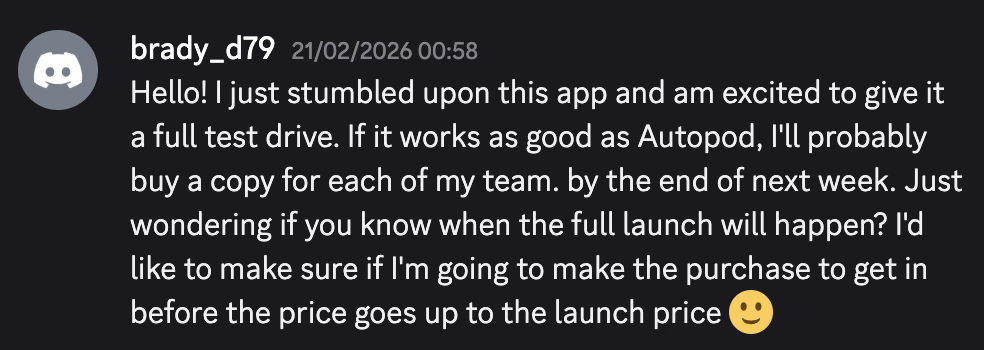
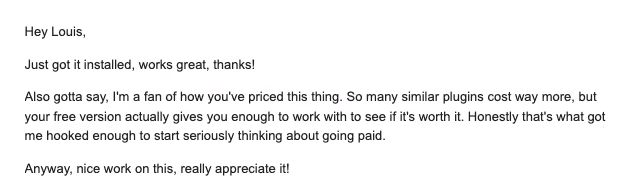
"Can’t believe how smooth it is. I cloned a voice, dropped a few VFX, and it all stayed inside Premiere. Way cheaper than anything else I’ve used. "

Emily J.
Indie Filmmaker
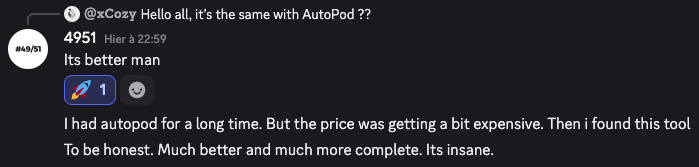
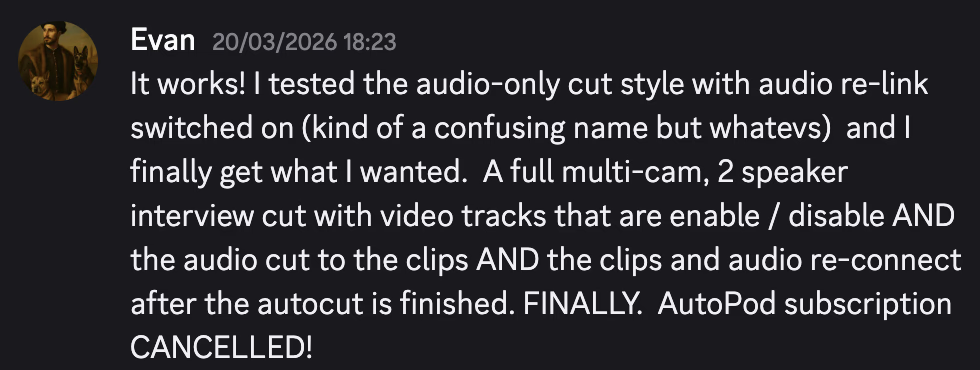
"I cancelled my autocut sub the day i got your trial and it worked."

Jack D.
Min-maxing Video Editor
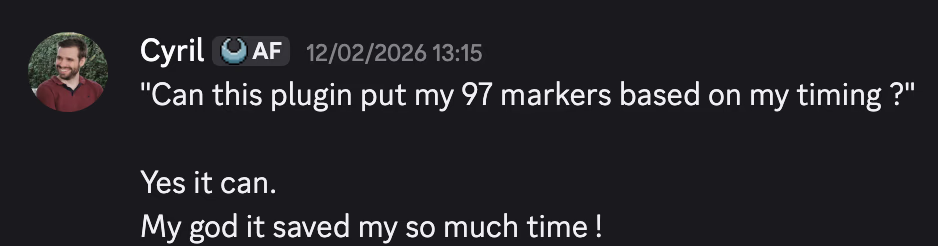
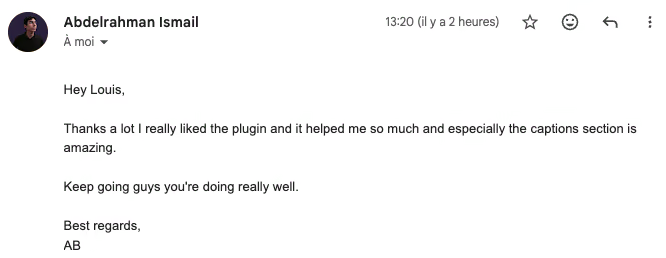
"Super handy. Being able to pull info straight from the timeline and generate clips instantly saves me so much time. Worth every cent. "

Leo Z.
Content Creator
FAQ
What kind of data is used by Copilot? Are AI models trained on my footages ?
Copilot don't have natively access to your footages. Using Labelization, ImageGeneration or AutoEdit require to send footages to following company : OpenAI, DeepMind, Runway, BlackForest. The company can use your footages to train their models. Don't upload any sensitive informations.
What kind of data is used by Copilot? Are AI models trained on my footages ?
Copilot don't have natively access to your footages. Using Labelization, ImageGeneration or AutoEdit require to send footages to following company : OpenAI, DeepMind, Runway, BlackForest. The company can use your footages to train their models. Don't upload any sensitive informations.
What kind of data is used by Copilot? Are AI models trained on my footages ?
Copilot don't have natively access to your footages. Using Labelization, ImageGeneration or AutoEdit require to send footages to following company : OpenAI, DeepMind, Runway, BlackForest. The company can use your footages to train their models. Don't upload any sensitive informations.
What kind of data is used by Copilot? Are AI models trained on my footages ?
Copilot don't have natively access to your footages. Using Labelization, ImageGeneration or AutoEdit require to send footages to following company : OpenAI, DeepMind, Runway, BlackForest. The company can use your footages to train their models. Don't upload any sensitive informations.
Can I integrate a special version of Copilot for my team or with special credits amount ?
Is it safe for my project to use Copilot ?
Is Copilot available for Davinci Resolve or Final Cut ?
Can I use Copilot without internet access ?
DOWNLOAD PREMIEREGPT