






























In the chat
Ask Claude. Watch it edit.
It reads your timeline, picks the right tools and edits your real project while you watch.
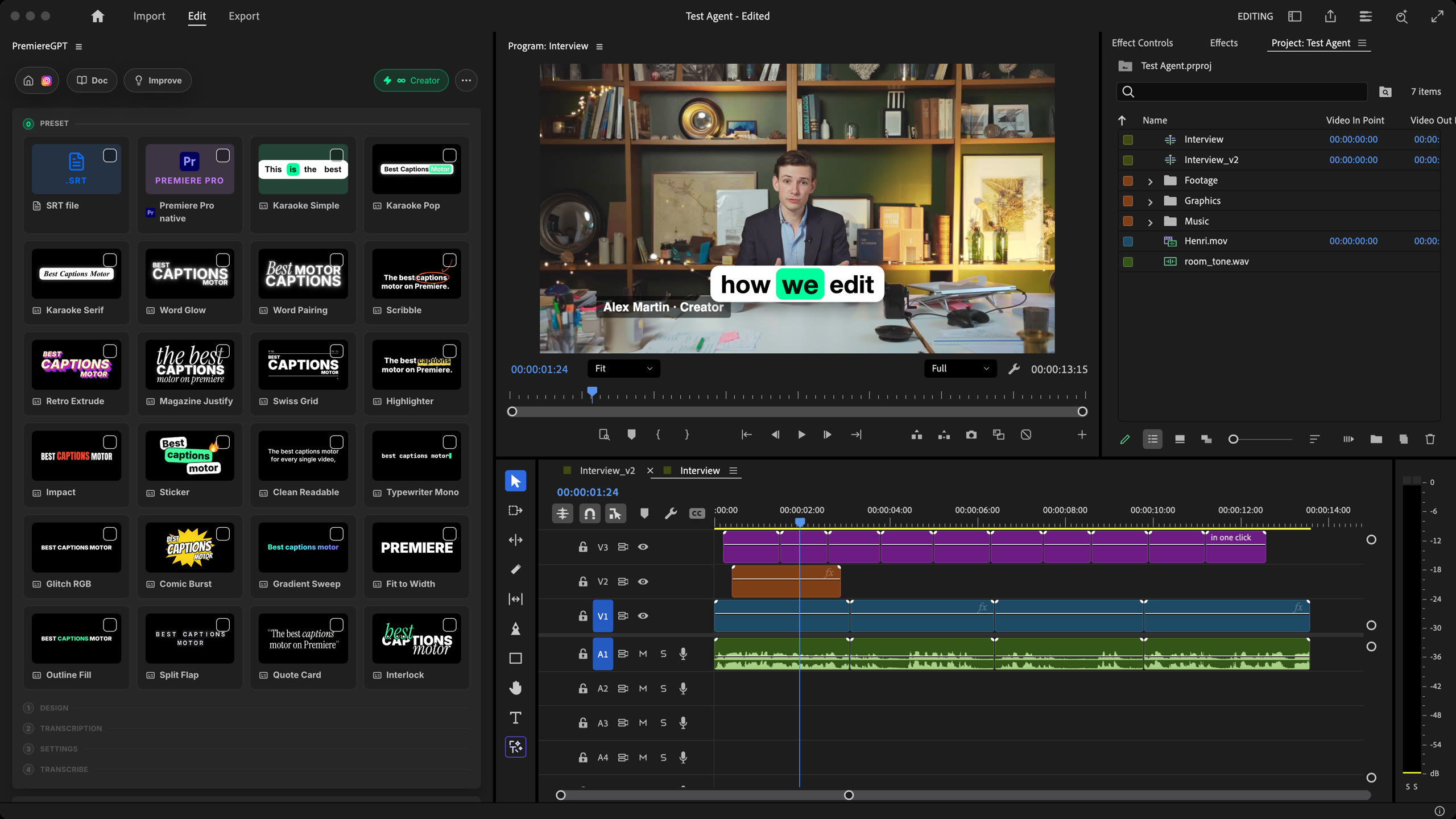
Connect Gemini to your timeline in two minutes. You ask in plain words, the PremiereCopilot panel runs the edit in Premiere Pro: silences, captions, zooms, vertical clips.
Paste this into Gemini
Studios, newsrooms, brands and universities: their video teams edit faster with PremiereCopilot.
Read premierecopilot.com/install.md and set up PremiereCopilot for me.
Real edits, each made from a single request in the chat. The assistant picks the tool, the panel does the work in Premiere Pro.

“Add animated captions to my video.”
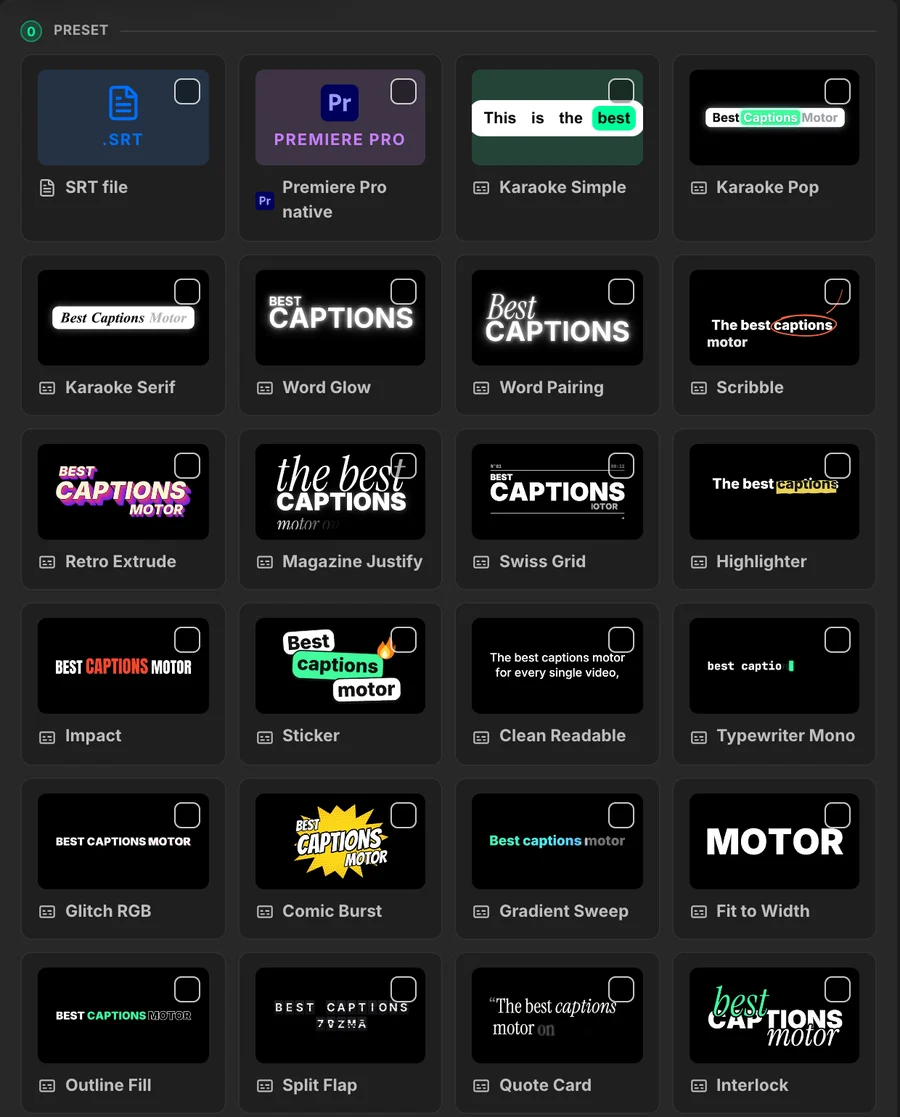
Smart Captions
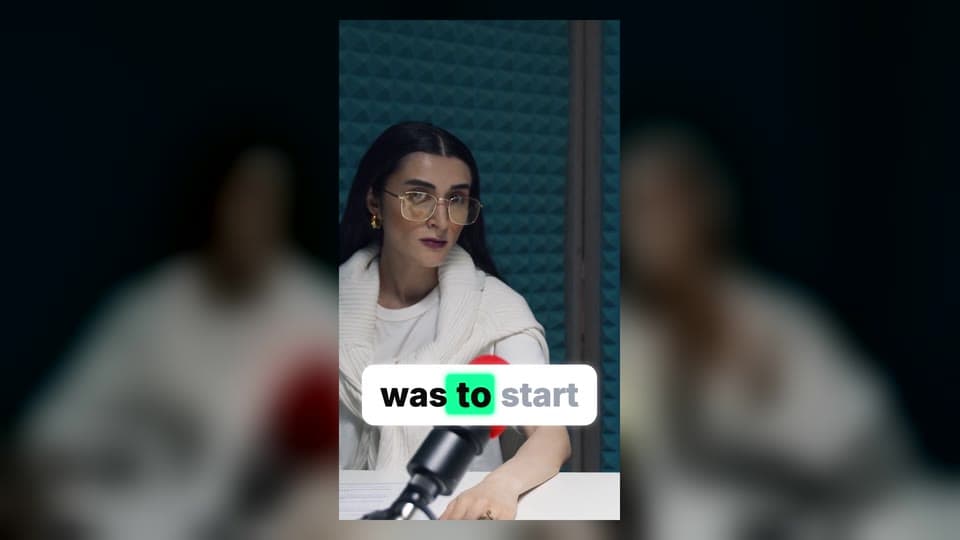
“Turn this podcast into a vertical short.”
Smart Virals

“Add zooms on the key moments.”
Auto Zoom
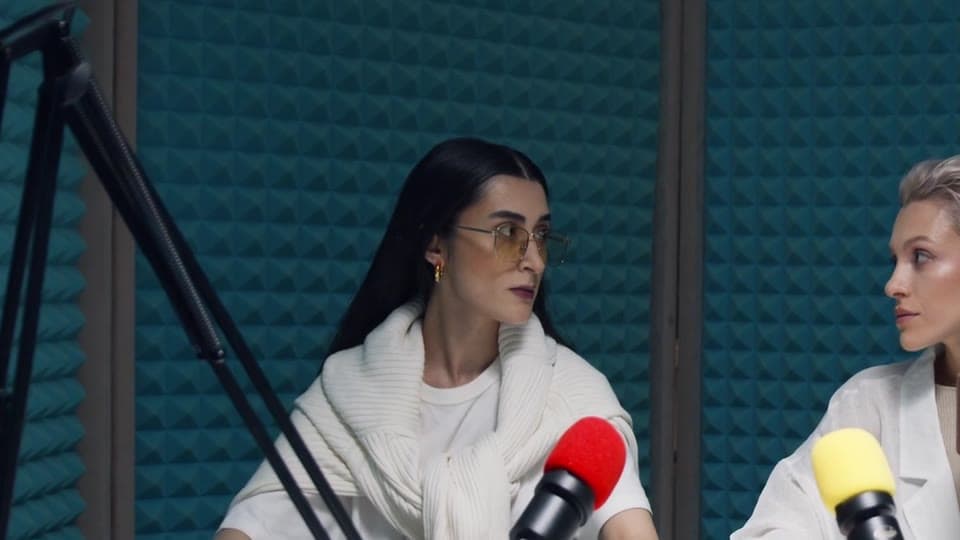
“Edit my two-camera podcast.”
Podcast Multicam
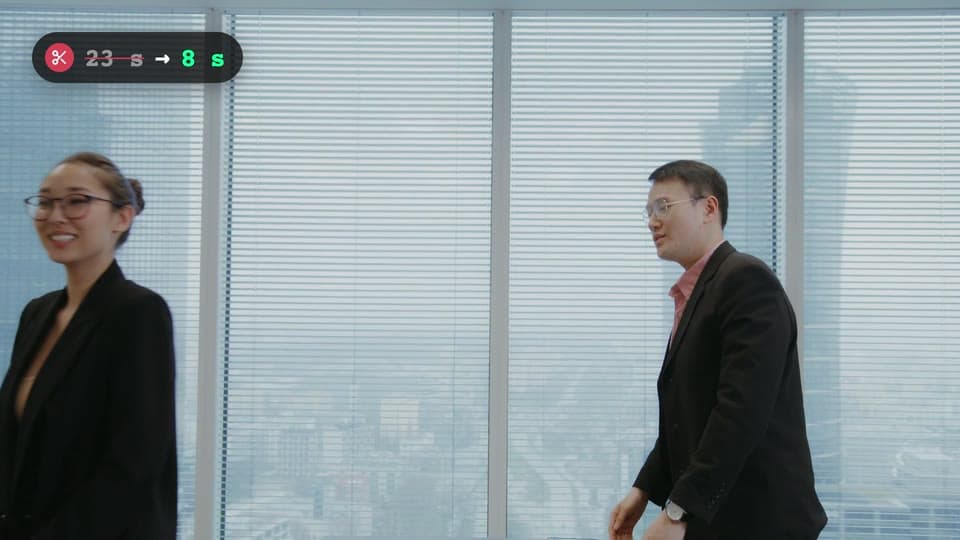
“Cut this take down to the best moments.”
Claude Cut

“Add B-roll while I talk about my trip.”
Auto B-Roll
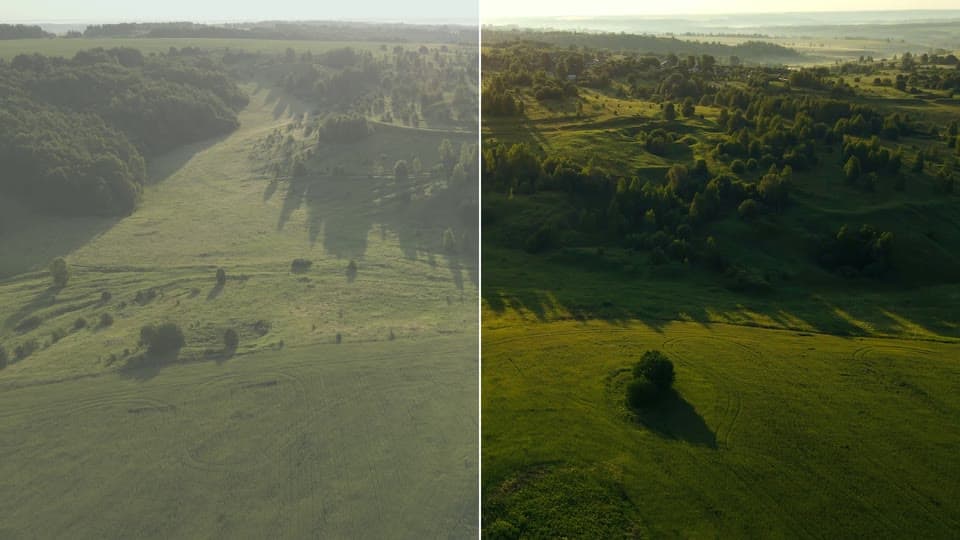
“Grade this drone shot, warm and natural.”
Auto Color

“Add an animated title to the intro.”
Vibe Motion

“Turn my best line into kinetic text.”
Vibe Kinetic
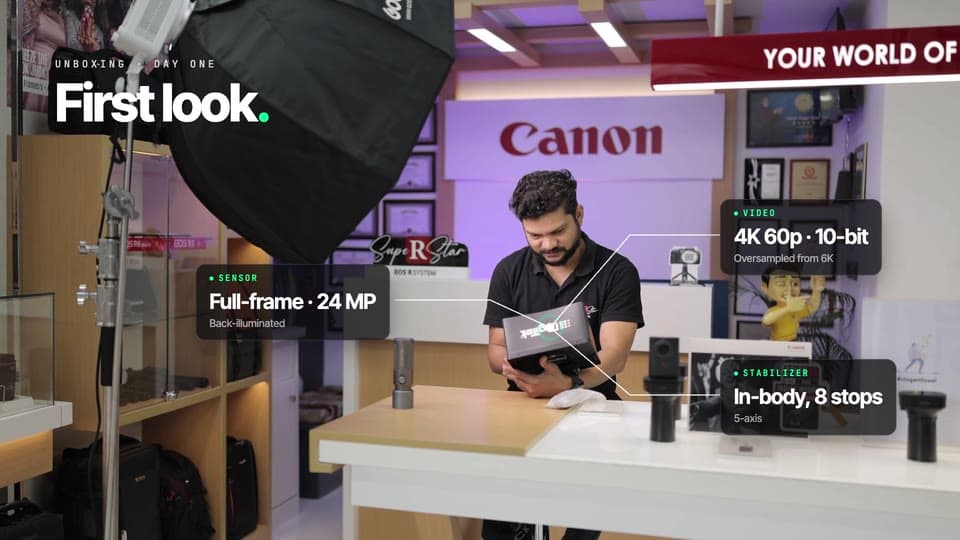
“Add motion design with the camera specs.”
Vibe Motion
Step 01
Download PremiereCopilot, open the panel in Premiere Pro and sign in. It is free.
Step 02
On gemini.google.com, open Settings → Connected Apps, add a custom app with the URL https://mcp.premierecopilot.com/mcp, click Next and sign in with your PremiereCopilot account. It then works on mobile too.
https://mcp.premierecopilot.com/mcpPersonal Google account, United States for now.
Step 03
Keep Premiere Pro and the panel open. The assistant reads your timeline, tells you what will change, then edits.
Start with
Then try
It reads your timeline, picks the right tools and edits your real project while you watch.
Built and hosted by the PremiereCopilot team. No script from GitHub to install, no key to paste.
The timeline, the project and every AI feature of the panel, ready for your assistant.
Other MCPs send the editor's own commands. Ours adds the AI features of PremiereCopilot on top.
One address for every assistant that supports MCP connectors.
A native panel for Premiere Pro, recognized by Adobe.
A plain MCP answers in text. PremiereCopilot opens real apps in the conversation: you pick, review and choose with a click.
Share your code: they get 10% off, you earn 30% of everything they pay for 12 months. No minimum, free for every account.
Motion design generated from a single prompt.
Learn moreAny GenAI model, native in Premiere. By Fal.AI.
Learn moreWord-by-word, animated captions in 99 languages.
Learn moreActive speaker detection, multicam autocut.
Learn moreAuto-detect silences and tighten the edit.
Learn moreRemoves bad takes & repetitions, follows your script.
Learn moreSentence-by-sentence scoring, editable 9:16 reels.
Learn moreAccurate transcription, every word editable, native subtitles.
Learn moreChapter markers and a YouTube description from a single prompt.
Learn more1 audio → speaker-by-speaker tracks.
Learn moreEmotion-driven V2 zoom clips, generated.
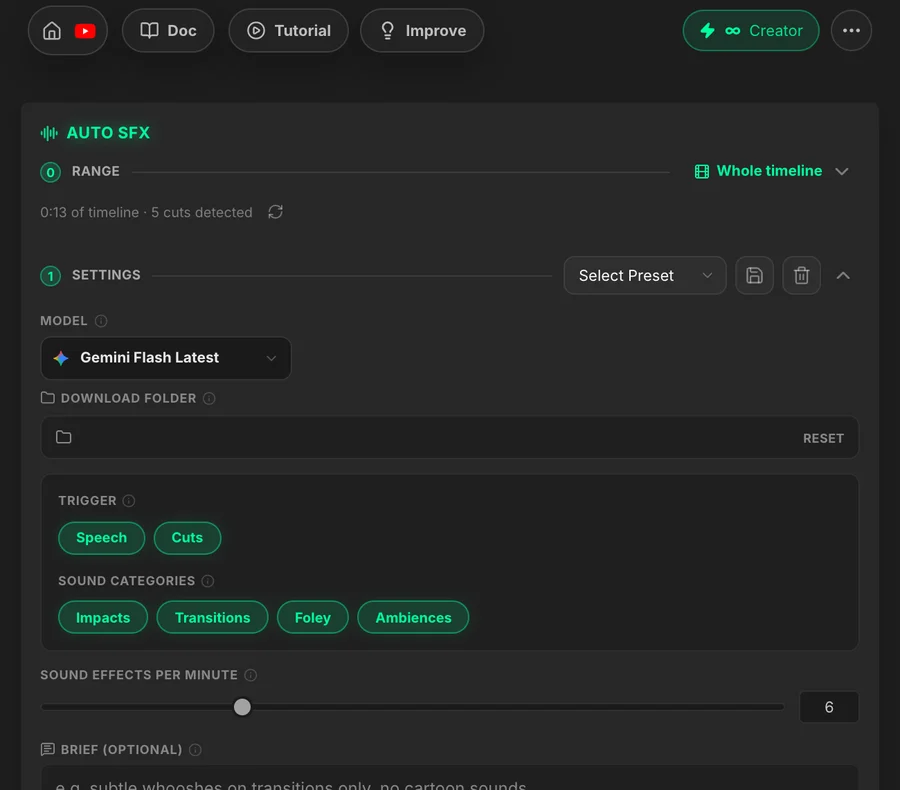
Learn moreAI sound effects, placed on your timeline.
Learn moreSwear words bleeped on the voice, in context.
Learn moreSpell check every text on your timeline.
Learn moreAI kinetic text, from your own words.
Learn moreSafe zone guides for every feed.
Learn moreEvery short, exported in 1 click.
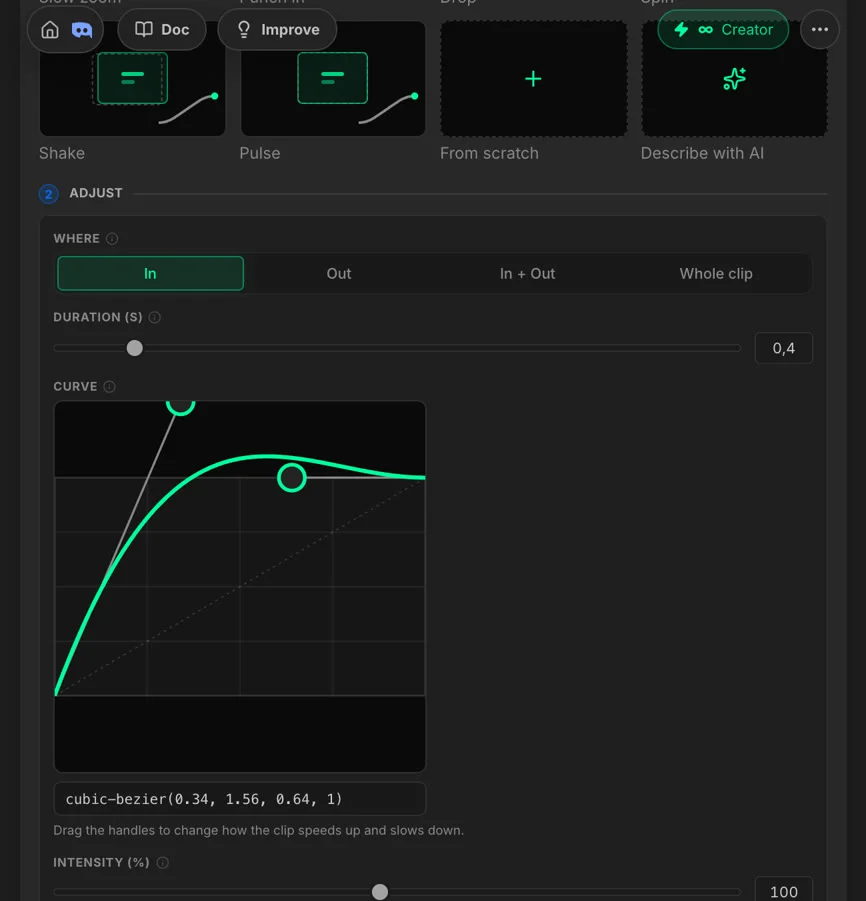
Learn morePro easing on your clips, in one click.
Learn moreAny emoji, placed on your timeline.
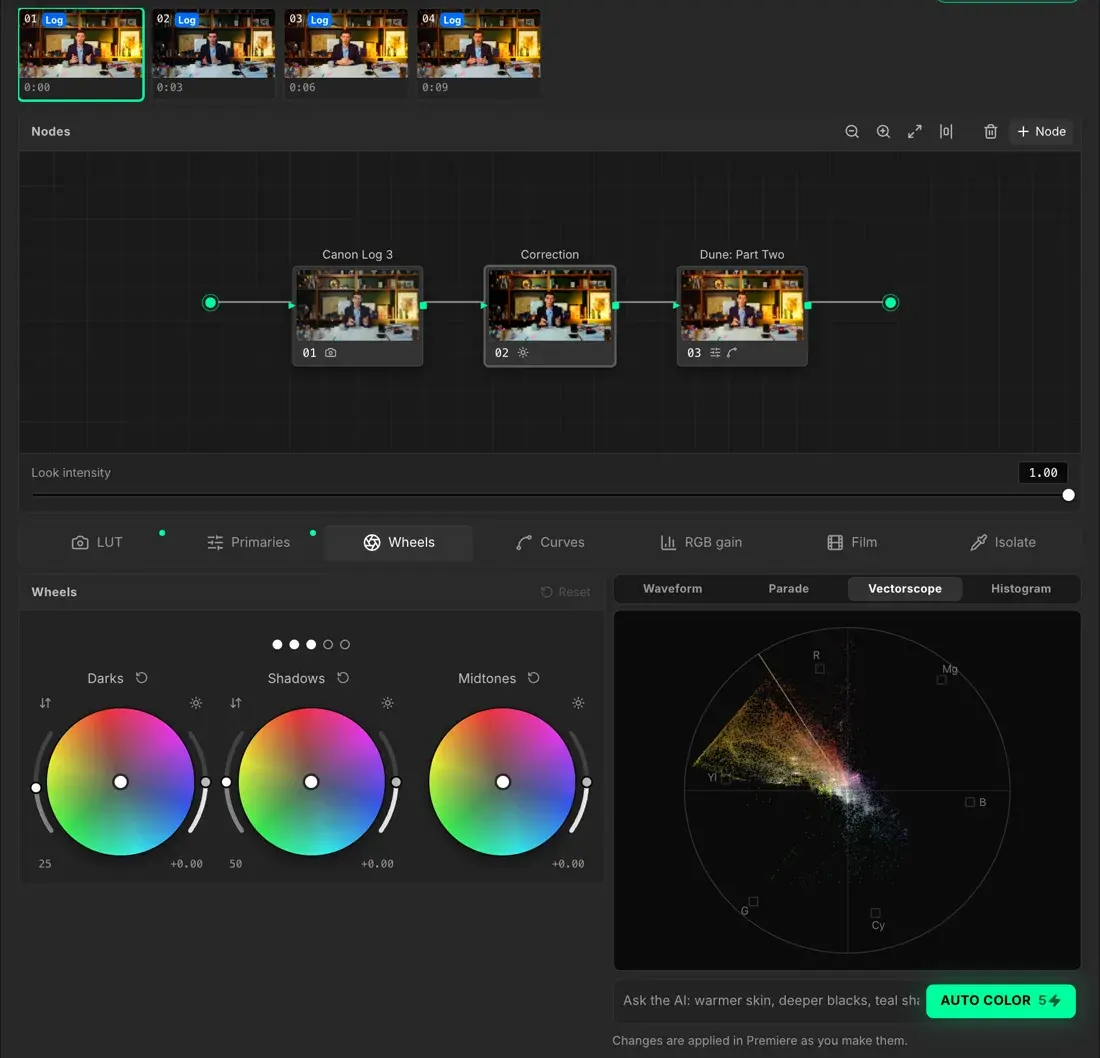
Learn moreAI color grading with film looks, matched shot to shot.
Learn moreA free grading room, live on your timeline.
Learn moreAI audio mixing for your whole timeline.
Learn moreBeat markers, placed on your music.
Learn moreYour b-roll, placed where it fits.
Learn moreYour clipboard, on the timeline.
Learn moreNew files, imported on their own.
Learn more
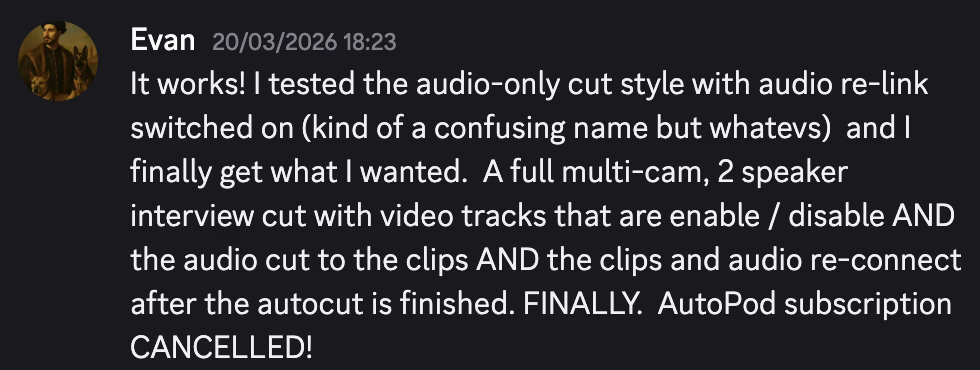
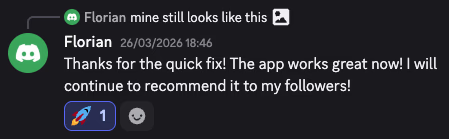
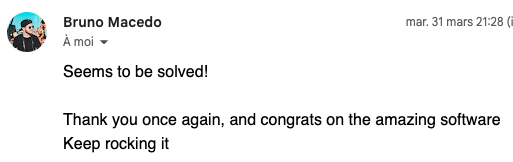
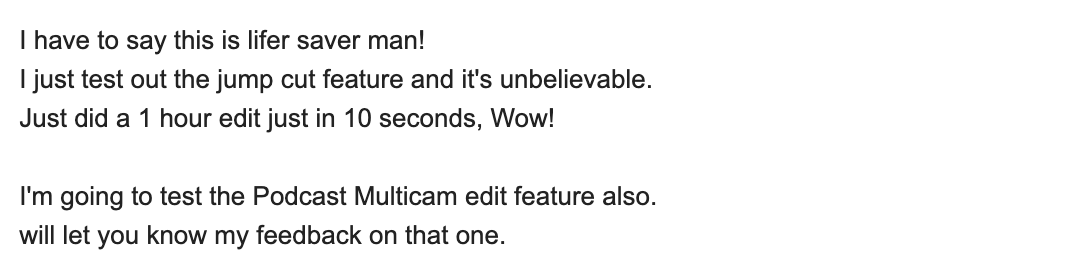
On gemini.google.com, open Settings → Connected Apps, add a custom app with the URL https://mcp.premierecopilot.com/mcp, click Next and sign in with your PremiereCopilot account. It then works on mobile too.
Custom apps in Gemini currently need a personal Google account in the United States, 18 or older, with Gemini Apps Activity on.
Claude, ChatGPT and Gemini, through a custom connector. It also works with Claude Code and any MCP client.
Custom connectors depend on your plan with each assistant: the setup guide lists what each one allows. The PremiereCopilot panel itself is free.
No. Your project stays on your computer: the assistant sends instructions and the panel runs them in your editor. We store no prompt, script or transcript from connector calls.
The assistant tells you what will change before it edits. Jump Cut, the AI rough cut, Podcast and Smart Sync save a copy of the sequence first.
No. You sign in with your PremiereCopilot account through OAuth: there is no key to copy and the assistant never sees your password.
Free for Adobe Premiere Pro 2022 and above. macOS · Windows. The installer takes 30 seconds.