0
Palettes: LUT, primaries, wheels, curves, RGB gain, film and isolate a color, chained in nodes.
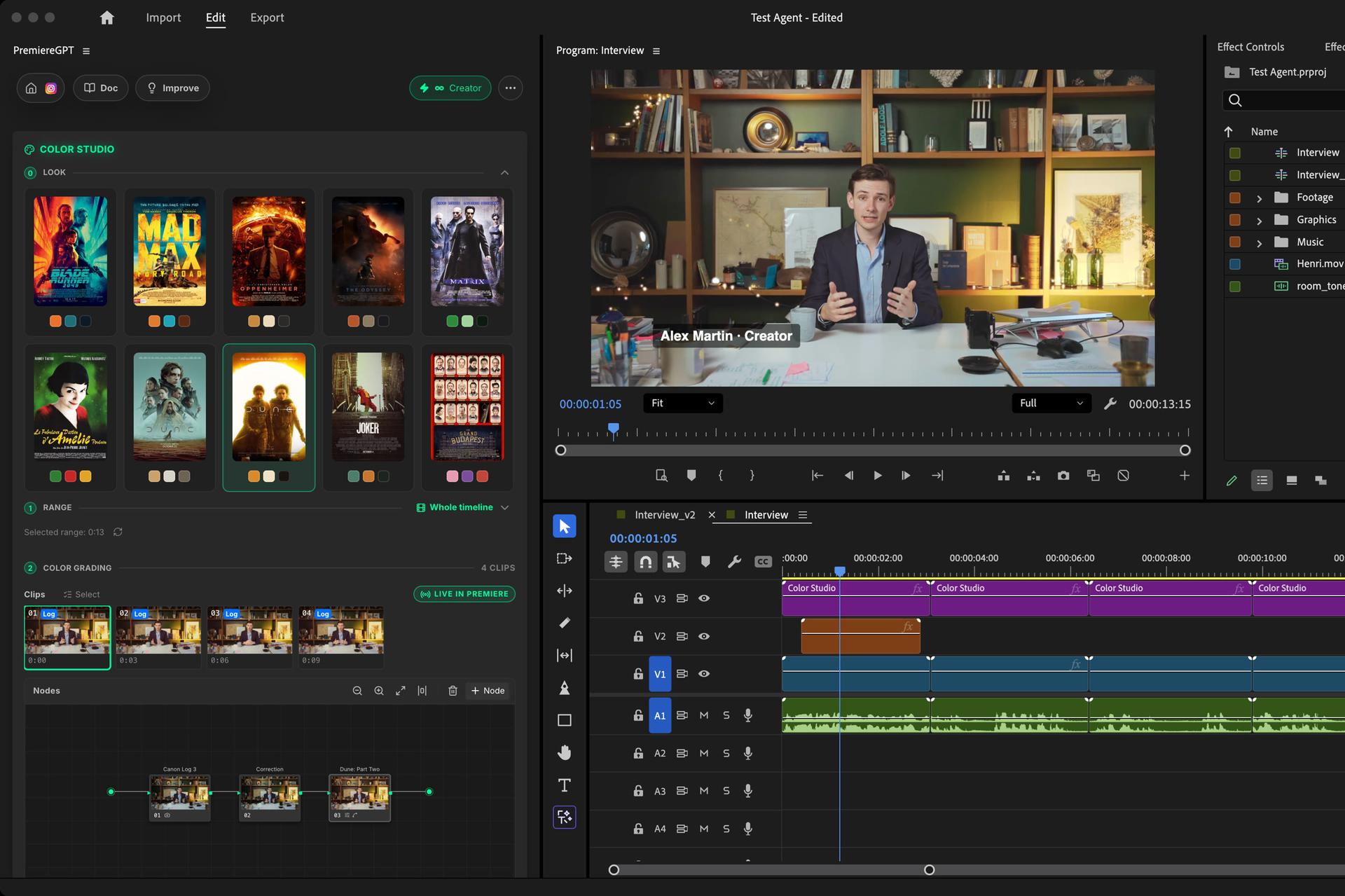
Color Studio is a free grading room inside Premiere Pro: nodes, color wheels, curves, scopes, Log conversion and 33 film looks in one click. You grade by hand, the result goes straight to your timeline.
Every move shows in the Program Monitor as you make it. No credits, no limit. Native to Premiere.
How it works
Load
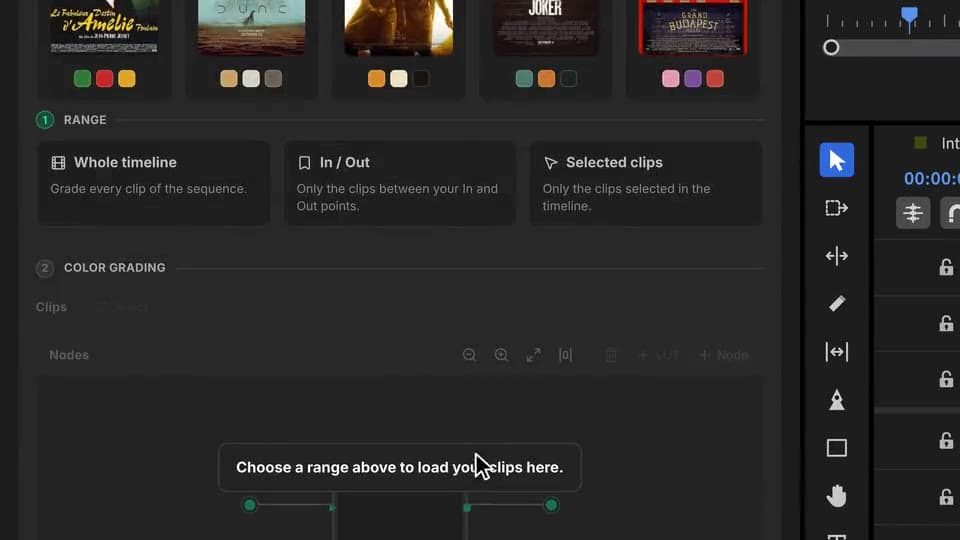
Whole timeline, In/Out or the selected clips. The grading room loads one thumbnail per source, with its Log already converted.
Film look
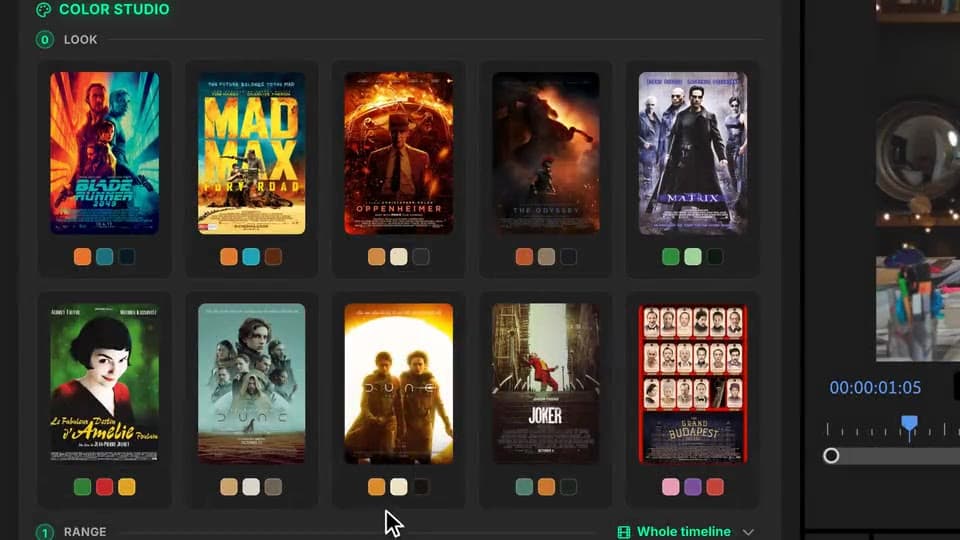
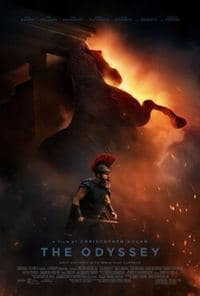
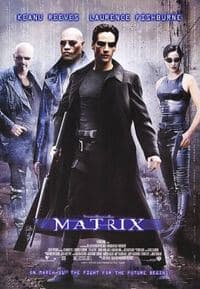
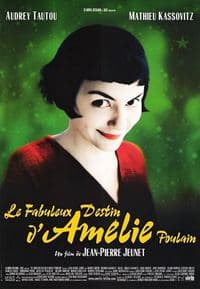
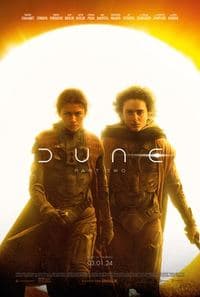
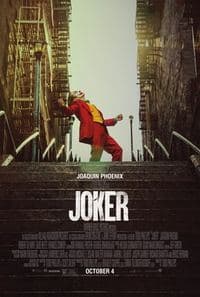
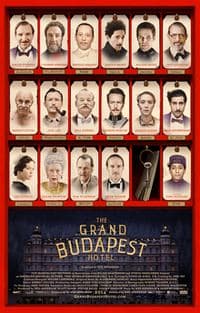
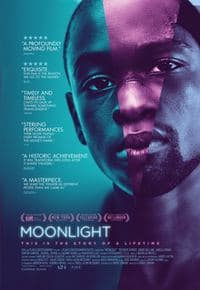
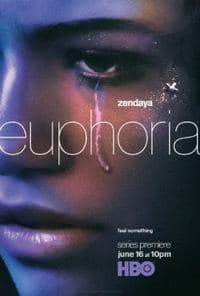
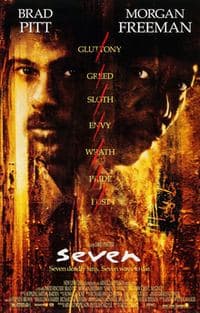
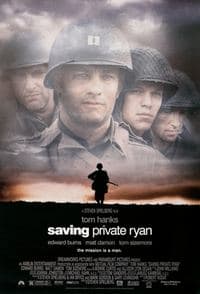
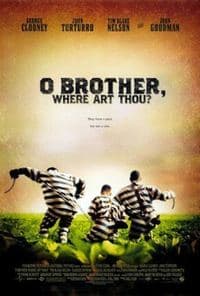
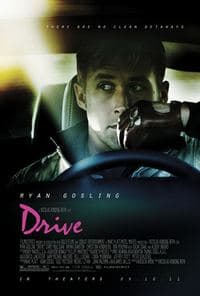
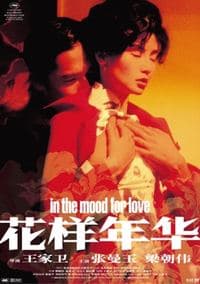
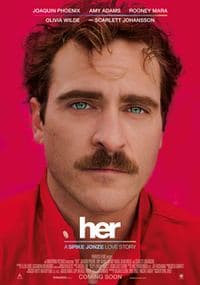
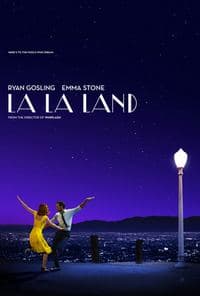
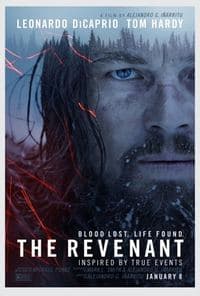
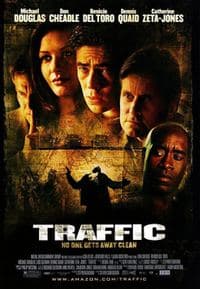
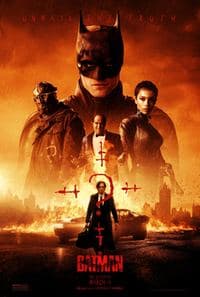
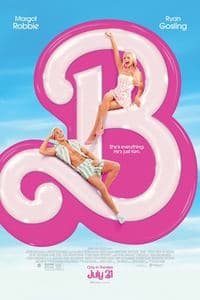
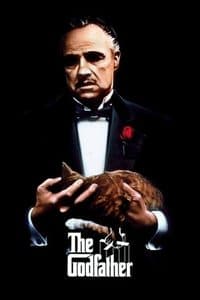
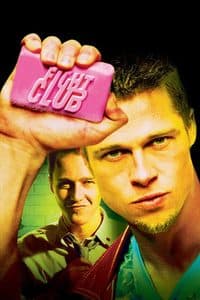
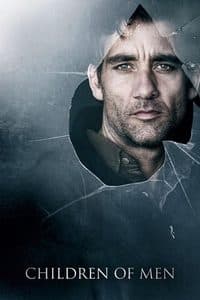
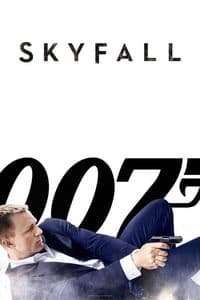
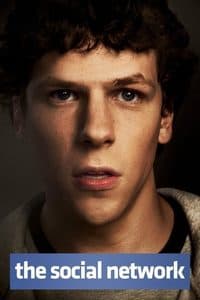
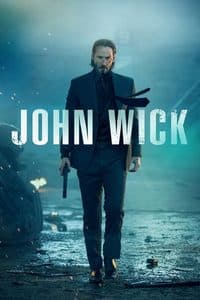
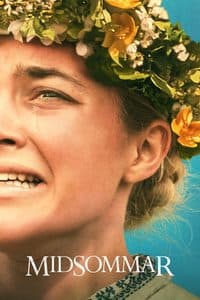
Click one of 33 posters: a look node lands on your clips, calibrated on each image. Swap films until it clicks.
Grade
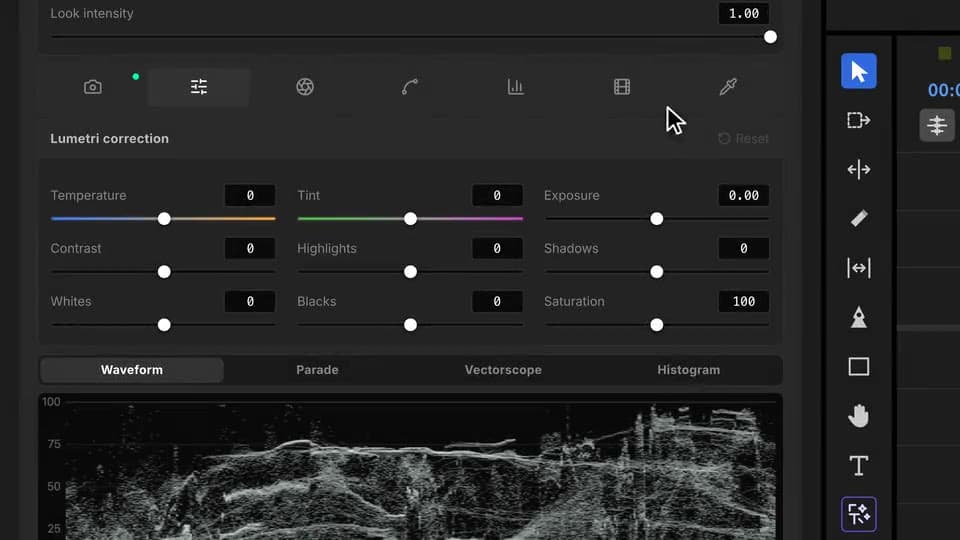
Wheels, curves, primaries, isolate a color, scopes. Every change goes straight to the Program Monitor.
Film looks
One click puts a film's look on your clips, calibrated on your image. Then push it, soften it or rebuild it node by node.





What ships
Palettes: LUT, primaries, wheels, curves, RGB gain, film and isolate a color, chained in nodes.
Free and unlimited. No AI here: the grade is yours.
Camera Log is read from the file and converted in the first node. Keep it, change it or turn it off.
Waveform, parade, vectorscope and histogram follow every move of a wheel or a curve.
Film looks in one click, calibrated on your image, skin tones protected.
Stack the rest
Plain-English prompts that edit your real timeline.
Learn moreMotion design generated from a single prompt.
Learn moreAny GenAI model, native in Premiere. By Fal.AI.
Learn moreWord-by-word, animated captions in 99 languages.
Learn moreActive speaker detection, multicam autocut.
Learn moreAuto-detect silences and tighten the edit.
Learn moreRemoves bad takes & repetitions, follows your script.
Learn moreTurn 1h of content into 10 vertical viral clips.
Learn more0 spelling mistakes. GPT-5 corrected, native subtitles.
Learn moreAnimated MoGRT chapters from a single prompt.
Learn more1 audio → speaker-by-speaker tracks.
Learn moreEmotion-driven V2 zoom clips, generated.
Learn moreAI sound effects, placed on your timeline.
Learn moreSwear words bleeped on the voice, in context.
Learn moreSpell check every text on your timeline.
Learn moreAI kinetic text, from your own words.
Learn moreSafe zone guides for every feed.
Learn moreEvery short, exported in 1 click.
Learn morePro easing on your clips, in one click.
Learn moreAny emoji, placed on your timeline.
Learn moreAI color grading with film looks, matched shot to shot.
Learn moreAI audio mixing for your whole timeline.
Learn moreBeat markers, placed on your music.
Learn moreYour b-roll, placed where it fits.
Learn moreYour clipboard, on the timeline.
Learn moreNew files, imported on their own.
Learn more
FAQ
Yes, with no limit and no credits. It is the grading room of Auto Color without the AI: you grade by hand. For an AI grade of the whole timeline, use Auto Color.
A clip strip, a node editor like a pro grading suite, and palettes: LUT, primaries, color wheels, curves, RGB gain, film and isolate a color. Waveform, parade, vectorscope and histogram follow every change.
Click one of the 33 film posters: a look node is added to the selected clips, calibrated on each image, with skin tones protected. Click another film to swap it, click it again to remove it.
Yes. The camera and its Log profile are read from each file and converted to Rec.709 in the first node. Change the profile, turn the node off or delete it, and add it back whenever you want.
Yes, live. Every move of a wheel or a curve goes straight to the Program Monitor, through Lumetri on an adjustment layer above your clips.
Yes. Right-click a clip to copy its grade and paste it on another one, or select several clips and paste on all of them at once.
Works natively in Premiere Pro, on macOS (Intel and Apple Silicon) and Windows.