
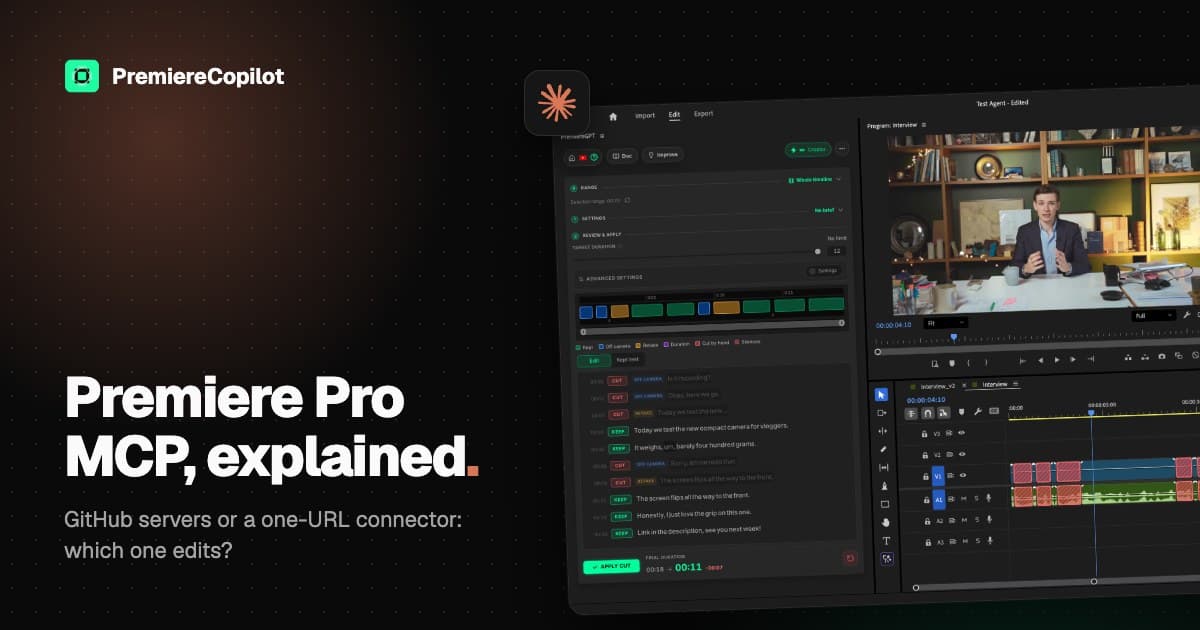
Is there an MCP server for Premiere Pro? Yes, but not from Adobe. As of November 2026, Adobe hasn't released an MCP server for desktop Premiere Pro, so every option is built by someone else: open-source servers on GitHub, or a ready-made connector like PremiereCopilot.
Those options split into two camps. GitHub servers run on your machine and expose Premiere's scripting to Claude or Cursor; they're powerful and they're projects you maintain. A connector skips the setup: you paste one URL into Claude, ChatGPT or Gemini and the assistant edits through a panel inside Premiere, cutting silences, trimming retakes and adding captions.
Short answer: if you write code and want raw control over Premiere's API, pick a GitHub server. If you want the assistant to edit your timeline tonight, add the PremiereCopilot MCP connector.
What is an MCP server, in editor terms?
An MCP server is a bridge that lets an AI assistant use a piece of software. MCP stands for Model Context Protocol, an open standard created by Anthropic in 2024 and now supported by Claude, ChatGPT, Gemini and most coding assistants. The server publishes a list of tools ("cut the silences", "add a marker", "export this sequence") and the assistant calls them when your request needs them.
Without one, Claude can only talk about your edit. With one, it reads your sequence, changes it and tells you what it did.
Does Adobe have an official Premiere Pro MCP?
Not yet. We found no Adobe announcement of an MCP server for the desktop app as of November 2026. That's a contrast with DaVinci Resolve, where Blackmagic built one into Resolve Studio 21.1 in September 2026.
So when you search "premiere pro mcp", every result is a third-party project. That isn't a problem in itself. It just means you choose between maintaining a server yourself and using one someone else runs.
Open-source Premiere Pro MCP servers on GitHub
Developers have built several servers on top of Premiere's scripting. The ones that come up most:
| Project | How it connects | What to know |
|---|---|---|
| leancoderkavy/premiere-pro-mcp | npm package plus a bridge plugin inside Premiere (CEP), UXP bridge in preview for Premiere Pro 25.6+ | The most cited, MIT licence, works with Claude, Cursor, Windsurf, GitHub Copilot |
| hetpatel-11/Adobe_Premiere_Pro_MCP | "MCP Bridge (CEP)" extension | Premiere Pro 2020+ and Node.js 20+ |
| antipaster/Adobe-Premiere-Pro-MCP | Local server plus a panel, Windows install script | 170+ editing tools |
| zahediamrei/prmcp | "Premiere Connector" panel over WebSocket | 162 tools |
| nepfaff/premiere-pro-mcp | UXP, with the UXP Developer Tool | Premiere 2025 (25.3+); lets the AI run any JavaScript in Premiere, so use it with care |
They share the same shape:
- Install Node.js or Python and the server.
- Install the bridge panel in Premiere and keep it open.
- Add the server to your assistant's config file (Claude Desktop, Claude Code, Cursor…).
- Restart the assistant and ask.
Before you install one, check three things on its GitHub page:
- Your Premiere version. Older servers use CEP, newer ones UXP, and some need Premiere 25.3 or 25.6 and later.
- Recent activity. Premiere updates can break a bridge. A project with commits this month is a safer bet than one untouched since spring.
- What the AI is allowed to run. A server that executes arbitrary scripts can do anything Premiere can do, including deleting sequences. Read the tool list.
Each step is easy for a developer and a wall for most editors. These servers also give the assistant low-level tools (move this clip, set this keyframe), so the quality of the edit depends on how well the model plans dozens of small operations.
How to connect the PremiereCopilot MCP connector
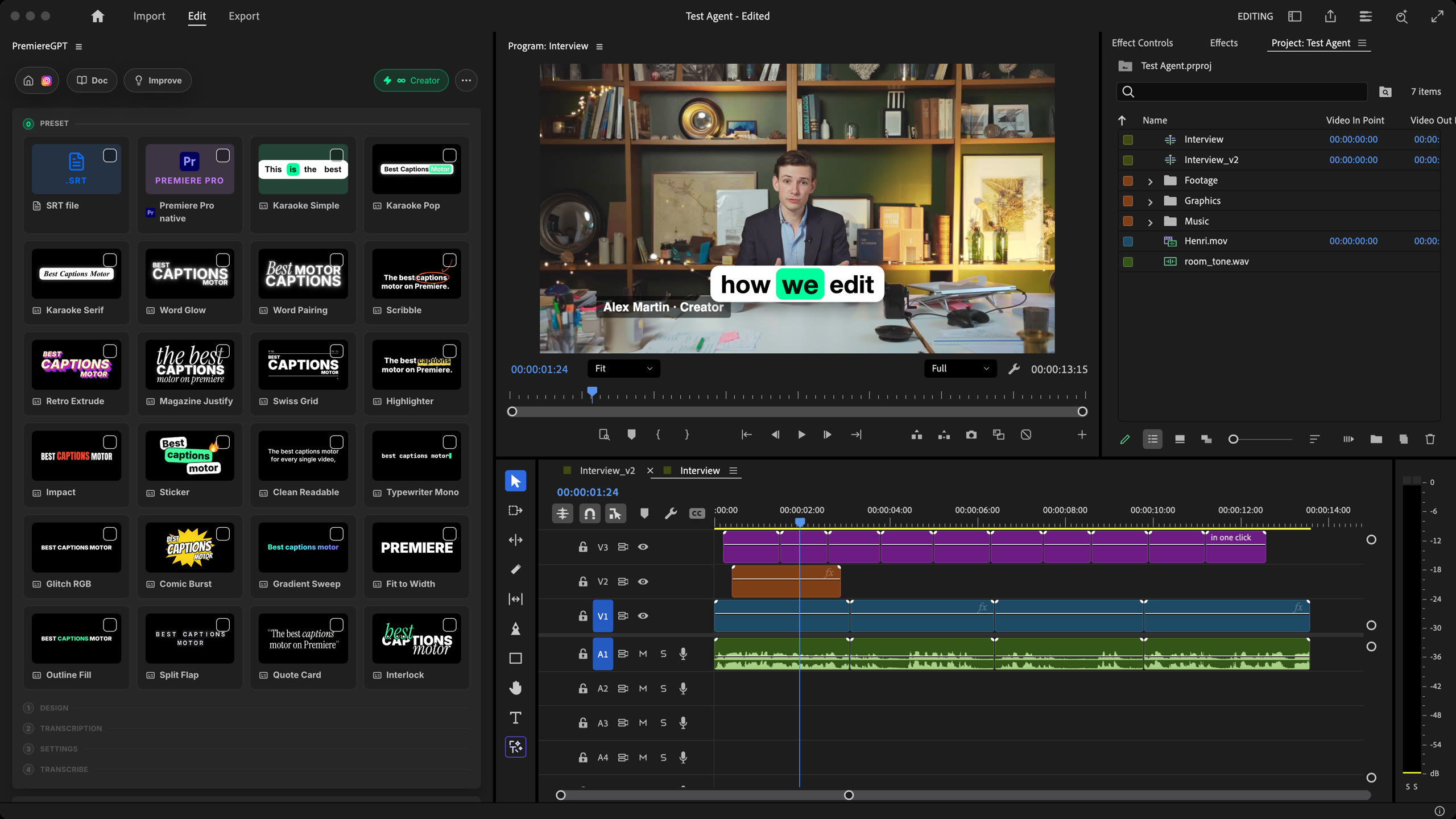
The PremiereCopilot connector works the other way around: there's no server to run on your machine. The assistant talks to our server over the internet, and the PremiereCopilot panel inside Premiere Pro runs each edit on your timeline. Your footage stays on your computer.
- Download PremiereCopilot, open the panel in Premiere Pro and sign in.
- In Claude, ChatGPT or Gemini, add a custom connector named PremiereCopilot and paste the server URL:
https://mcp.premierecopilot.com/mcp. - Sign in with the same account. It uses OAuth: there is no API key to copy, and the assistant never sees your password.
- Keep Premiere Pro and the panel open, then ask in the chat. The assistant reads your sequence, tells you what will change, then edits.
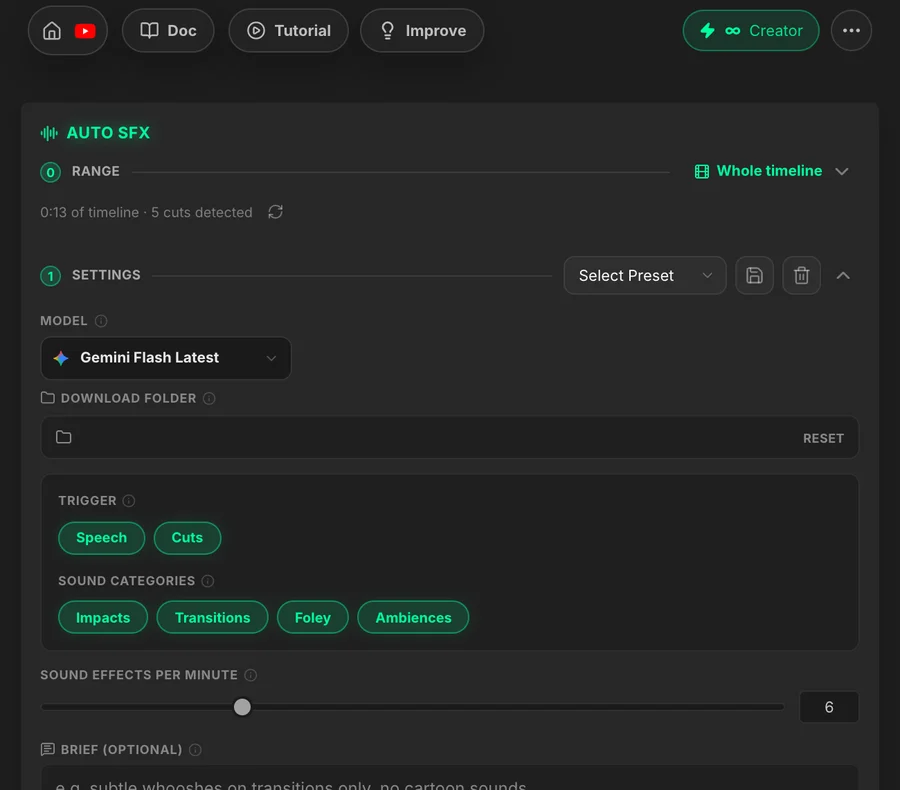
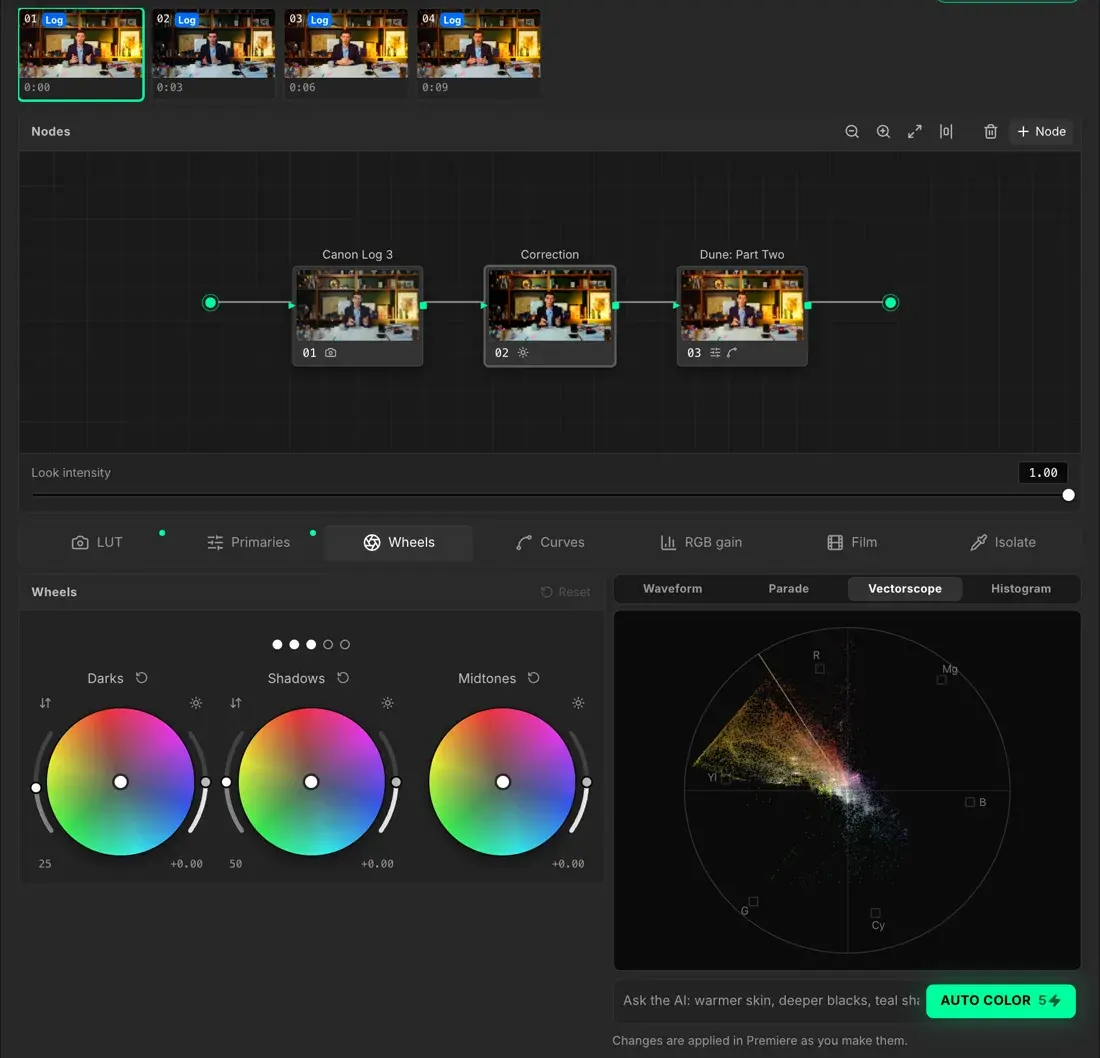
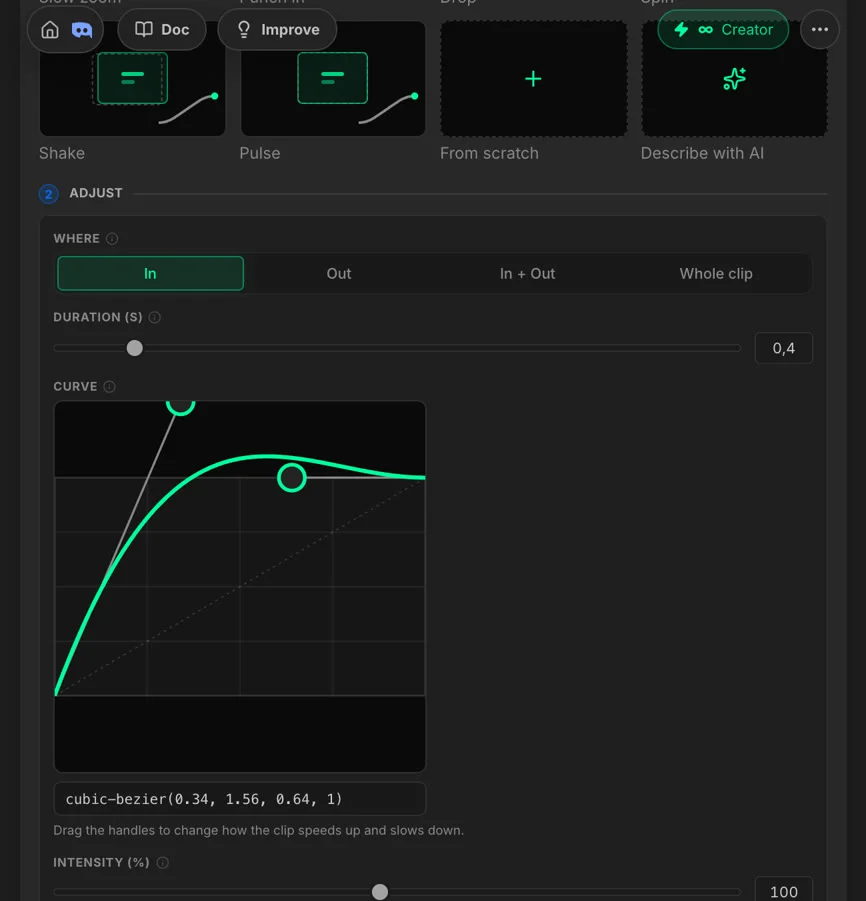
The connector publishes 44 tools in three families: the timeline (read, cut, trim, move, effects, transitions, markers, reframe, export), the project (search media, bins, sequences) and the AI features (transcription, Jump Cut, the Claude Cut rough cut, Smart Captions, Auto Zoom, Smart Virals, podcast multicam, Vibe Motion). You never name them: the assistant picks the right one from your request. Custom connectors depend on your plan with each assistant; the setup guide lists what each one allows.
What you can ask once it's connected
- "Remove the silences from my active sequence with a balanced rhythm." The panel runs Jump Cut and saves a copy of the sequence first.
- "Make a rough cut of this talking-head video: drop the retakes, aim for about 8 minutes." Claude Cut marks every take, and you review the cuts before they land.
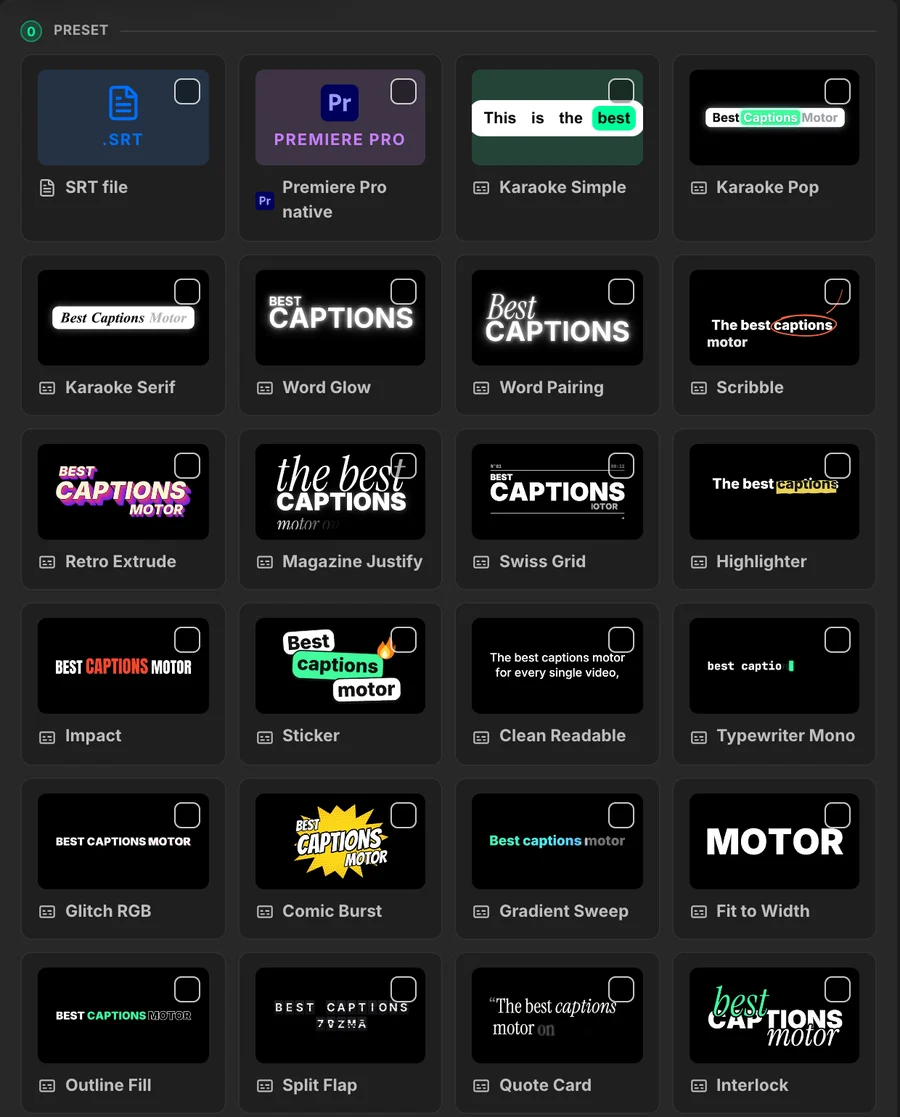
- "Transcribe the interview, then add karaoke captions to the whole timeline." Smart Captions places animated captions you can still edit word by word.
- "Find the 3 most viral moments of this podcast and create a vertical sequence for each."
Nothing from these calls is stored on our side: no prompt, no script, no transcript.
GitHub server or PremiereCopilot connector?
| GitHub servers | PremiereCopilot connector | |
|---|---|---|
| Setup | Node or Python, bridge panel, config file | Paste one URL, sign in |
| Assistants | Desktop and coding clients you configure | Claude, ChatGPT, Gemini (web and desktop), Claude Code, any MCP client |
| Tools | Low-level Premiere operations (162 to 280 tools in the projects that publish a count) | 44 tools, including finished editing features built on the transcript |
| Best for | Developers who want to script Premiere | Editors who want silences, rough cuts, captions and clips done |
| Maintenance | Yours | Ours |
Frequently asked questions
Is there an official Adobe MCP server for Premiere Pro?
Not as of November 2026. All Premiere Pro MCP servers are third-party: open-source projects on GitHub, or connectors like PremiereCopilot.
Is the Premiere Pro MCP free?
The GitHub servers are free and open source. The PremiereCopilot panel is free to start, and the AI features that cost credits say so before they run.
Can I use it with ChatGPT or only Claude?
The PremiereCopilot connector works in Claude, ChatGPT and Gemini as a custom connector, on the web and in the desktop apps. Most GitHub servers target desktop and coding clients that read a local config file.
Do I need Claude Desktop, or does claude.ai work?
Most GitHub servers run locally, so they need a desktop or coding client on the same computer. The PremiereCopilot connector is a remote server: it works from claude.ai in the browser as well as from the desktop apps.
Is my footage uploaded to the AI?
No. The assistant sends instructions and the panel runs them in Premiere on your computer. We keep no prompt, script or transcript from connector calls.
Can the assistant break my sequence?
It tells you what will change before it edits, and Jump Cut, Claude Cut, Podcast and Smart Sync save a copy of the sequence first. With a GitHub server that runs scripts, work on a duplicate sequence until you trust your prompts.