0–0
Número de clips, tú eliges. De 5 a 50 por pasada.
Smart Virals transforma contenido largo en 10 clips virales 9:16 listos para publicar dentro de Adobe Premiere Pro. Puntuación IA sobre emoción y ritmo, subject tracking, secuencias nativas editables. Gratis.
Reels, TikTok, Shorts. La IA puntúa los clips por emoción, frecuencia de corte o palabras clave del transcript. Auto-reframe a 9:16. Gratis. Mejor que Opus Clip.
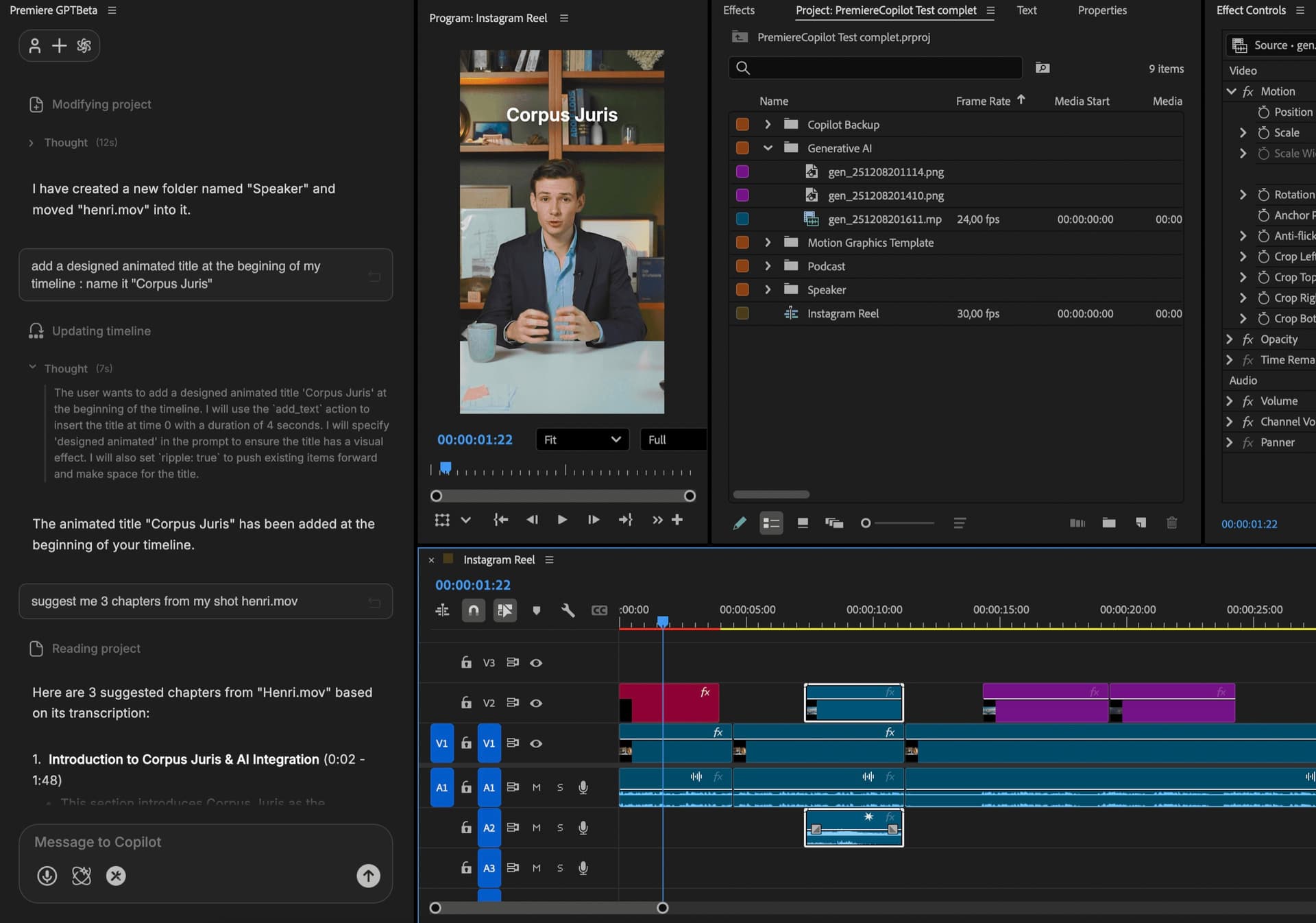
Las cuentas a 3 años
 AutoCut AI$19.8/mo
 PremiereCopilotfree
Cómo funciona
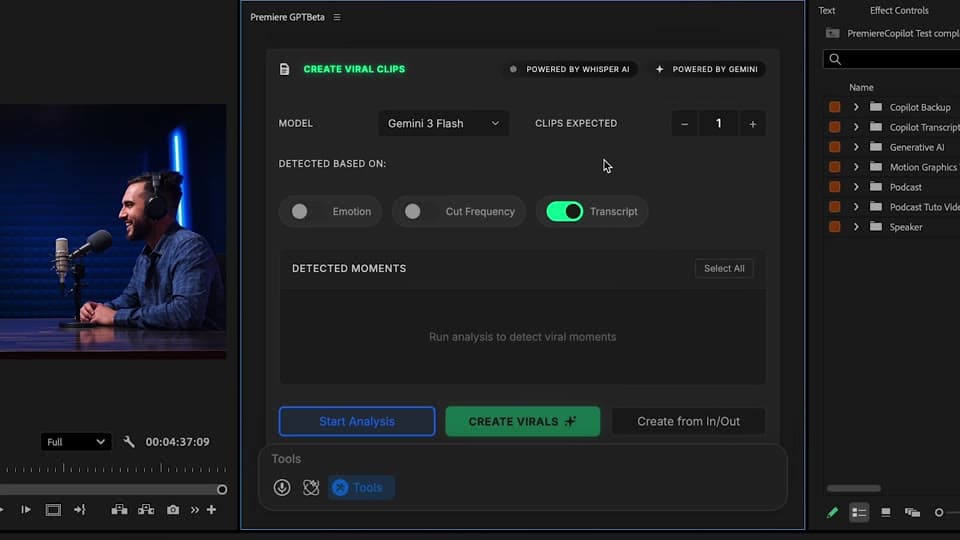
Puntúa
Emoción, frecuencia de corte o palabras clave. Duración objetivo (15s, 30s, 60s, custom). Tú eliges cuántos clips (5, 10, 20, 50). Tú eliges modelo: Claude o Gemini, por proyecto.
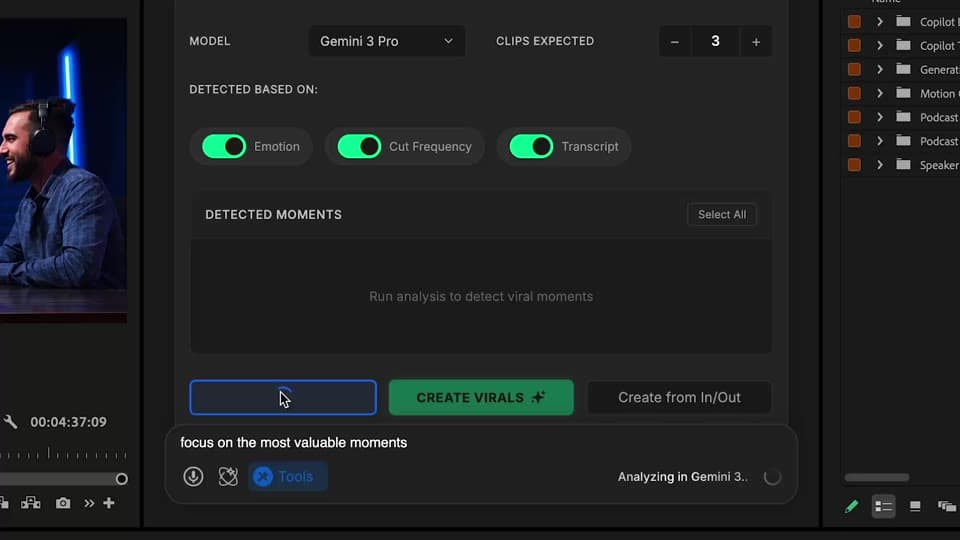
Revisa
Cada clip puntuado con score viral. Preview, acepta, rechaza, regenera. Ajusta los pesos del scoring.
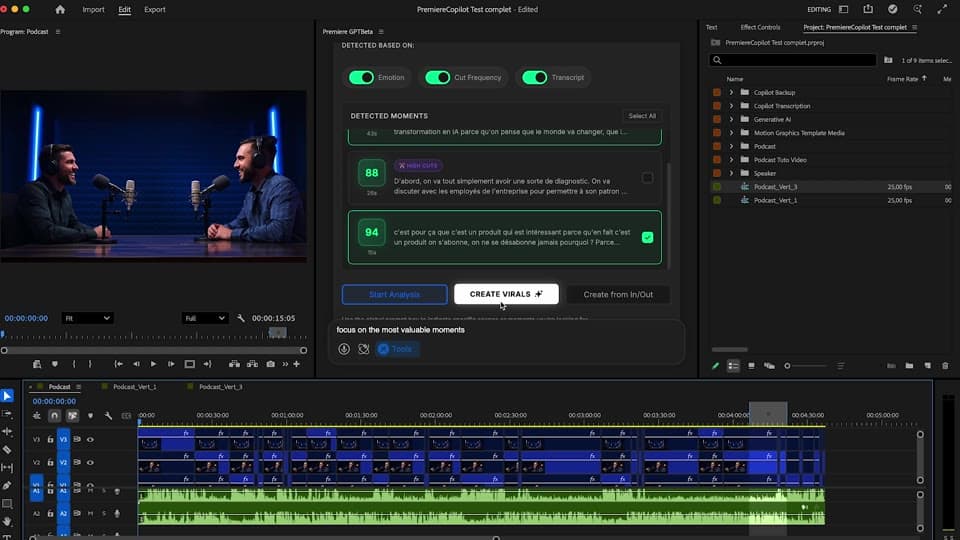
Reframe
El subject tracking mantiene al sujeto centrado. Cada clip llega en dos secuencias (16:9 y 9:16) en Premiere — totalmente editables.
Lo que viene incluido
Número de clips, tú eliges. De 5 a 50 por pasada.
Gratis con cuota diaria. Pro+ a 7,99 €/mes.
Auto-reframe con subject tracking. Listo para Reels.
Emoción, frecuencia de corte, palabras clave. Impulsado por Claude o Gemini, tu elección por proyecto.
Secuencias nativas, totalmente editables.
Combina las demás
Prompts en lenguaje natural que editan tu timeline real.
Saber másMotion design generado a partir de un solo prompt.
Saber másCualquier modelo GenAI, nativo en Premiere. Por Fal.AI.
Saber másSubtítulos animados, palabra por palabra, en 99 idiomas.
Saber másDetección de interlocutor activo, multicam autocut.
Saber másDetecta los silencios y ajusta el montaje.
Saber másElimina malas tomas y repeticiones, sigue tu guion.
Saber más0 faltas de ortografía. Corregidos con GPT-5, subtítulos nativos.
Saber másCapítulos MoGRT animados a partir de un solo prompt.
Saber más1 audio → una pista por interlocutor.
Saber másClips de zoom V2 según la emoción, generados.
Saber más
FAQ
Opus Clip re-exporta tu vídeo a un archivo nuevo. Smart Virals corre dentro de Premiere y te entrega secuencias nativas por clip — totalmente editables. Gratis vs 20 $+/mes de Opus.
Tres opciones: emoción (excitación, sorpresa, risa), frecuencia de corte (densidad de acción) o palabras clave del transcript (tu tema). Combínalos para mejores resultados.
Sí. Duración objetivo (15s, 30s, 60s o custom), número de clips (5, 10, 20), y la IA ajusta los clips a esa restricción.
Sí. Auto-reframe con subject tracking incluido. Cada clip llega en 16:9 Y en 9:16 en tu timeline.
Elige Claude o Gemini por proyecto. Modelos distintos, sesgos de scoring distintos — experimenta por contenido.
Premiere Pro 2022 y posteriores, macOS (Intel + Apple Silicon) y Windows.