● 01
Transcribir
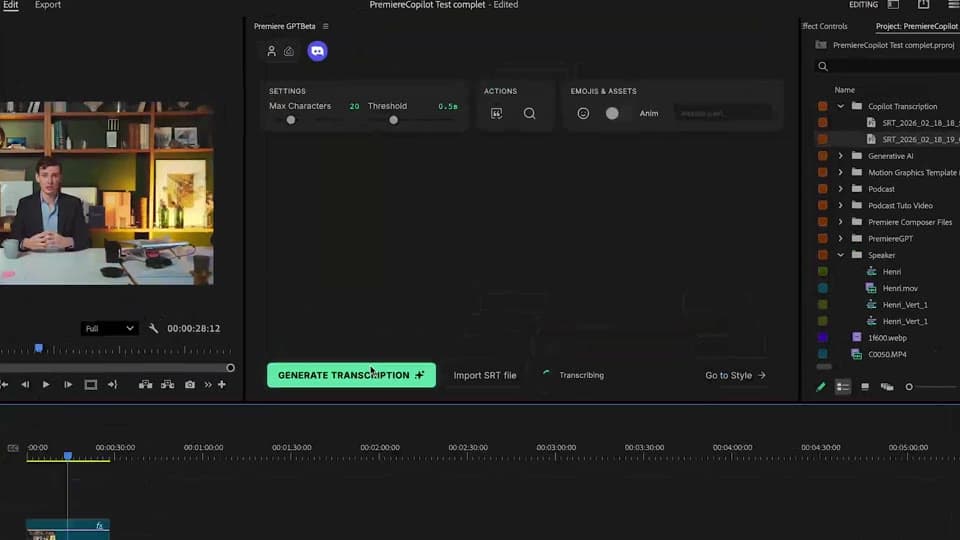
Genera la transcripción.
Detección automática entre 99 idiomas, o importa tu propio SRT. Edita palabras, corrige la puntuación, añade emojis animados , todo en un editor rápido dentro del plugin.
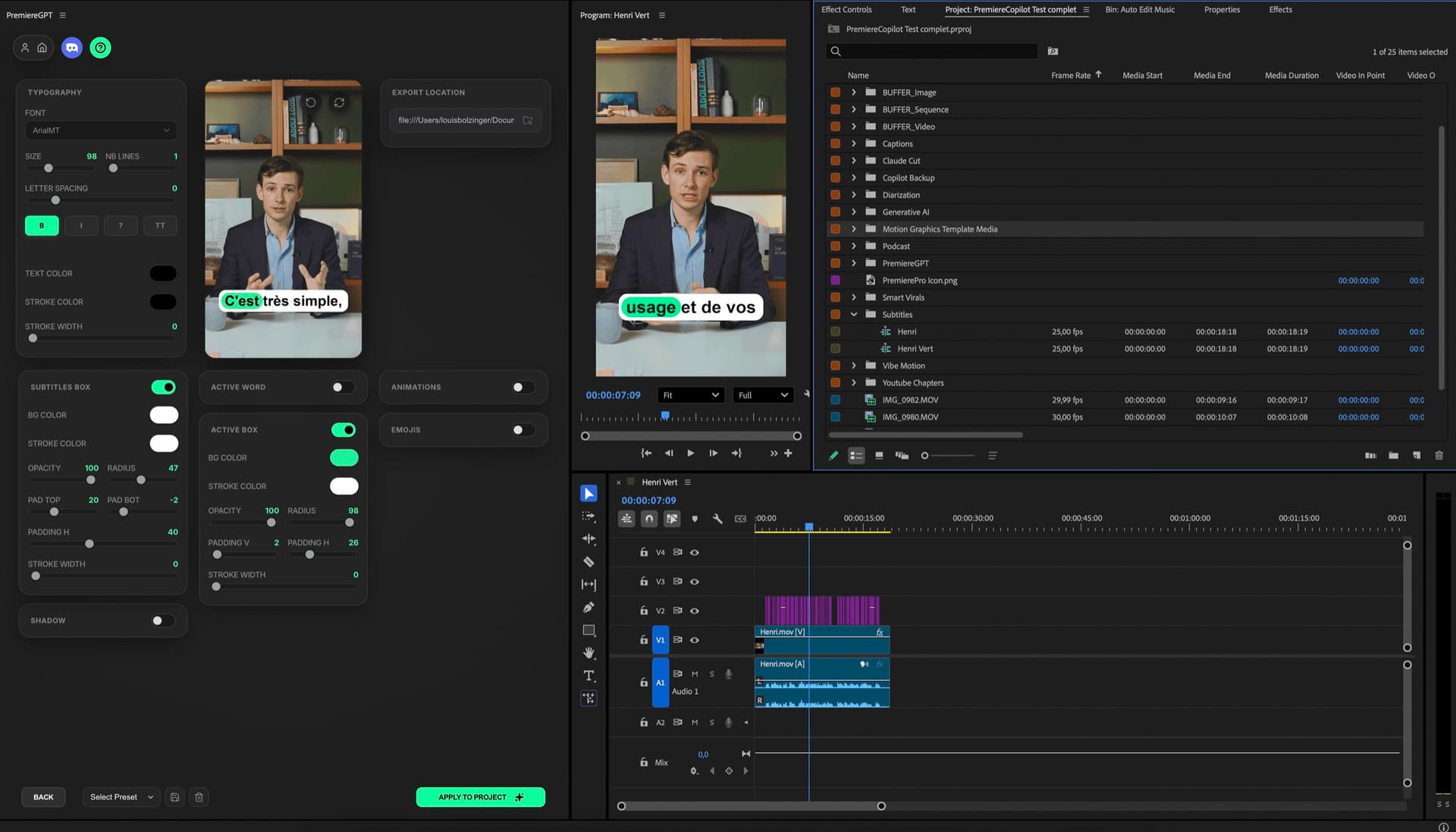
Smart Captions es un plugin de Adobe Premiere Pro que genera subtítulos animados palabra por palabra como clips de título nativos y editables de Premiere — 99 idiomas, 99,5 % de precisión, fuentes personalizadas y emojis animados. Gratis.
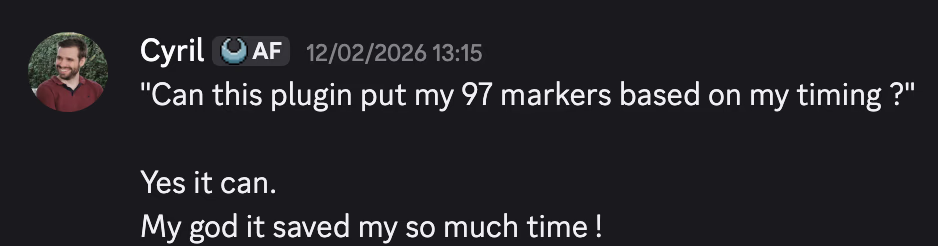
99 idiomas, 99,5% de precisión, tus fuentes, emojis animados, títulos nativos totalmente editables. Gratis. No es una exportación de vídeo — títulos reales de Premiere en tu timeline.
Las cuentas a 3 años
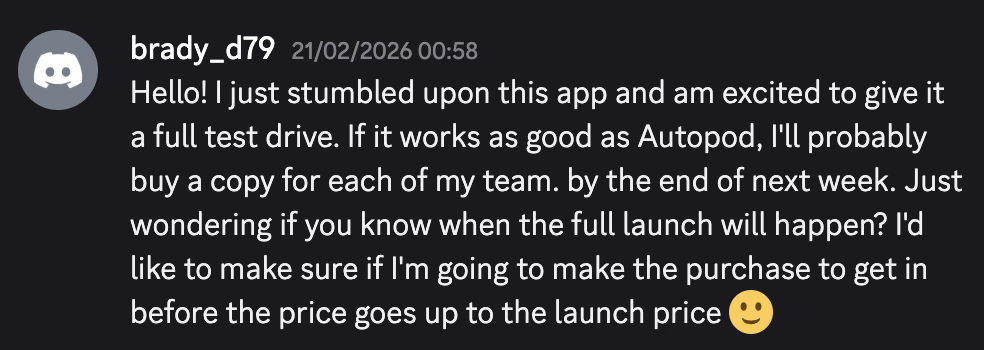
Submagic, Captions.ai, VEED , todos siguen cobrándote y luego reexportan tu vídeo a un archivo nuevo. PremiereCopilot es gratis, funciona dentro de Premiere y escribe los subtítulos como clips de título nativos que puedes editar.
 PremiereCopilotgratisPremiereCopilot Pro+$7.99/mo
Cómo funciona
Transcribir
Detección automática entre 99 idiomas, o importa tu propio SRT. Edita palabras, corrige la puntuación, añade emojis animados , todo en un editor rápido dentro del plugin.
Diseñar
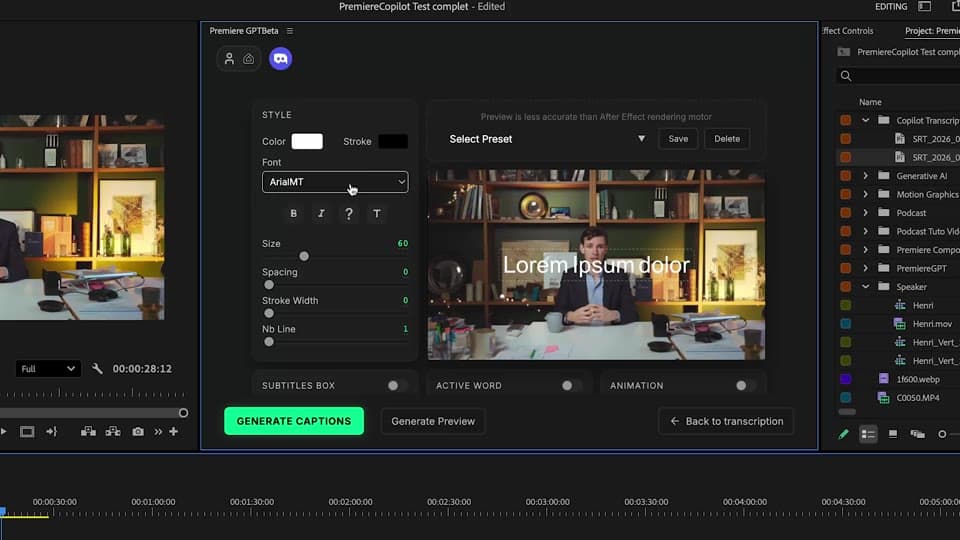
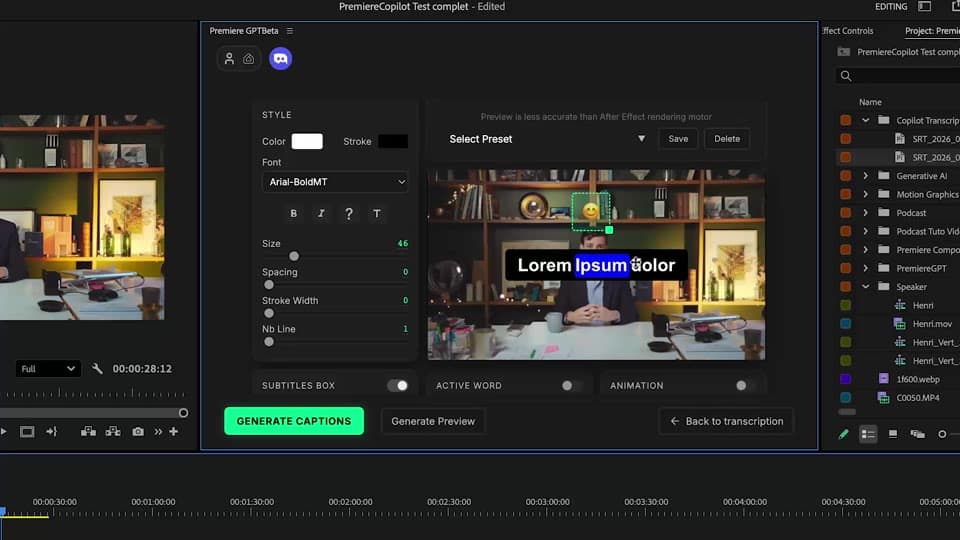
Palabra por palabra, tus fuentes, tus colores. Diseños de 1, 2 o 3 líneas con énfasis en la palabra activa. Guárdalo como preset y recárgalo en el siguiente proyecto con un clic.
Generar
Cada subtítulo aterriza como un clip PNG en tu línea de tiempo, uno por frase. La ventaja: puedes arrastrar cualquier clip para reajustarlo, ampliar su duración, eliminar los que no quieras o re-renderizar solo los subtítulos que retocaste. Edición nativa en Premiere, sin reexportar tu vídeo.
Lo que incluye
Idiomas compatibles, con detección automática.
Palabras ilimitadas en la cuota diaria del plan gratuito. Sin reexportar, sin marca de agua.
Precisión de transcripción. 99,5 % de 1000 palabras, sin retoques necesarios.
Cada subtítulo es un clip PNG en tu línea de tiempo. Arrastra para reajustar, amplía la duración, elimina los que no quieras, re-renderiza solo los subtítulos que retoques.
Los subtítulos aterrizan como clips de título nativos.
Nativo y no destructivo
Combina las demás
Prompts en lenguaje natural que editan tu timeline real.
Saber másMotion design generado a partir de un solo prompt.
Saber másCualquier modelo GenAI, nativo en Premiere. Por Fal.AI.
Saber másDetección de interlocutor activo, multicam autocut.
Saber másDetecta los silencios y ajusta el montaje.
Saber másElimina malas tomas y repeticiones, sigue tu guion.
Saber másConvierte 1 h de contenido en 10 clips virales verticales.
Saber más0 faltas de ortografía. Corregidos con GPT-5, subtítulos nativos.
Saber másCapítulos MoGRT animados a partir de un solo prompt.
Saber más1 audio → una pista por interlocutor.
Saber másClips de zoom V2 según la emoción, generados.
Saber más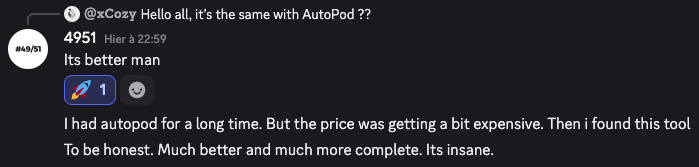
FAQ
No. Los subtítulos aterrizan como clips PNG nativos en tu línea de tiempo, uno por frase. Puedes arrastrar cualquier clip para reajustarlo, ampliar su duración, eliminar los que no quieras o re-renderizar solo los subtítulos que retocaste. El resto de tu vídeo permanece intacto.
99 idiomas de serie, con un 99,5 % de precisión. Detección automática en tu audio, o ajuste manual del idioma. También puedes importar tu propio archivo SRT si ya lo transcribiste.
Sí. Elige cualquier fuente instalada en Premiere. Guarda todo tu diseño de subtítulos como preset y reutilízalo en el siguiente proyecto con un clic.
Sí. Smart Captions inserta emojis animados según el contenido hablado, dimensionados y sincronizados con la palabra activa.
Submagic y Captions.ai son apps externas que reexportan tu vídeo. Smart Captions funciona dentro de Premiere, genera clips PNG nativos por frase, no re-renderiza tu material y es gratis con una cuota diaria generosa.
Premiere Pro 2022 y posteriores, en macOS (Intel + Apple Silicon) y Windows.