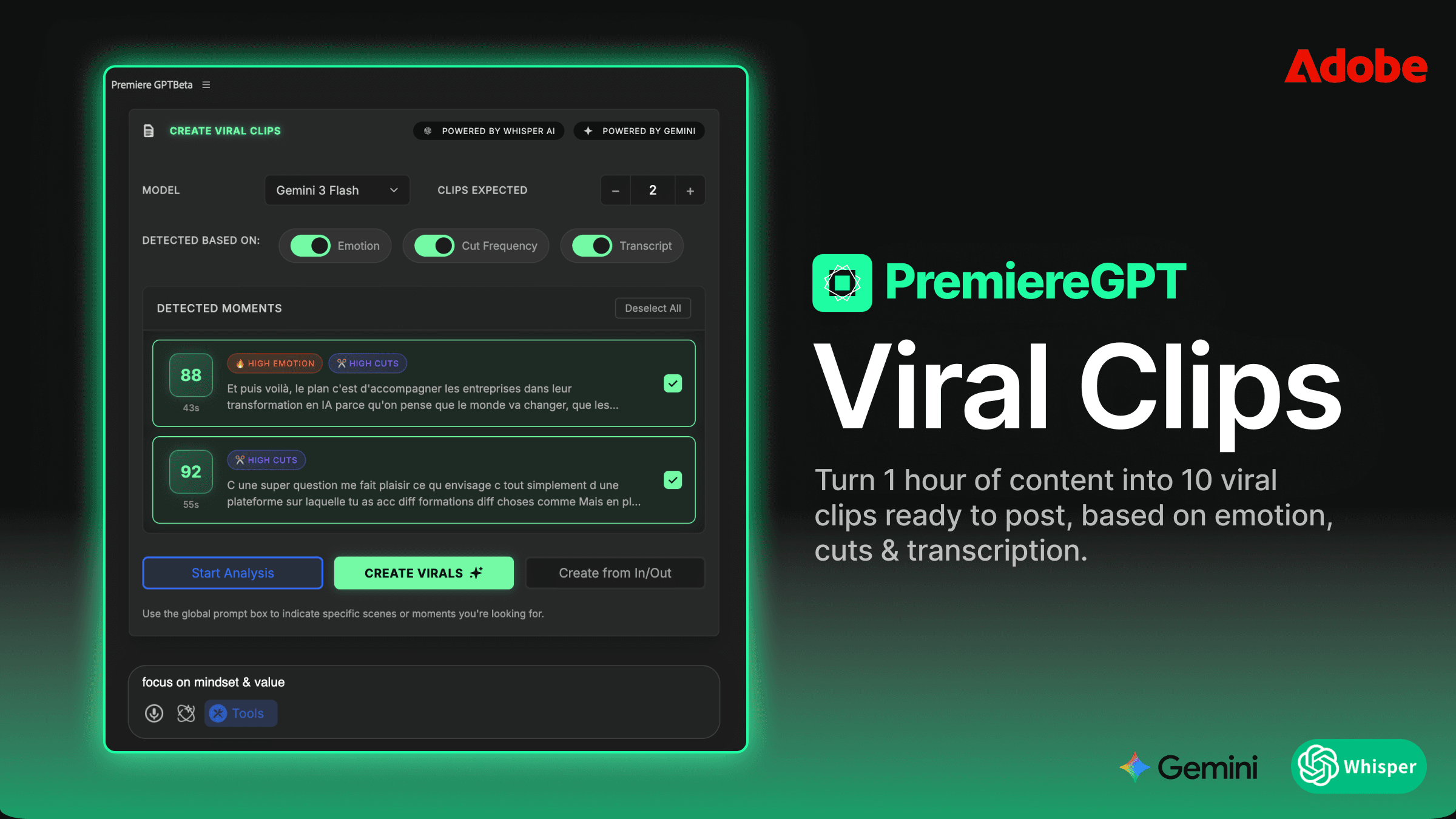
Adobe's native transcription tool is one of those features that looks great in a release-note bullet and falls apart the moment you actually use it on real footage. Open the Text panel, click Transcribe Sequence, wait an hour, then spend another hour fixing homophones, weird line breaks, and invented words. For an editor on a deadline, this is unusable.
There's a faster path, and it lives inside Premiere too , no upload, no roundtrip, no watermark. It runs on Whisper, gets corrected by GPT-5, and finishes in roughly the time it takes you to read this paragraph.
Why subtitles aren't optional in 2026
Three forces make captions a default deliverable for every video team:
- Accessibility.Captioning isn't a feature. It's a baseline accessibility requirement in most territories, and a fast way to alienate part of your audience if missing.
- Watch-without-sound. Around 80% of mobile feed video is consumed muted. No captions means most viewers see your hook frame and scroll. Captions buy you the first 3 seconds.
- Video SEO. YouTube, TikTok, and LinkedIn index transcripts for search and recommendation. Auto-generated captions never beat your own , especially when product names get mangled.
Adobe's native tool: three painful flaws
Window → Text → Transcribe Sequence is convenient because it's built in. That's where the good news ends. Three problems show up every time you ship real captions through it:
- Speed.A 60-minute video typically takes 45 to 60 minutes to transcribe. On a deadline with a 4-hour podcast, that's a half-day blocked on a single button click.
- Accuracy.Adobe's engine still trips on homophones ("there" vs. "they're"), proper nouns, and any non-mainstream accent. You will be cleaning the transcript line by line.
- Formatting. Line breaks ignore syntax. Sentences split mid-clause, words get separated from their punctuation, and the result reads broken on small screens.
Classic plugins: marginal gains, same model
Tools like AutoCut Captions are a step up on speed but conceptually identical. They convert audio to text, format it minimally, and hand it to you for cleanup. They don't understand context, so they don't correct grammar. They don't respect syntax, so line breaks still look mechanical. And they ship as monthly subscriptions on top of every other tool you already pay for.
PremiereCopilot Smart Subtitles: the AI-corrected pipeline
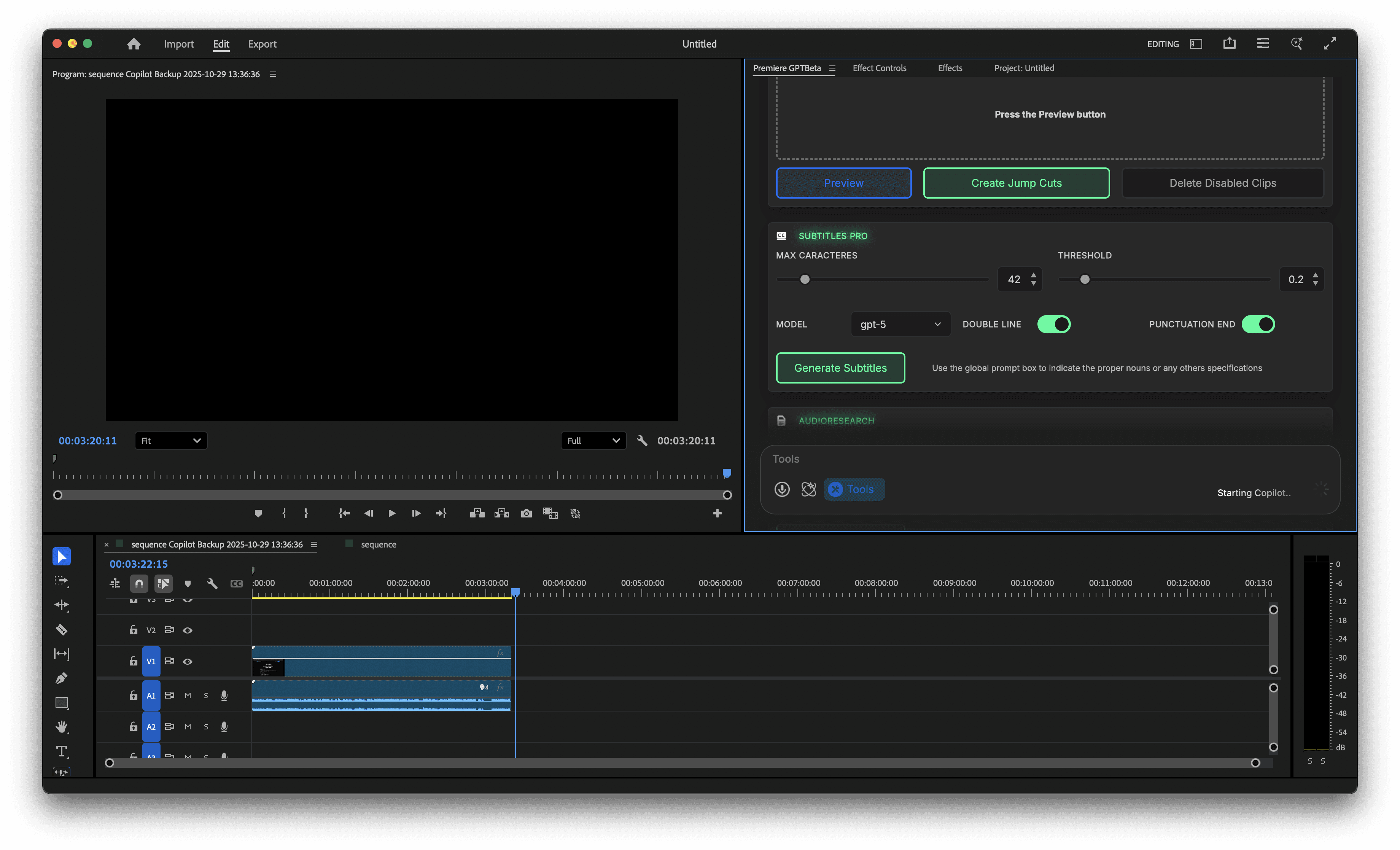
PremiereCopilot's Smart Subtitles tool replaces the Adobe button with a properly modern stack: OpenAI Whisper for speech-to-text, GPT-4.1 or GPT-5 for grammar correction, and a syntax-aware formatter for line breaks. It runs natively in Premiere , no upload, no roundtrip , and it returns a clean .SRT that auto-imports into your project bin.
200× faster, powered by Whisper
Whisper is the same model that powers most modern transcription products. PremiereCopilot runs it locally when possible and falls back to a managed inference layer when needed. A 60-minute timeline that takes Adobe 45 minutes lands in 15 seconds. That's not a benchmark trick , it's the consistent difference editors report on first use.
Grammar correction with GPT-5
Whisper transcribes. GPT then reads the result and fixes obvious errors. "There going to the store" becomes "They're going to the store." "Aimes" becomes " AIMs." Brand names get cased correctly. You can pass a custom prompt ("this is an interview about Premiere Pro") and the model uses that context to disambiguate technical terms.
Syntax-aware formatting
Line breaks follow punctuation and natural sentence rhythm. Subtitles read like prose instead of a word-counter dump, which matters on phones and during scrubs.
Auto-import into your bin
The output is a .SRT that lands directly in your Project panel under a dedicated folder, ready to drag onto a caption track. No manual export, no manual import, no folder hunting.
Adobe vs. classic plugins vs. PremiereCopilot
| Feature | Adobe native | Classic plugins | PremiereCopilot |
|---|---|---|---|
| Speed | Very slow (45+ min/hr) | Average | 200× faster (Whisper) |
| Accuracy | Adequate, frequent errors | Adequate | OpenAI-level + GPT correction |
| Auto-correction | None | None | GPT-4.1 / GPT-5 grammar pass |
| Smart formatting | Rigid | Basic | Syntax-aware line breaks |
| Workflow | Manual import | Manual | Auto-import .SRT to bin |
Stop transcribing. Let AI write your subtitles.
Manual subtitle correction is one of the most expensive forms of unbillable time on an editor's weekly schedule. A Whisper + GPT pipeline that runs natively in Premiere collapses that cost to zero. If your captions are still going through the Adobe panel, you're paying that cost every single week.
.png)