






























チャットで
Claude に頼めば、編集します.
タイムラインを読み、適切なツールを選び、実際のプロジェクトを目の前で編集します。
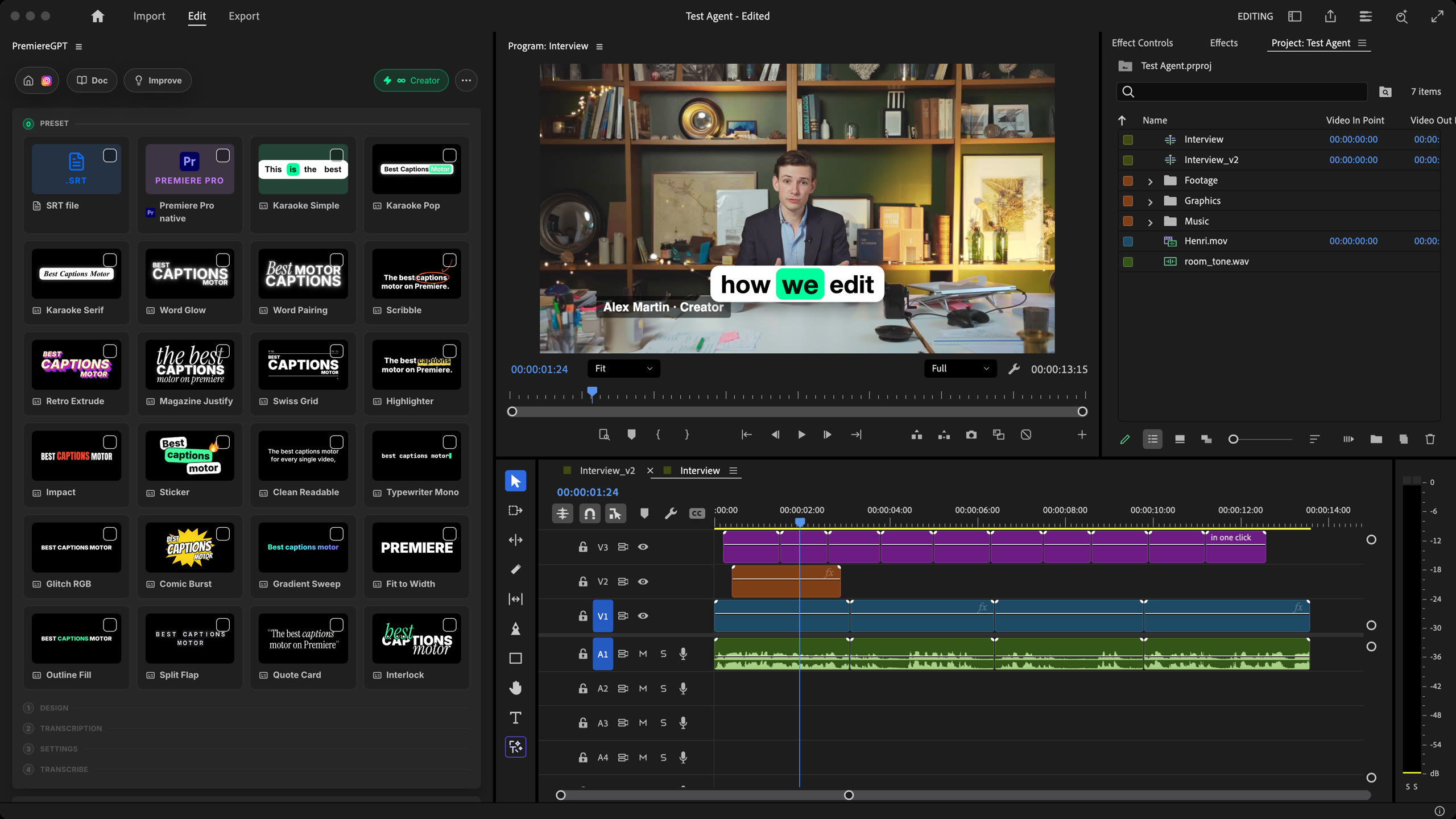
Claude を 2 分でタイムラインに接続。普段の言葉で頼むだけで、PremiereCopilot パネルが Premiere Pro で編集します。無音カット、字幕、ズーム、縦型クリップ。
Claude にこれを貼り付け
スタジオ、報道機関、ブランド、大学。映像チームが PremiereCopilot でより速く編集しています。
premierecopilot.com/install.md を読んで、PremiereCopilot をセットアップして。
チャットでの一度の依頼から生まれた、実際の編集です。アシスタントがツールを選び、パネルが Premiere Pro で作業します。

“動画にアニメーション字幕を付けて。”
Smart Captions
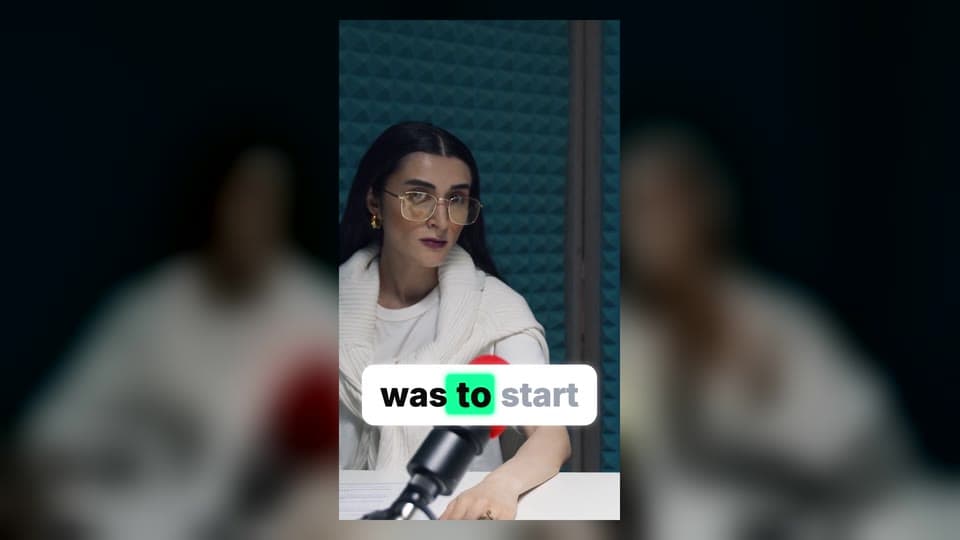
“このポッドキャストを縦型ショートにして。”
Smart Virals

“大事な場面にズームを入れて。”
Auto Zoom
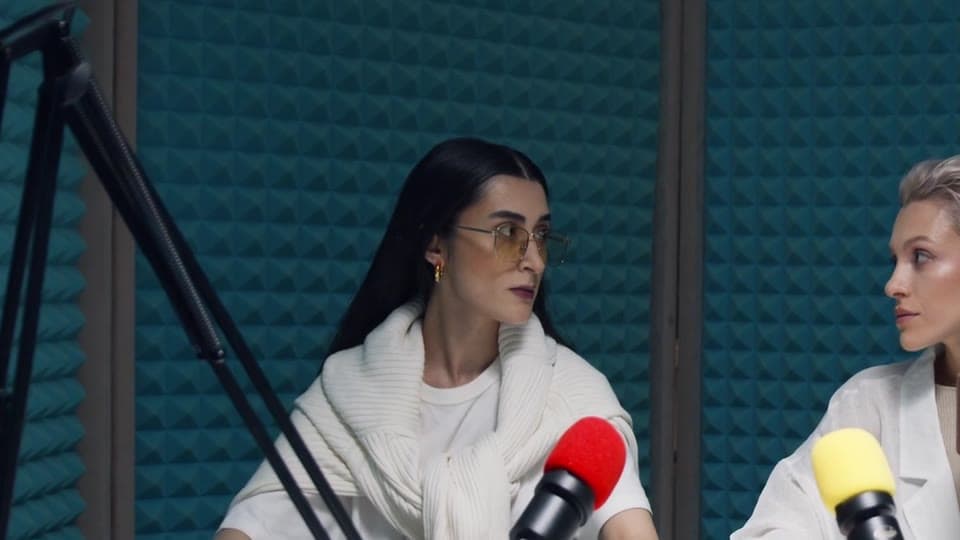
“2 カメラで撮ったポッドキャストを編集して。”
Podcast Multicam
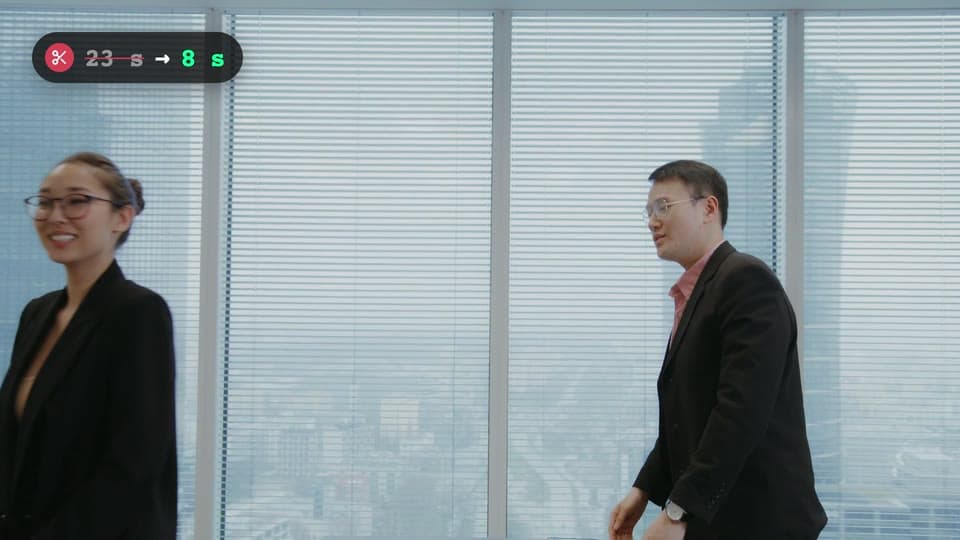
“このテイクを一番いい部分だけに縮めて。”
Claude Cut

“旅行の話をしている部分に B ロールを入れて。”
Auto B-Roll
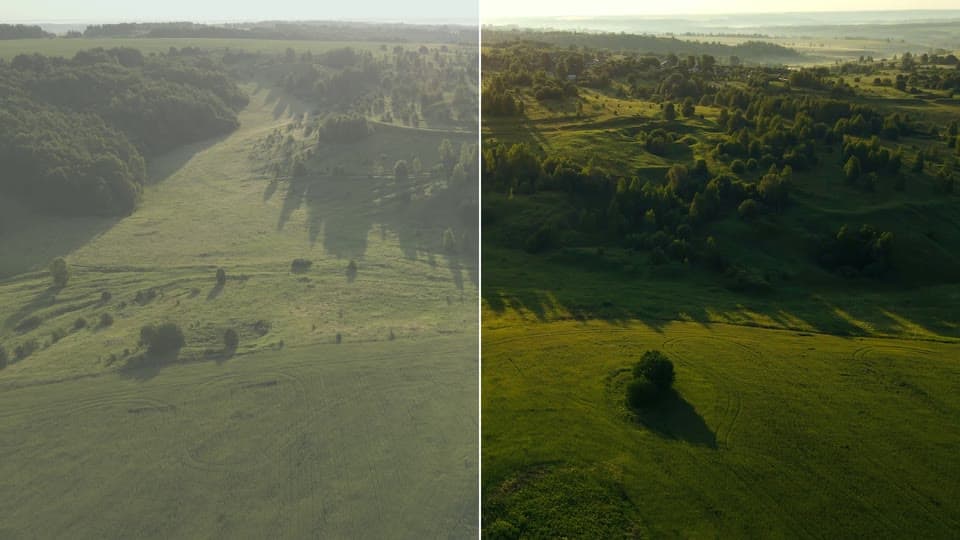
“このドローン映像を、暖かく自然な色に仕上げて。”
Auto Color

“イントロにアニメーションタイトルを入れて。”
Vibe Motion

“一番いいセリフをキネティックテキストにして。”
Vibe Kinetic
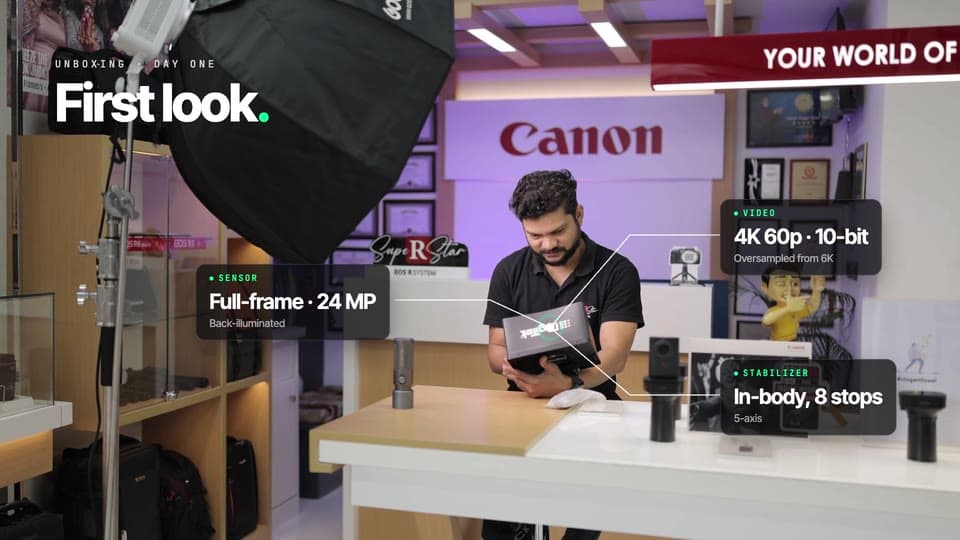
“カメラのスペックをモーションデザインで入れて。”
Vibe Motion
ステップ 01
PremiereCopilot をダウンロードし、Premiere Pro でパネルを開いてサインイン。無料です。
ステップ 02
Claude で 設定 → コネクタ を開き、URL https://mcp.premierecopilot.com/mcp で PremiereCopilot という名前のカスタムコネクタを追加。接続 をクリックし、PremiereCopilot アカウントでサインインします。Web、デスクトップ、モバイルで使えます。
https://mcp.premierecopilot.com/mcp無料プラン:カスタムコネクタは 1 つ。
ステップ 03
Premiere Pro とパネルを開いたままにします。アシスタントがタイムラインを読み、何が変わるかを伝えてから編集します。
まずは
次に試す
タイムラインを読み、適切なツールを選び、実際のプロジェクトを目の前で編集します。
PremiereCopilot チームが開発・ホスト。GitHub のスクリプトもキーの貼り付けも不要です。
タイムライン、プロジェクト、パネルのすべての AI 機能をアシスタントから。
他の MCP はソフトのコマンドを送るだけ。私たちのものは PremiereCopilot の AI 機能を加えます。
MCP コネクタに対応するすべてのアシスタントで、アドレスは一つ。
Adobe に認められた Premiere Pro ネイティブパネル。
一般的な MCP はテキストで答えるだけ。PremiereCopilot は会話の中に本物のアプリを開き、クリックで選択・確認・決定できます。
1つのプロンプトから生成されるモーションデザイン。
詳しく見るあらゆる GenAI モデルを、Premiere にネイティブで。Fal.AI 提供。
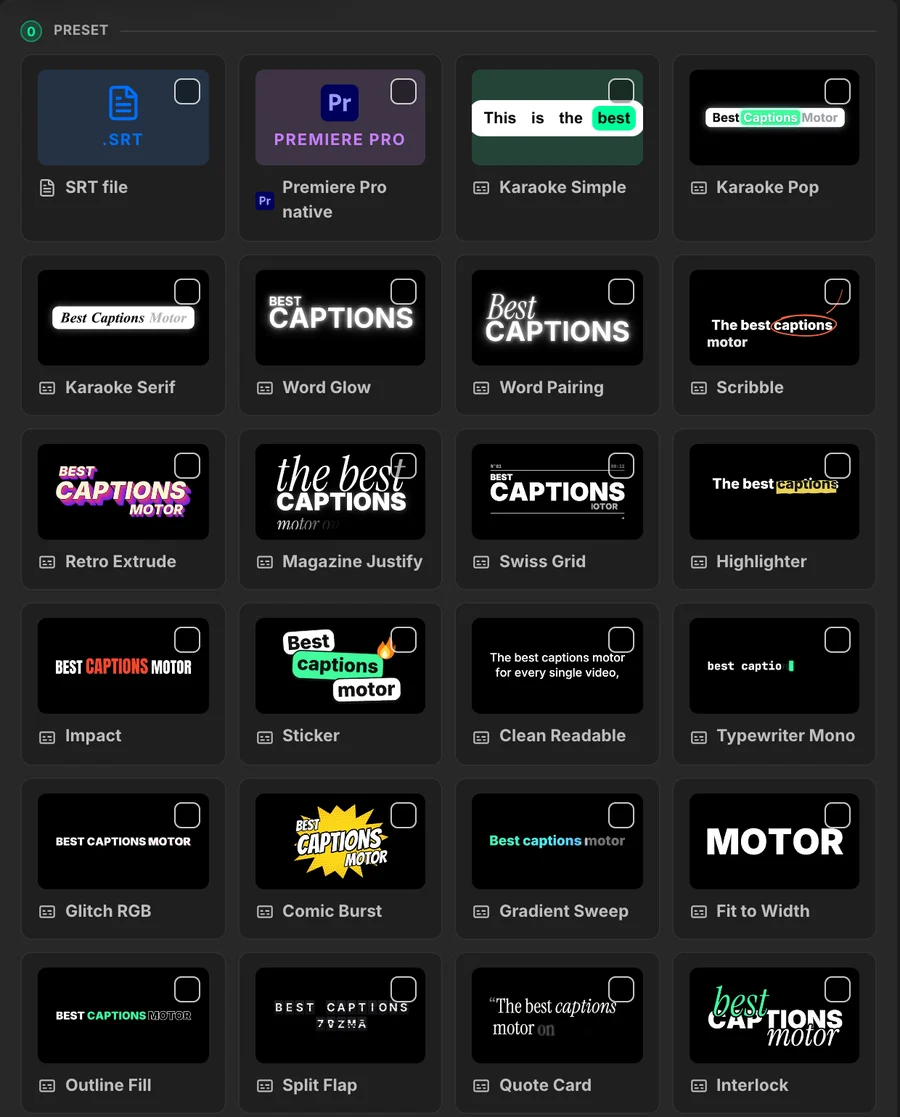
詳しく見る1単語ずつのアニメーション字幕を、99言語で。
詳しく見るアクティブスピーカー検出、マルチカム自動カット。
詳しく見る無音を自動検出して、編集を引き締めます。
詳しく見るNG テイクや言い直しを除去し、台本どおりに。
詳しく見るすべての文を採点、編集できる 9:16 リール。
詳しく見る正確な文字起こし、すべての単語を編集可能、ネイティブ字幕。
詳しく見る1 つのプロンプトから、チャプターマーカーと YouTube 説明文を。
詳しく見る1つの音声を、話者ごとのトラックに。
詳しく見る感情に合わせて生成される V2 ズームクリップ。
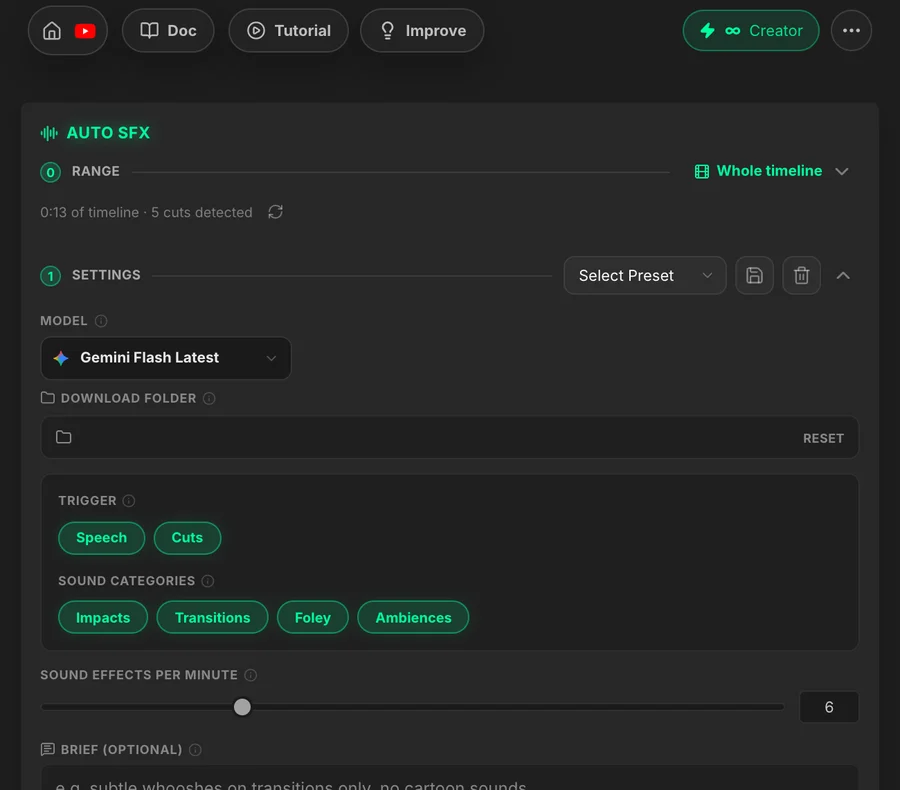
詳しく見るAI 効果音を、タイムラインに自動配置。
詳しく見る汚い言葉に、文脈を見てピー音。
詳しく見るタイムラインのすべてのテキストをチェック。
詳しく見るあなたの言葉から AI キネティックテキストを。
詳しく見るすべてのフィードにセーフゾーンガイド。
詳しく見るすべてのショートを 1 クリックで書き出し。
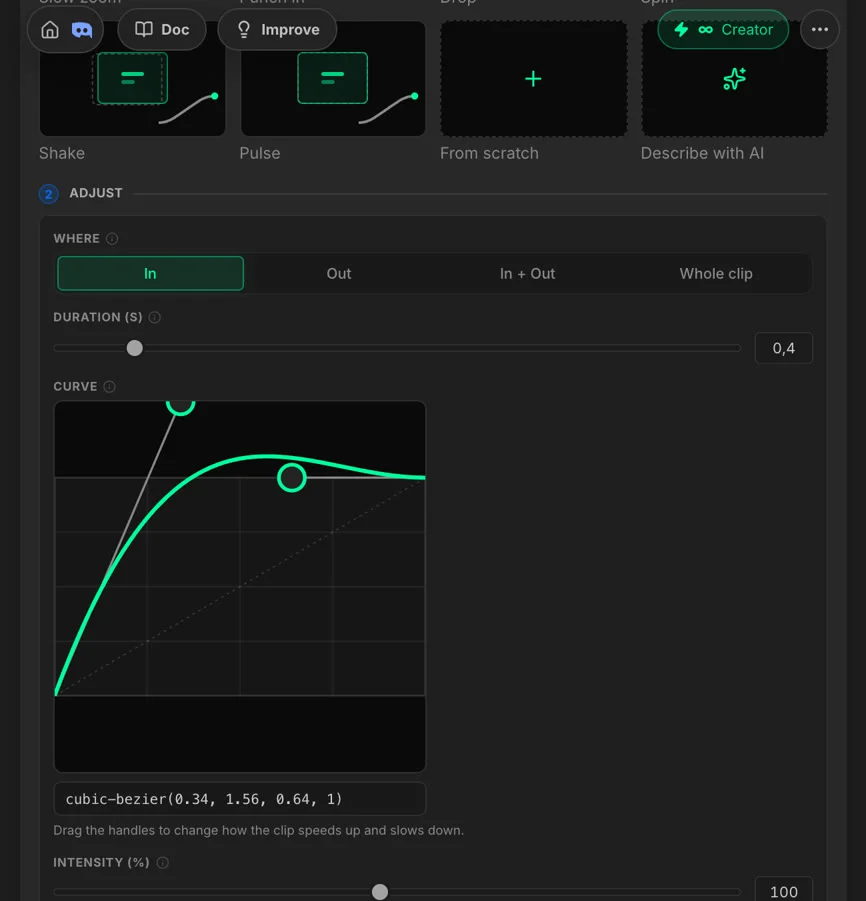
詳しく見るクリップにプロのイージングを、1 クリックで。
詳しく見るどんな絵文字も、タイムラインに配置。
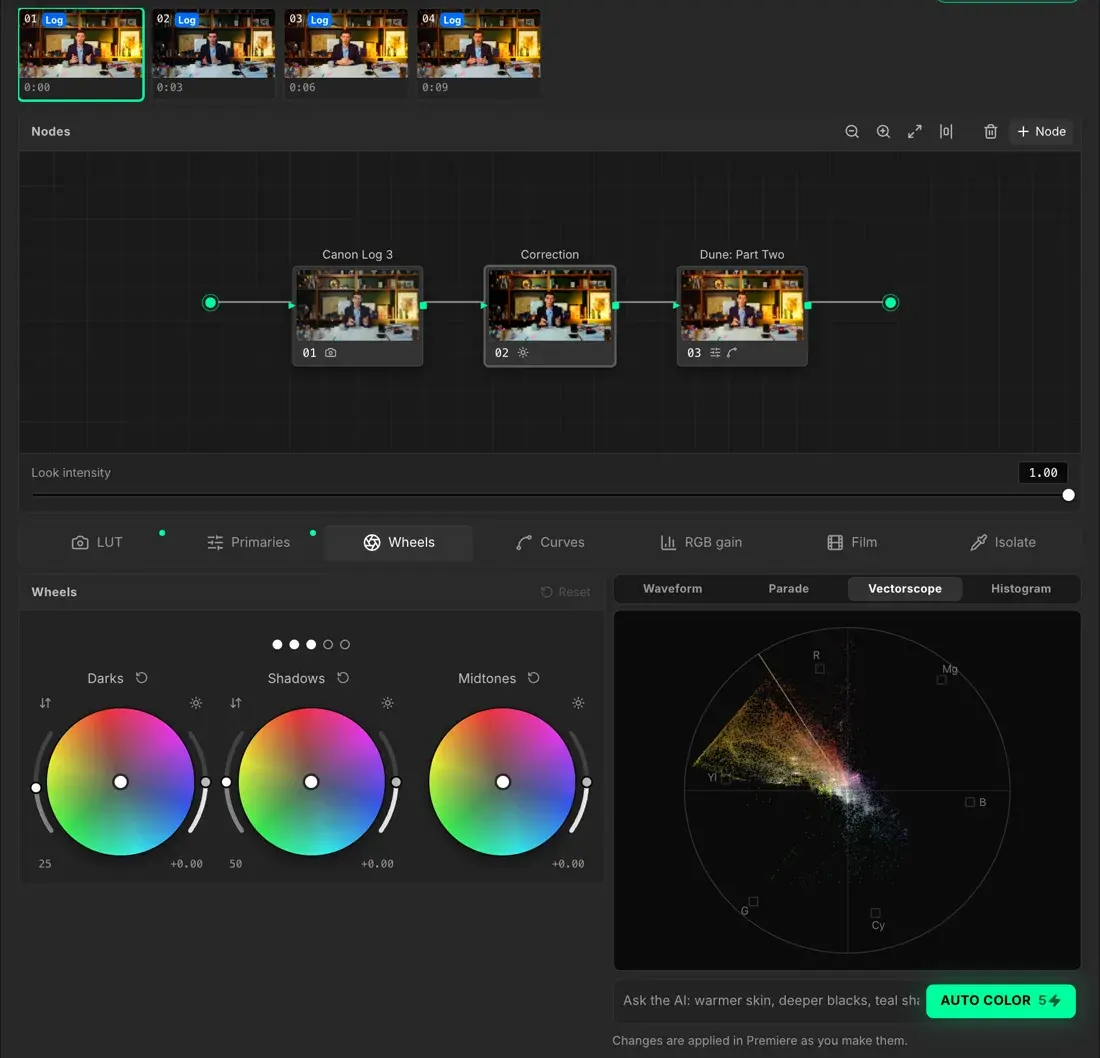
詳しく見る映画ルック付きの AI カラーグレーディング、ショットごとにマッチ。
詳しく見るタイムライン上でライブに使える無料のグレーディングルーム。
詳しく見るタイムライン全体を AI でオーディオミックス。
詳しく見るビートマーカーを、曲にそのまま配置。
詳しく見る手持ちの B ロールを、ぴったりの場所へ。
詳しく見るクリップボードをタイムラインへ。
詳しく見る新しいファイルを、自動で読み込み。
詳しく見る
Claude で 設定 → コネクタ を開き、URL https://mcp.premierecopilot.com/mcp で PremiereCopilot という名前のカスタムコネクタを追加。接続 をクリックし、PremiereCopilot アカウントでサインインします。Web、デスクトップ、モバイルで使えます。
Free を含むすべての Claude プランで使えます。無料プランではカスタムコネクタを 1 つ追加できます。Team と Enterprise では、オーナーが管理設定でコネクタを追加します。
Claude、ChatGPT、Gemini にカスタムコネクタで接続できます。Claude Code やその他の MCP クライアントでも使えます。
カスタムコネクタが使えるかは各アシスタントのプランによります。詳しくはセットアップガイドをご覧ください。PremiereCopilot パネル自体は無料です。
いいえ。プロジェクトはお使いのパソコンに残ります。アシスタントは指示を送り、パネルが編集ソフトで実行します。コネクタ経由のプロンプト、台本、文字起こしは一切保存しません。
アシスタントは編集の前に何が変わるかを伝えます。Jump Cut、AI ラフカット、Podcast、Smart Sync は先にシーケンスのコピーを保存します。
いいえ。OAuth で PremiereCopilot アカウントにサインインするだけです。コピーするキーはなく、アシスタントがパスワードを見ることもありません。
Adobe Premiere Pro 2022 以降で無料。macOS · Windows 対応。インストールは30秒で完了します。