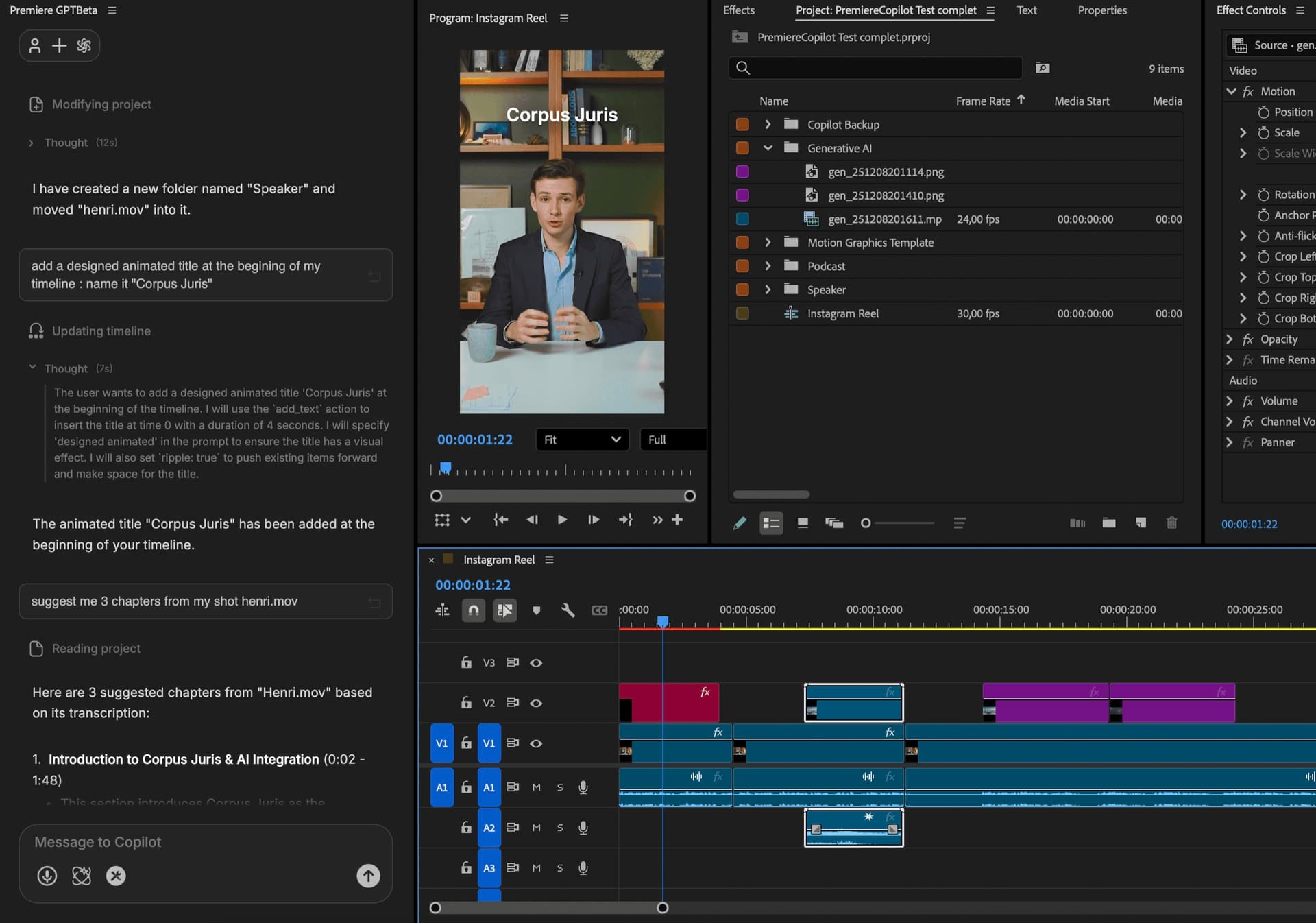
The native AI plugin for Adobe Premiere Pro
Adobe official partner

Add chaptersin 1 prompt.

Auto Chapters は Adobe Premiere Pro 内の音声から YouTube スタイルのチャプターマーカーを生成します。ネイティブ MoGRT タイトル、フォント・色・アニメーションを完全に編集可能、99言語対応。無料。

欲しいチャプター数と重視したいポイントを PremiereCopilot に伝えるだけ。ネイティブの Premiere マーカーと、タイムスタンプ付きでそのまま貼り付けられる YouTube 用の説明文を生成します。 無料

Auto Chapters generating native Premiere markers and a YouTube-ready description from a single prompt

使い方

3ステップ。チャプター、公開の準備完了.

  1. 01

    プロンプト

    プロンプト1つ + チャプター数。

    動画の内容と欲しいチャプター数(最大40)を PremiereCopilot に伝えます。必要なら方向性も追加できます(「トピックの切り替わりごとに1チャプター」「セットアップ手順はまとめる」など)。

    Auto Chapters · prompt● ready
    What is the video about?
    React 19 deep-dive tutorial. Cover hooks, server components, and actions.
    Chapters
    10
    Focus angle
    one chapter per topic shift
    Premiere · selected sequence
  2. 02

    解析

    AI がタイムラインを聴き取ります。

    音声を文字起こしし、トピックの切り替わりを検出して、チャプターの区切りを提案します。生成前にエディターで提案を確認し、名前変更・統合・削除ができます。

    Analyzing timeline7 chapters
    Intro
    Hooks
    Server
    Actions
    Forms
    Migration
    Outro
    00:00:00topic shifts detected00:42:18
  3. 03

    エクスポート

    タイムラインにマーカー + YouTube 説明文をコピー。

    チャプターはネイティブの Premiere マーカーとして配置されます — タイムライン上に表示され、動画と一緒に書き出されます。同じチャプターは YouTube 用の説明文(タイムスタンプ + タイトル)として整形され、クリップボードにコピーされます。YouTube のアップロード画面にそのまま貼り付けられます。

    Premiere · markers placed● done
    Sequence · markers
    V1
    V2
    ✓ 7 markers
    YouTube description
    00:00Intro
    01:42Hooks deep-dive
    08:15Server components
    14:32Actions API
    22:08Forms
    31:24Migration tips
    38:55Outro

できること

あなたのブランドに合わせたチャプター.

up to 0

1回あたりのチャプター数。粒度はあなたが決めます。

Free

毎日の無料枠つきで無料。Pro+ は $7.99/月。

Markers

タイムライン上のネイティブ Premiere マーカー。表示・編集でき、動画と一緒に書き出されます。

CH · YouTube

タイムスタンプ + タイトルを整形してクリップボードにコピー。YouTube にそのまま貼り付ければ、プレーヤーにチャプターが自動表示されます。

CH · Premiere Pro

ネイティブの Premiere マーカー。編集・名前変更・削除が可能。

Discord から

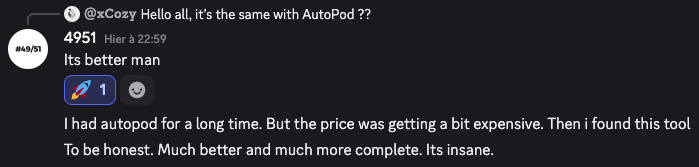
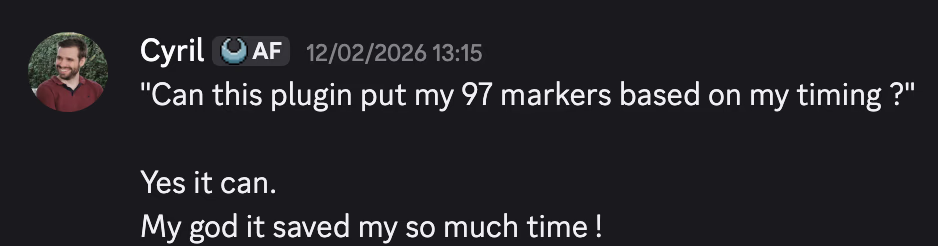
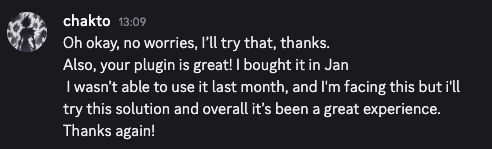
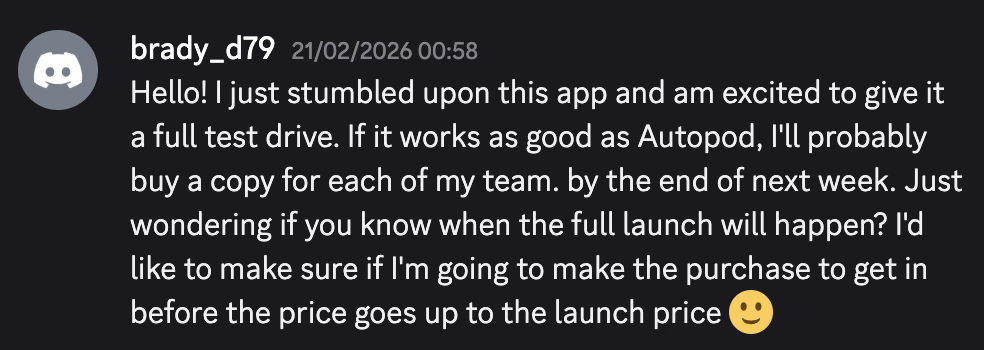
本物のユーザーが、正直に語る。.

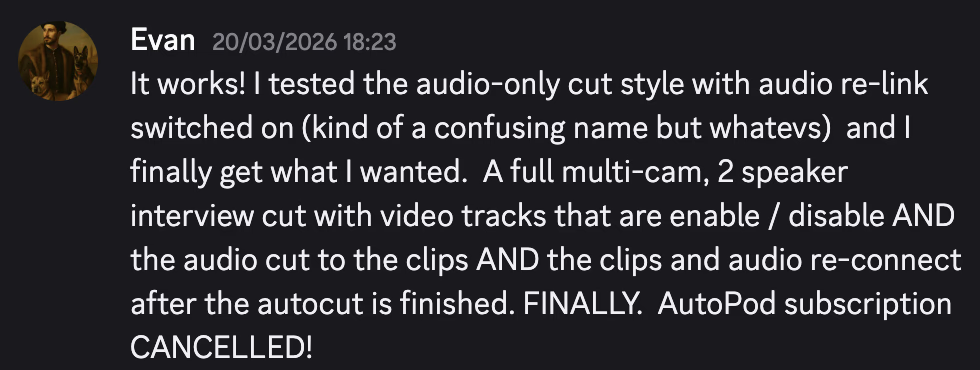
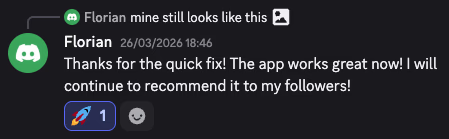
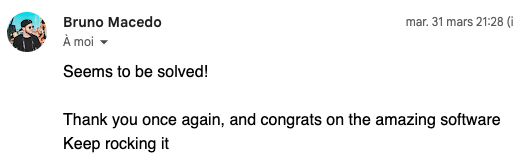
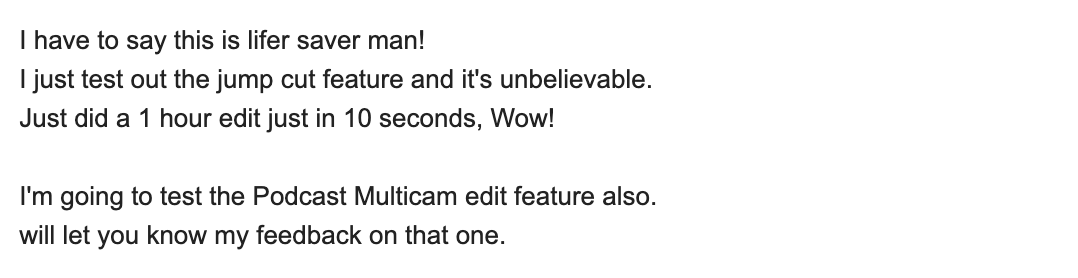
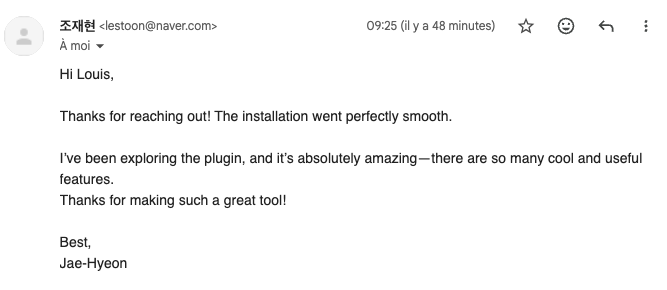
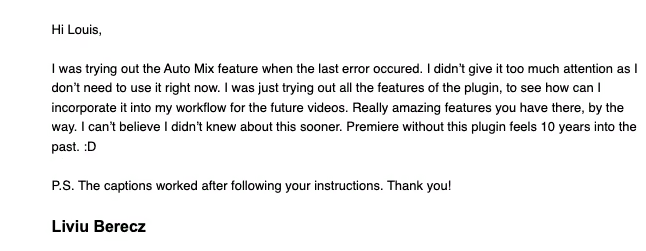
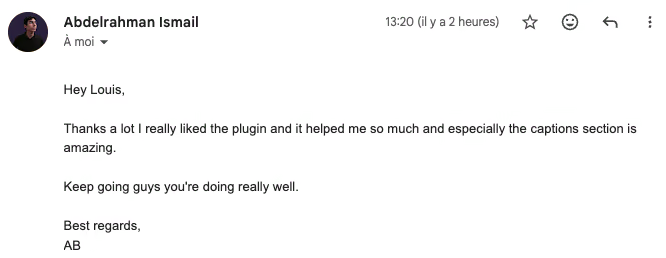
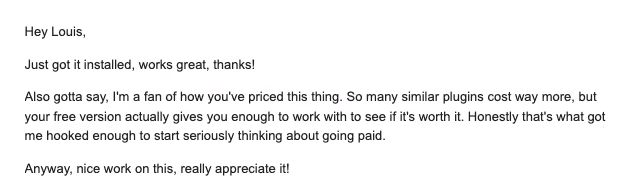
Discord コミュニティからの PremiereCopilot ユーザーの声

よくある質問

きっと気になっていること.

Motion Graphics Template — Premiere ネイティブの形式です。チャプターはカスタマイズ可能な MoGRT として配置されます:フォント、色、アニメーション、位置。他のタイトルと同じように編集できます。

はい。出力には YouTube の自動検出に対応した正しい形式のマーカーが含まれます。書き出してアップロードすれば、プレーヤーにチャプターが表示されます。

AI が文字起こしした音声を解析し、トピックの切り替わりを検出します。書き出し前にどの区切りも上書きでき、名前の変更も可能です。

はい。MoGRT はテンプレート化されています — フォント、アニメーションカーブ、色、位置。カスタムデザインはプリセットとして保存できます。

プロンプトを入力し(「この Premiere チュートリアル用のチャプター」など)、生成をクリックすればタイムラインにチャプターが並びます。30分の動画なら通常2分以内です。

Premiere Pro 2022 以降、macOS(Intel + Apple Silicon)および Windows。

REC
SP · HiFi · CH 03
▶ PLAY
00:14:32:08