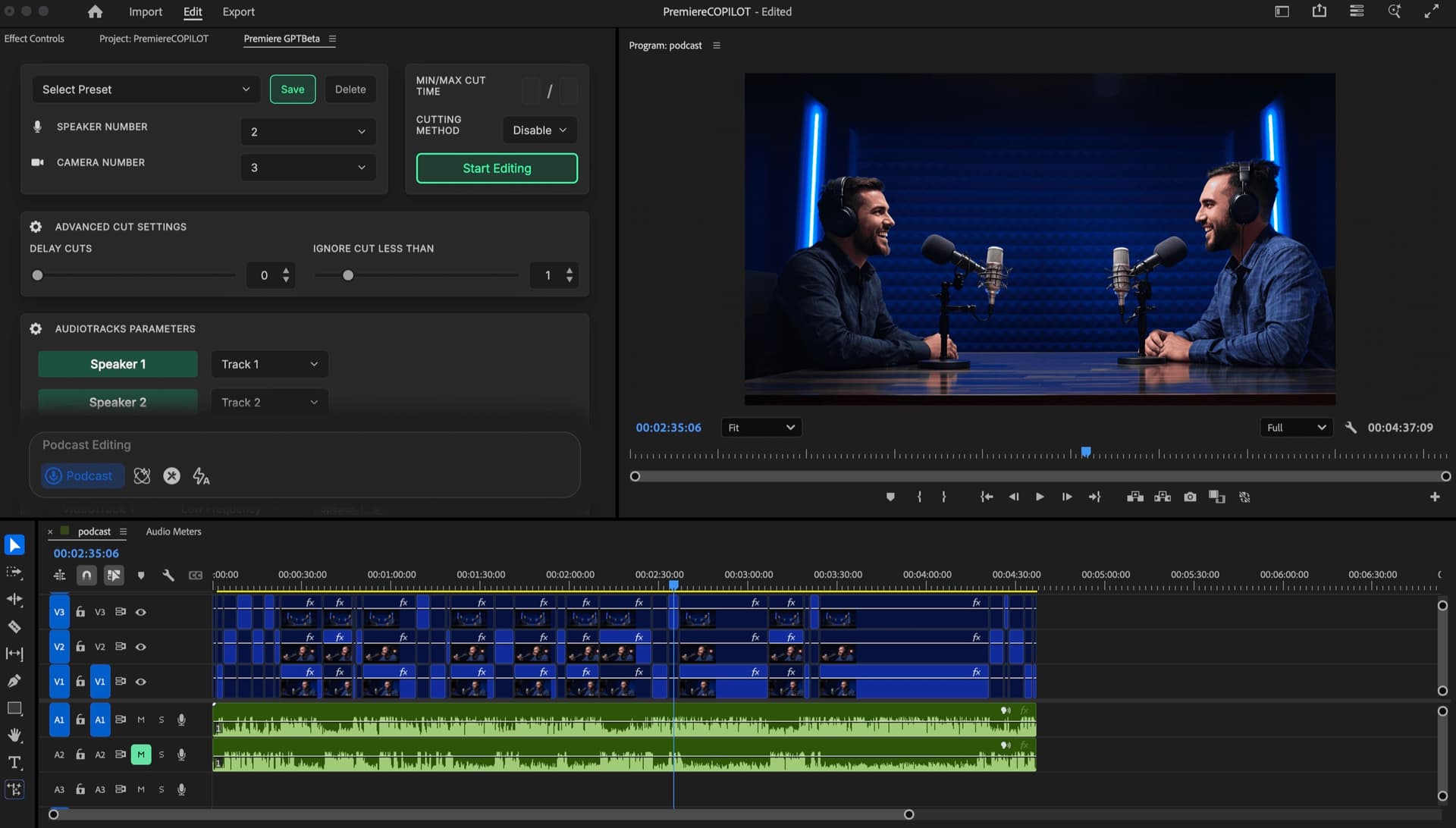



Le plugin IA natif pour Adobe Premiere Pro
Partenaire officiel Adobe

Annulez les abonnements des autres plugins. C'est gratuit à utiliser, pour les mêmes outils.

Montez10×gratuitplus vite dansPremiere.

PremiereCopilot est le plugin IA tout-en-un pour Adobe Premiere Pro. Il regroupe 12 outils natifs — cut silence, sous-titres animés, multicam podcast, copilote IA, B-roll GenAI, motion design et plus — en un seul abonnement à partir de 7,99 $/mois, avec un palier gratuit.

PremiereCopilot — AI plugin native to Adobe Premiere Pro
Live in Premiere Pro
Tools
12
Languages
99
Plugin size
~12 MB
Free tier
Forever

Ils facturent à l'année.
Nous facturons zéro.

Gratuit à utiliser, sans essai. Plus ? Pro+ à 76 $/an pour des limites étendues. Encore 3× moins cher que le concurrent le moins cher.

FireCut ProFireCut Pro
$0/yr
AutoPodAutoPod
$0/yr
AutoCut AIAutoCut AI
$0/yr
PPhantom Editor
$0/yr
PremiereCopilotPremiereCopilot Pro +extended limits · annual
$0/yr
PremiereCopilotPremiereCopilot Freeall editing tools, daily limits
$0/yr

* Prix concurrents scrapés depuis leurs pages tarifs · Mai 2026 · facturation mensuelle × 12

Tous les outils qu'Adobe
a oublié de livrer.

Pas d'exports manuels. Chaque outil est gratuit avec un quota quotidien généreux.

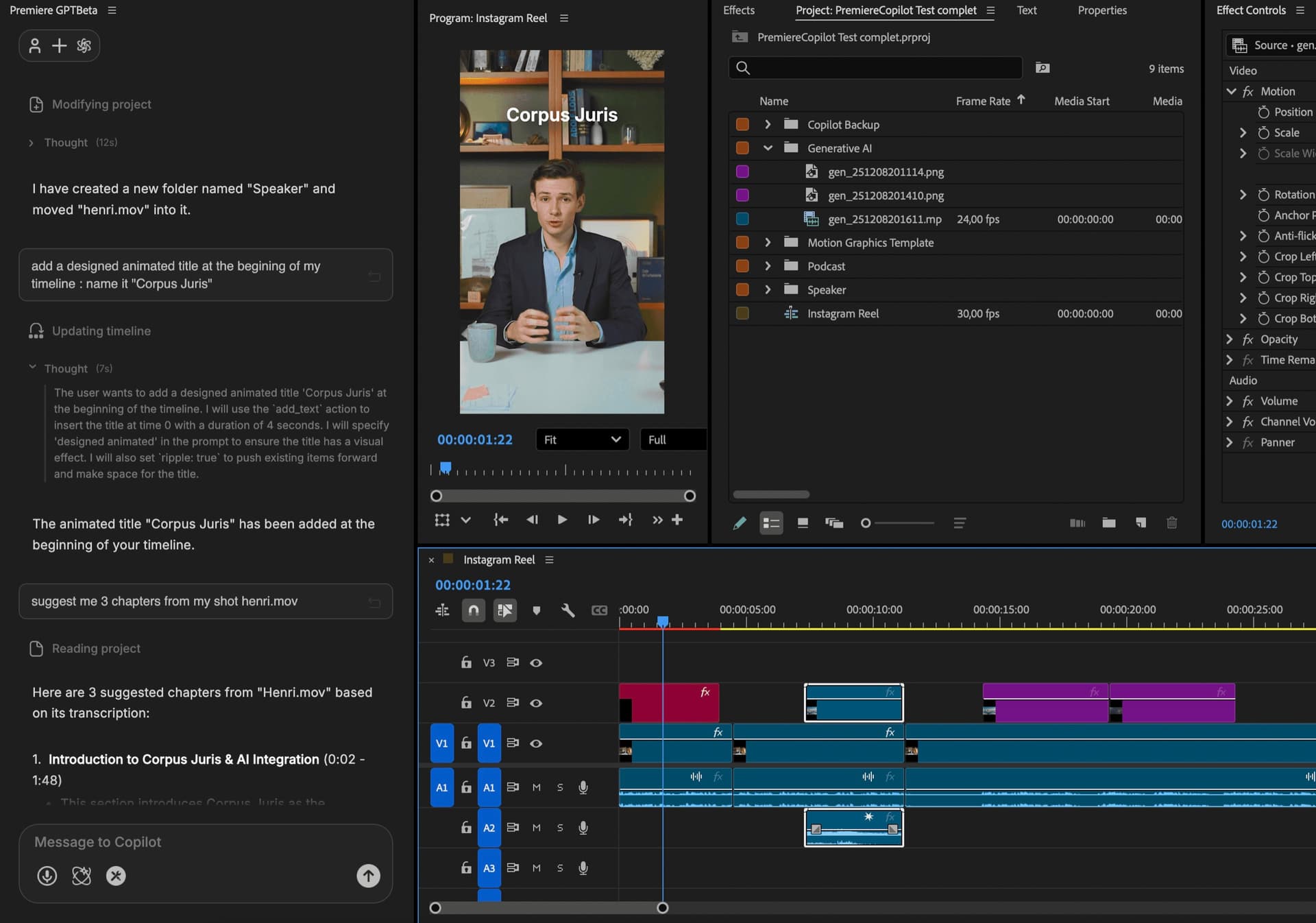
ClaudeCopilot · Ask anything

Type. Watch it edit.

Describe a multi-step edit in plain English. The copilot executes it on your real timeline.

Premiere · Copilot
Edit my project. It's a YouTube video, main clip is C017.mov. Transcribe it, build the edit, then add b-roll, music, titles & animations.
get_project_structure
3 sequences · main: C017.mov
edit_timeline
rough cut · 8m 22s
add_broll_titles_music
12 titles · 6 b-rolls · score
Claude
Done. 8m 22s on V1, 6 B-rolls on V2, scored, 12 motion titles on V3. Render a preview?
Ask the copilot…
Podcast · Multicam

Autopod but free to use.

Same algorithm.

V3
V2
V1
A1
A2
A3
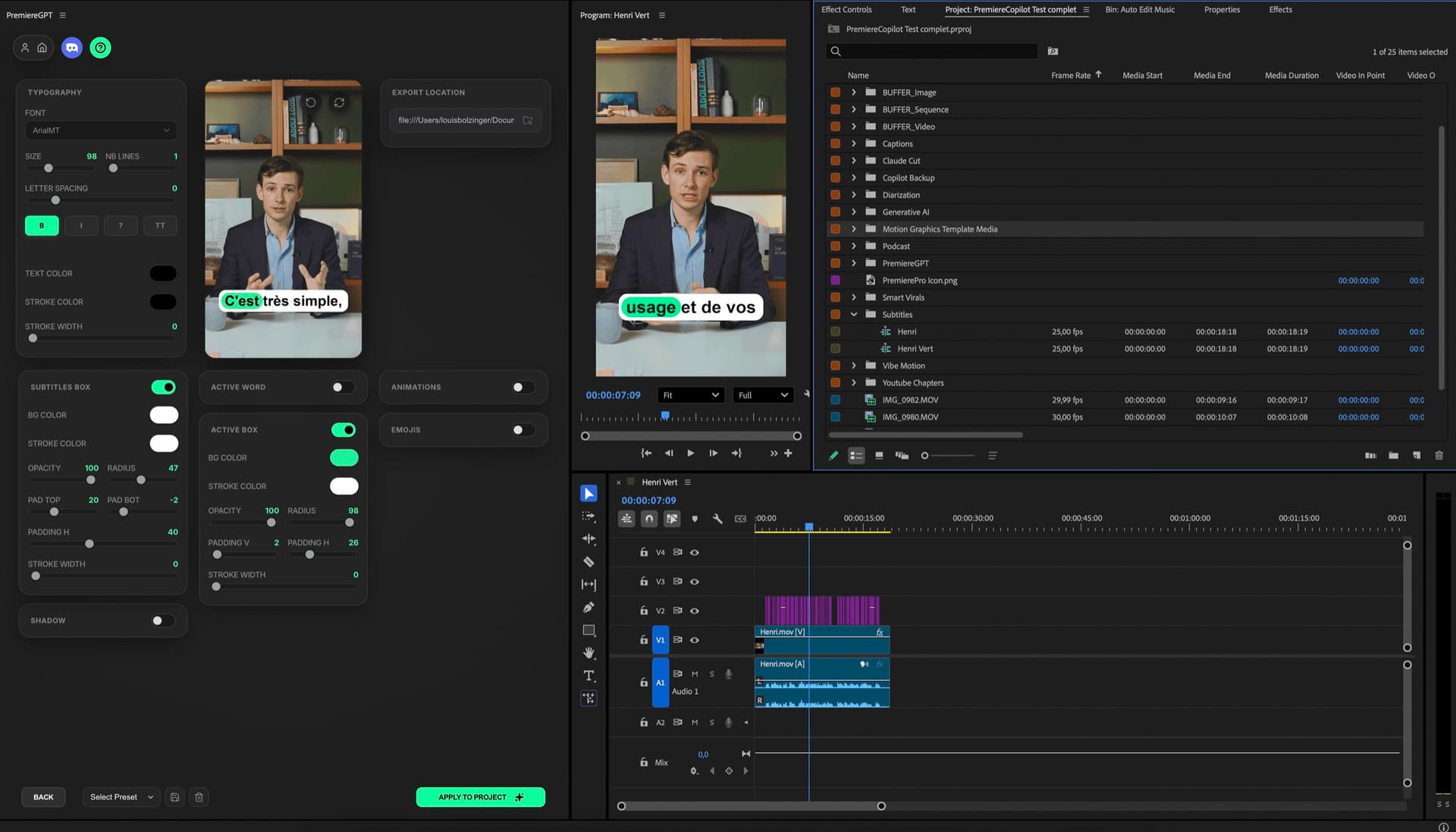
Smart Captions

Word-by-word.

Animated, native fonts, your style.

we just shipped 10× faster
GenAI

Any GenAI model, in your timeline.

Powered by Fal.AI. Generate thumbnails, B-roll, clone voices.

OpenAI
OpenAI
Runway
Runway
GoogleVeoKlingKling
Pika
Pika
Flux
Flux
AlibabaWanByteDanceByteDance
Jump Cut

Cut every dead beat.

A1
4
GeminiSmart Virals

Turn 1h into 10 viral clips.

AI scoring + auto-reframe. Better than Opus Clip.

GeminiVibe Motion

Motion design, in 1 prompt.

Up to 4K 60fps. No watermarks. Transparent background.

Vibe Motion · chat
animate this chart
generating…
4K60fpsAlpha: ✓3s
ClaudeClaude Cut

Cuts the noise.

Claude removes bad takes, repetitions & follows your script.

V1
A1
Subtitles Pro

The best transcription.

Directly in your project.

  • 10×faster than Premiere
  • 99.5%accurate
  • 15×fewer errors
GeminiSmart Chapters

Auto YouTube chapters.

Export ready for your description.

Description · YouTube
📝 Chapters
00:00 Intro
02:14 Setup
07:42 Demo
12:30 Q&A
Diarization

1 audio → speakers split.

Auto-isolate each voice on its own track.

A1
Alice
Bob
Charlie
GeminiAuto Zoom

Emotion-driven zooms.

V2 effect clips, generated to fit.

V2
V1
A1

Three tools, in detail.

A closer look at three of the twelve. Scroll through.

● CH · 01
Smart Captions — word-by-word animated captions in Adobe Premiere Pro
CAPTIONS

Word-by-word captions

Animated captions generated directly into your timeline, your fonts, your colors, your style. Word-level timing with active-word emphasis. Best transcription with 99.5% accuracy. Works in 99 languages.

Word-by-word · Animated · Emoji
● CH · 02
Gradient line chart — three curves drawing themselves with coral, violet and teal gradients
Prompt · 07Gradient line chart

Three curves drawing themselves left to right, coral / violet / teal gradient fills, soft glow, white background.

MOTION

Motion design, from a prompt.

Generate kinetic text, animated logos, data viz and 3D scenes, in up to 4K60, no watermark, native to your Premiere timeline. Works with any font, any color palette. Upload your image. Each generation comes with dedicated settings for local fine-tuning.

4K60 · Transparent background
● CH · 03
Auto Podcast multicam pipeline in Adobe Premiere Pro
PODCAST

Multicam, autocut, posted.

Up to 10 cameras. Active speaker detection cuts to the right angle frame-perfect. Add Smart Virals to extract the 5 best moments and Auto Reframe for vertical clips. The whole podcast pipeline in one plugin.

Saves ~4h on a 90-min episode

+9 more tools you can use right now. See all 12 features

Plugin natif.
Adobe partenaire.

01
Download
.pkg / .exe · ~12 MB
02
Open Premiere
2022 or later
03
Window → Extensions
Find PremiereCopilot
04
Ready
Start editing
Partenaire AdobeVérifié
Partenaire officiel Adobe.

Examiné et approuvé par Adobe. Vrai statut de partenaire, pas un utilitaire tiers.

Plugin natifCEP / UXP
S'ouvre directement dans Premiere.

Apparaît sous Window → Extensions. Lit & écrit votre vrai .prproj.

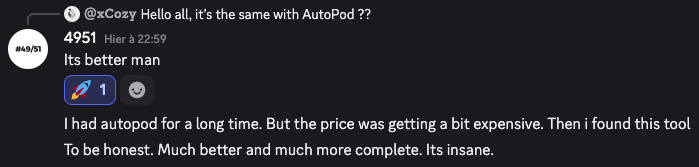
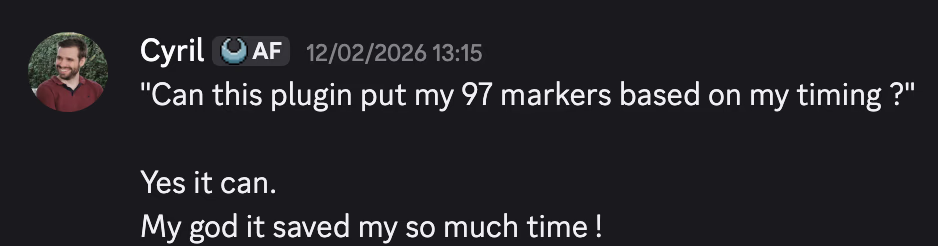
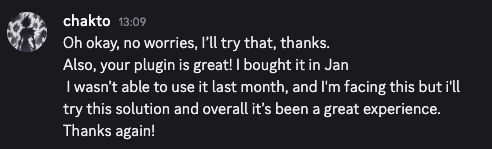
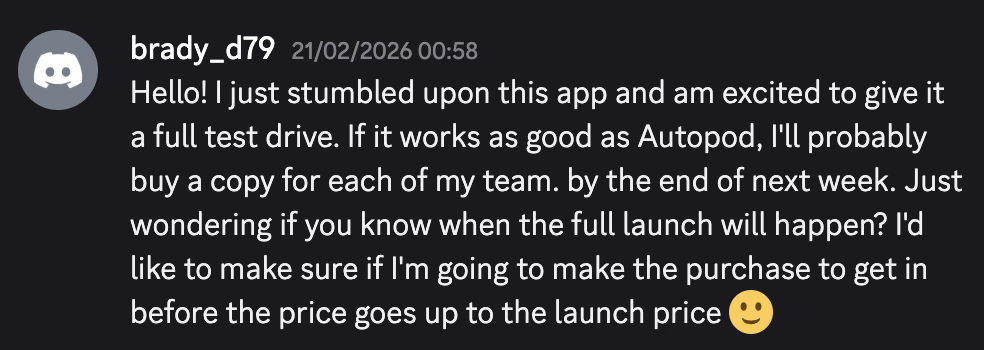
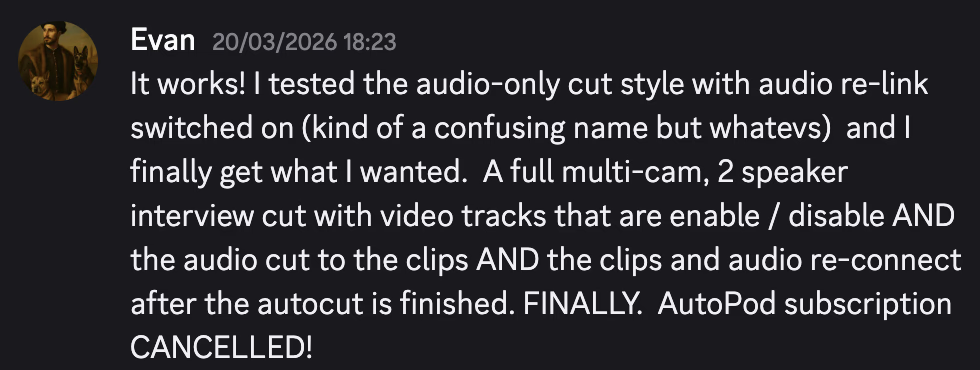
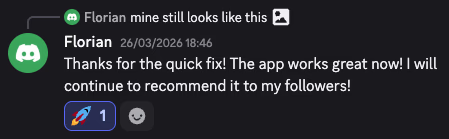
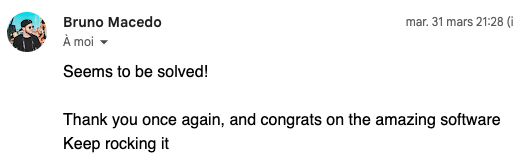
Depuis le Discord

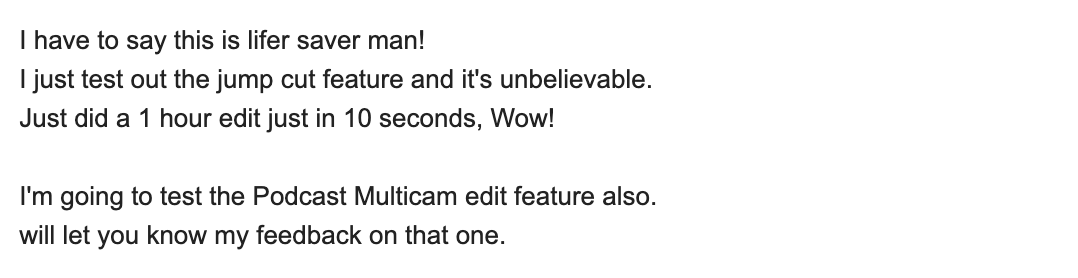
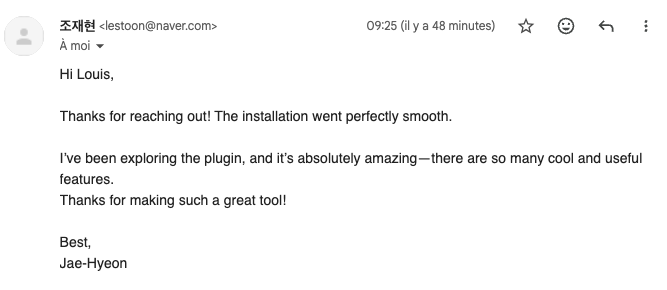
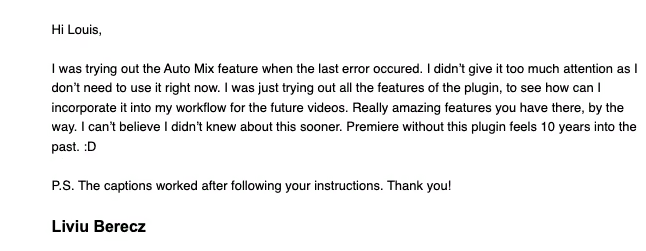
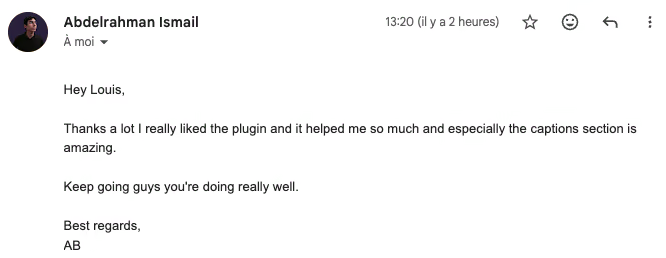
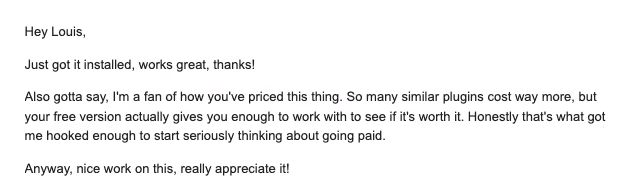
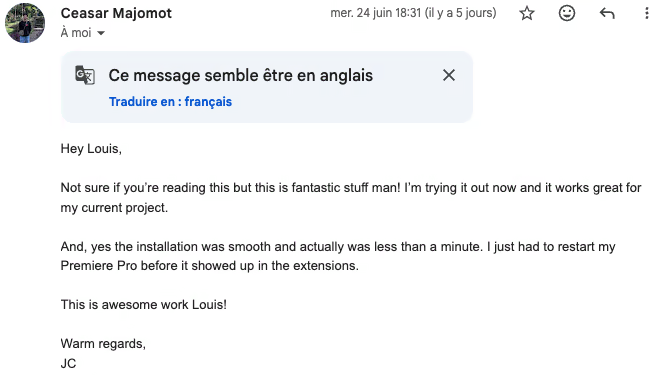
Vrais users, vraies réactions.

PremiereCopilot user testimonial from the Discord community
FAQ

Vos questions, probablement.

Yes if you're on Premiere Pro 2022 (CC 22.0) or later, on macOS (Apple Silicon or Intel) or Windows 10/11. Older versions are not officially supported but may still load.

Not noticeably. All AI processing runs on our secure servers, so the plugin itself stays light. You keep editing while a tool runs in the background.

Never. All exports are clean , full 4K60, no watermark, full commercial usage rights. This applies to every tier, including Free.

Your footage is never uploaded. Tools send only what's strictly needed (audio waveforms, transcripts, frame metadata) to our secure servers, processed and discarded. We don't store any data , the only exception is automatic error logs kept short-term for debugging.

Each tool consumes a small number of credits per run. That's how we keep the Free tier generous while making paid tiers fair. Free users get a daily allowance; Pro + gets 10× more; Creator and Studio are unlimited.

Up to 2 seats per individual subscription (e.g. laptop + desktop). Sharing your account with other people is strictly prohibited , accounts caught sharing will be banned without refund and may result in legal action.

Your past edits stay in your timeline , they're real Premiere Pro cuts, not stored in our cloud. You just lose access to the plugin's tools. Reactivate anytime and pick up where you left off.

Lifetime = one-time payment for a single bundle (Podcast OR GenAI), yours forever. Subscription = the full plugin (all 10 tools) + future features + higher daily usage. They can stack: lifetime + Pro + works fine.

One subscription, 4 seats, one invoice. Each user has their own login. Need more than 4 seats? Reach out , we'll set up custom pricing for your team.

7-day money-back on subscriptions, 60-day money-back on lifetime licences. No questions asked , write to us and we'll process it within 24h.

Yes , we run a generous affiliate program with up to 50% commission on referred subscriptions. Email admin@premierecopilot.com with a quick intro and we'll set you up.

REC
SP · HiFi · CH 03
▶ PLAY
00:14:32:08